


sleepy chick - photoshop contest


photoshop this image:

sleepy chick source image

Suggested by: jaskier

1st place prize2nd place prize3rd place prize
$ 5 $ 3 $ 2

Details:

Submit days: July 09, 2009 - July 17, 2009
Voting days: July 17, 2009 - July 19, 2009
Current contest status: finished
Required skill level: any


Comments:

Akassa: Oh so cute, but it looks like it's dead (214 days ago)
Giggles: I think it's dead...*pokes the chick with a wooden stick*.Yep,it's dead! (214 days ago)
ponti55: yaay! I really liked this image, i'm glad it was chosen. (214 days ago)
gornats: it's dead all right (214 days ago)
arkncheeze: hatched too soon (214 days ago)
akasha: it's just sleepyng; my parents used to grow these in an incubator (214 days ago)
GolemAura: Poking Giggles with a stick LOL (214 days ago)
pthree: I saw LOTS of them, and they don't sleep like that (211 days ago)
whiteshade: no sbs for this one file was deleted, the patch tool allows to move selected areas any where in the picture, in transparent mode it blends the edges together,try it, that all I did, mod if you wish to take this off then do so.mistakes happen. (209 days ago)
bddesign: did it died? (193 days ago)


Participants:


Vote Medals:


18 entries submitted in this contest:


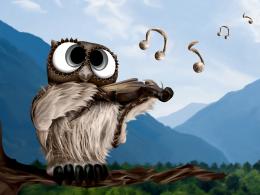
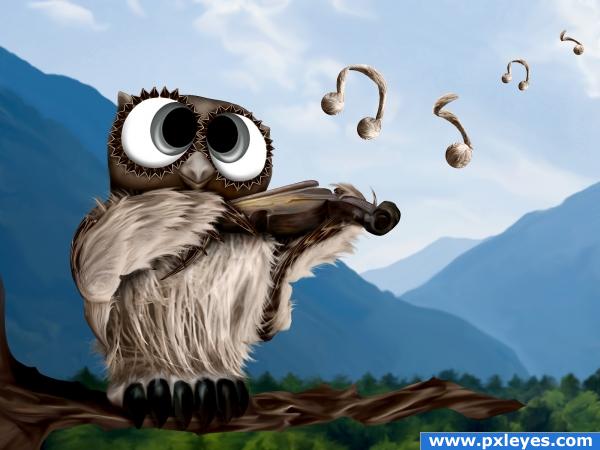
Sweet Melody... - created by loopyluv

Sweet Melody... photoshop picture
final rank: 1 out of 18 (final score: 63.2 %)

Only source used...with references...


this entry has 30 comment(s) and was viewed 1653 time(s).


Sweet Melody... step 1
step 1

Sweet Melody... step 2
step 2

Sweet Melody... step 3
step 3

Sweet Melody... step 4
step 4

Sweet Melody... step 5
step 5

Sweet Melody... step 6
step 6

Sweet Melody... step 7
step 7
sources used for this entry:
marked as favorite 6 time(s)
final score: 63.2 %
votes placed: 280
submitted: 209 days ago (July 15, 2009, 10:35 am GMT)

More:
This guide made it to the guide list!
Rate it here...

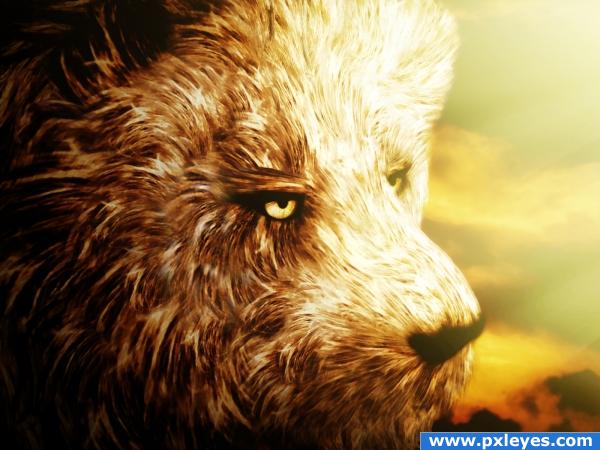
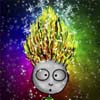
Wild Dreams - created by Nellista

Wild Dreams photoshop picture
final rank: 2 out of 18 (final score: 62.5 %)

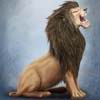
As the source image is not very clear, I focused on one portion of the chicken that looked bit better to me and selected it.
From that selection only I have created different shapes for my lion's hair. I used a lot of warping, resizing, flipping, rotating, masking in order to create diversity and blend them as good as possible.
I added sky backround, light beams, flattened image and added a lot of adjustment layers: gradients, brightness/contrast and two types of filters that I have never used before but which proved themselves to be very efficient for the overall effect I was looking for: under Artistic/ Sponge and Watercolor.

Hope you like it!

SBS on the way for more details!


this entry has 24 comment(s) and was viewed 1616 time(s).


Wild Dreams step 1
step 1

Wild Dreams step 2
step 2

Wild Dreams step 3
step 3

Wild Dreams step 4
step 4

Wild Dreams step 5
step 5

Wild Dreams step 6
step 6

Wild Dreams step 7
step 7

Wild Dreams step 8
step 8

Wild Dreams step 9
step 9

Wild Dreams step 10
step 10

Wild Dreams step 11
step 11

Wild Dreams step 12
step 12

Wild Dreams step 13
step 13

Wild Dreams step 14
step 14

Wild Dreams step 15
step 15

Wild Dreams step 16
step 16

Wild Dreams step 17
step 17

Wild Dreams step 18
step 18

Wild Dreams step 19
step 19

Wild Dreams step 20
step 20

Wild Dreams step 21
step 21

Wild Dreams step 22
step 22
sources used for this entry:
marked as favorite 3 time(s)
final score: 62.5 %
votes placed: 291
submitted: 212 days ago (July 12, 2009, 7:06 am GMT)

More:
This guide made it to the guide list!
Rate it here...

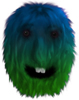
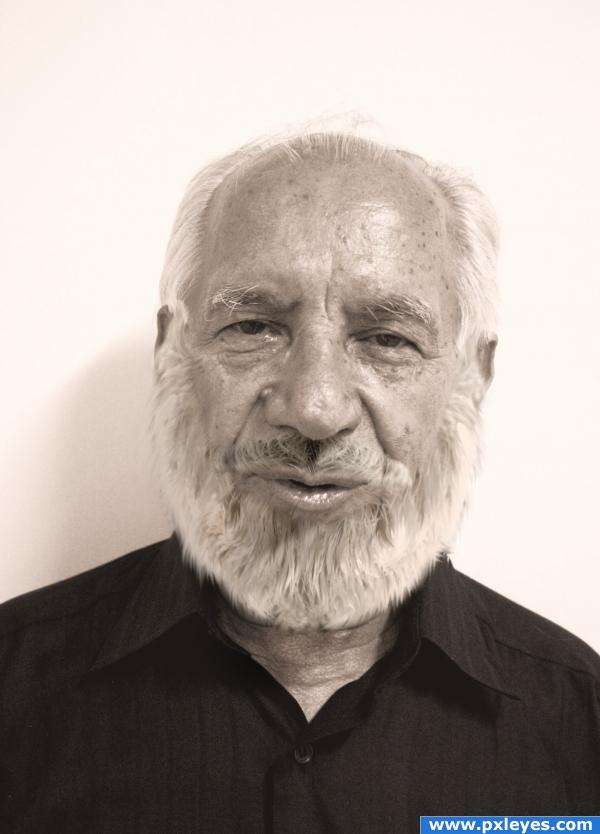
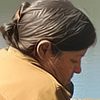
Beard & Mustache - created by TheWinningStar

Beard & Mustache photoshop picture
final rank: 3 out of 18 (final score: 61.1 %)


this entry has 31 comment(s) and was viewed 1396 time(s).


Beard & Mustache step 1
step 1

Beard & Mustache step 2
step 2

Beard & Mustache step 3
step 3

Beard & Mustache step 4
step 4

Beard & Mustache step 5
step 5

Beard & Mustache step 6
step 6

Beard & Mustache step 7
step 7
sources used for this entry:
marked as favorite 2 time(s)
final score: 61.1 %
votes placed: 278
submitted: 209 days ago (July 14, 2009, 6:49 pm GMT)

More:
This guide made it to the guide list!
Rate it here...

Celestial - created by loopyluv

Celestial photoshop picture
final rank: 4 out of 18 (final score: 60.3 %)

Thanks to my beautiful friend Nicole for the picture and a big thanks to the photographer:
'Sam Chammas'
:)
(edit: left wing fixed)


this entry has 16 comment(s) and was viewed 892 time(s).


Celestial step 1
step 1

Celestial step 2
step 2

Celestial step 3
step 3

Celestial step 4
step 4

Celestial step 5
step 5

Celestial step 6
step 6

Celestial step 7
step 7

Celestial step 8
step 8

Celestial step 9
step 9

Celestial step 10
step 10
marked as favorite 5 time(s)
final score: 60.3 %
votes placed: 245
submitted: 207 days ago (July 17, 2009, 9:35 am GMT)

More:
This guide made it to the guide list!
Rate it here...
tags:Celestial

Cloning in progress - created by George55

Cloning in progress photoshop picture
final rank: 5 out of 18 (final score: 58.3 %)

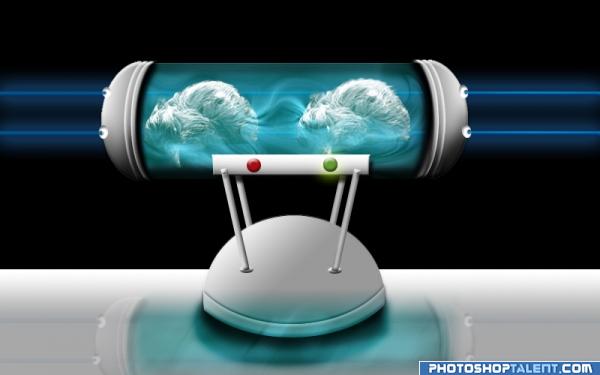
Only image used for this project, is the source image provided by pxleyes, the rest is photoshop.

Believe or not this little machine can make clones too, it is unexpensive and effective, those chicks are not dead, they will be like twins


this entry has 18 comment(s) and was viewed 1528 time(s).


Cloning in progress step 1
step 1

Cloning in progress step 2
step 2

Cloning in progress step 3
step 3

Cloning in progress step 4
step 4

Cloning in progress step 5
step 5

Cloning in progress step 6
step 6

Cloning in progress step 7
step 7
marked as favorite 2 time(s)
final score: 58.3 %
votes placed: 303
submitted: 214 days ago (July 9, 2009, 9:05 pm GMT)

More:
This guide made it to the guide list!
Rate it here...