


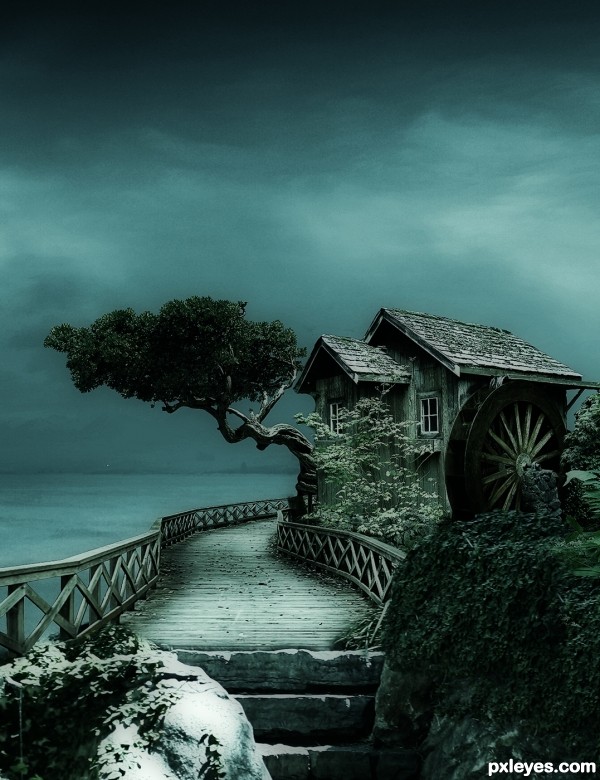
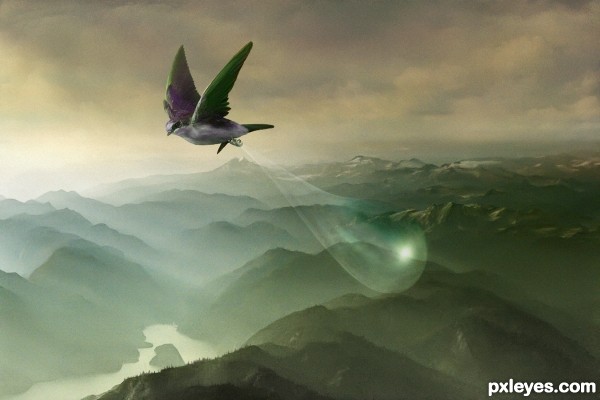
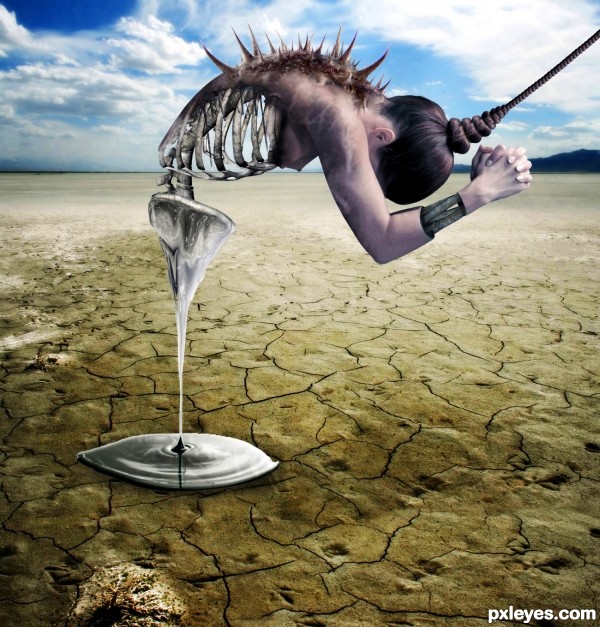
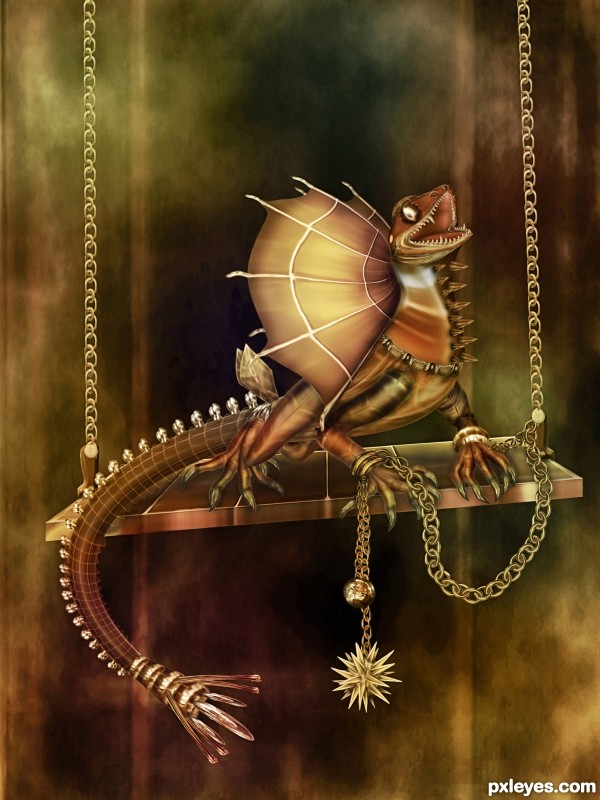
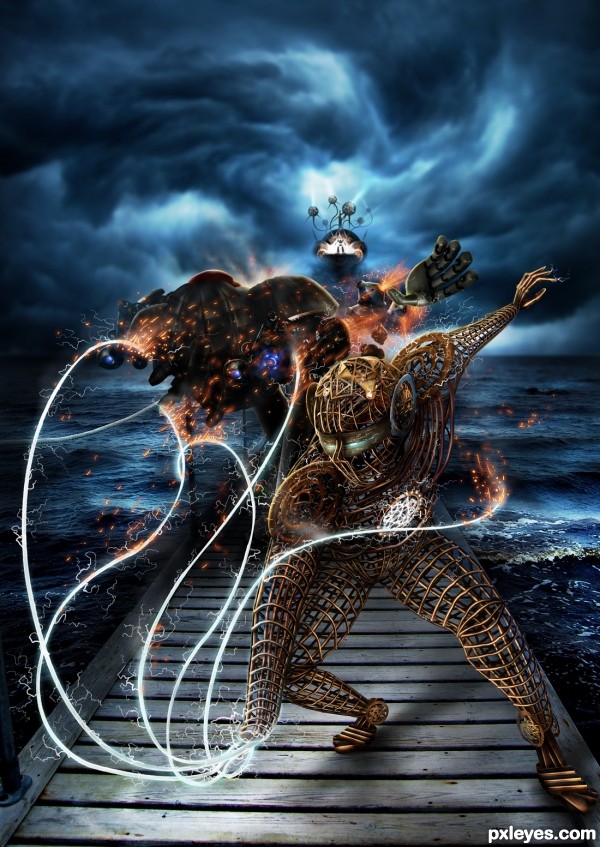


Top 50 Pictures from the Pxleyes Photoshop Contests of October 2010
Another month of thrilling photoshop contests has ended! We’ve collected the 50 highest scoring entries from the Pxleyes photoshop contests that were active during the month October 2010… This list is ranked by the final scores of the entries.
The most spectacular pictures were submitted in the metal globe, kitchen view, mixed manipulations 1, mixed manipulations 3 and mixed manipulations 2 contest. Congratulations to the following people: langstrum, CorneliaMladenova, arca, hereisanoop, bompy, freejay, loopyluv, IDt8r, mqtrf, spaceranger, r1k3r, nasirkhan, velkanx, erathion, Chalty669, jaskier, cterraza, dekwid, Tuckinator, Zakfuego, Glockman, Mayechung, fatz8016, WYSIWYG, artgirl1935, Drivenslush, nanaris, lchappell and jadedink… Keep up the good work and good luck in next month’s photoshop contests!

The most spectacular pictures were submitted in the metal globe, kitchen view, mixed manipulations 1, mixed manipulations 3 and mixed manipulations 2 contest. Congratulations to the following people: langstrum, CorneliaMladenova, arca, hereisanoop, bompy, freejay, loopyluv, IDt8r, mqtrf, spaceranger, r1k3r, nasirkhan, velkanx, erathion, Chalty669, jaskier, cterraza, dekwid, Tuckinator, Zakfuego, Glockman, Mayechung, fatz8016, WYSIWYG, artgirl1935, Drivenslush, nanaris, lchappell and jadedink… Keep up the good work and good luck in next month’s photoshop contests!
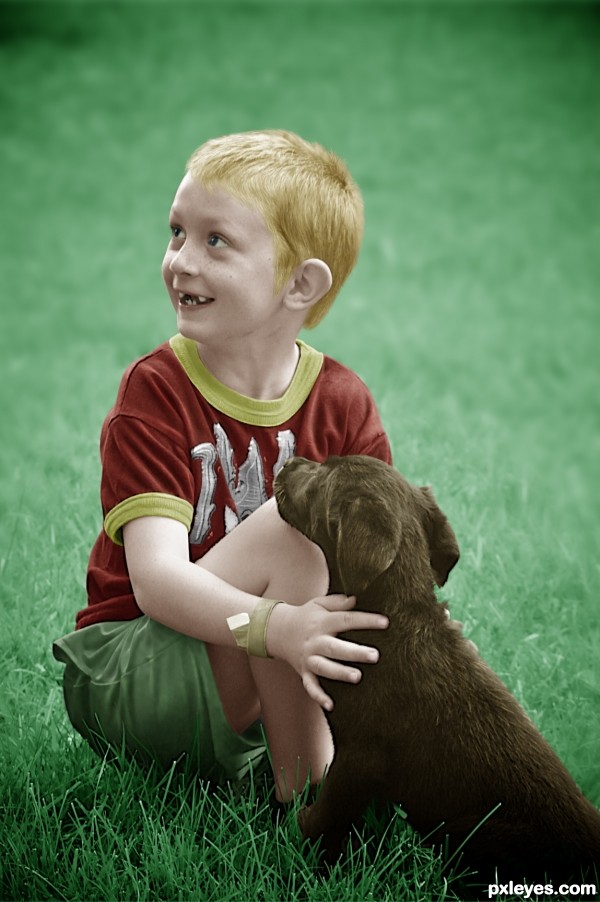
50. Play time…
Contest goal:
The goal of this contest is very simple: take any gray-scale photo and give it more colors! If you don’t have a gray-scale photo, take a color photo and turn it into gray-scale first… then give it completely different colors. You can also use an old black and white photo that was made before color photography was invented, and then colorize it as realistic as possible. ( Example tutorial: Colorize a vintage photo ) Realism is not necessary however, you can also give unusual colors and color combinations to your photo… Combinations that do not exist in real life. Don’t forget to post the originals in your source list, or in your SBS guide. Drawings are not allowed. Your photo must be fully colorized, no gray-scales can be visible in your work. Good luck!
The goal of this contest is very simple: take any gray-scale photo and give it more colors! If you don’t have a gray-scale photo, take a color photo and turn it into gray-scale first… then give it completely different colors. You can also use an old black and white photo that was made before color photography was invented, and then colorize it as realistic as possible. ( Example tutorial: Colorize a vintage photo ) Realism is not necessary however, you can also give unusual colors and color combinations to your photo… Combinations that do not exist in real life. Don’t forget to post the originals in your source list, or in your SBS guide. Drawings are not allowed. Your photo must be fully colorized, no gray-scales can be visible in your work. Good luck!
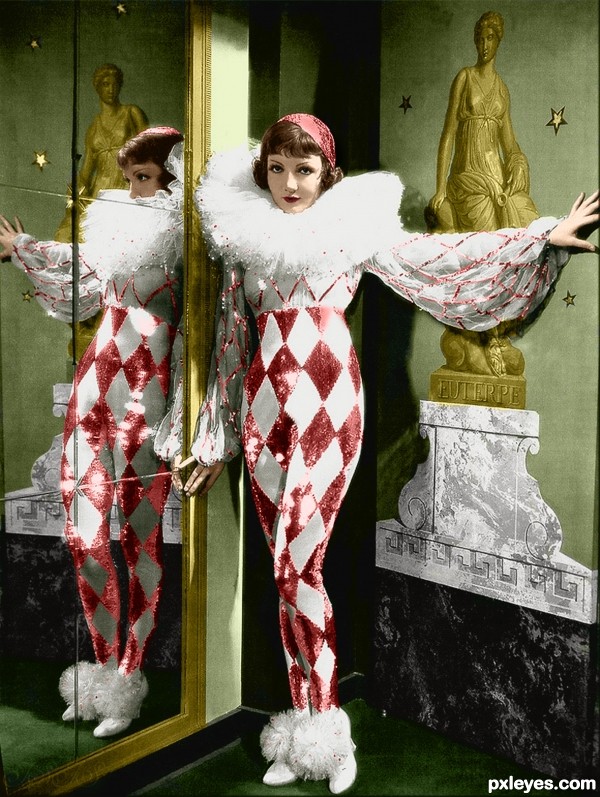
49. Harlequin
Contest goal:
The goal of this contest is very simple: take any gray-scale photo and give it more colors! If you don’t have a gray-scale photo, take a color photo and turn it into gray-scale first… then give it completely different colors. You can also use an old black and white photo that was made before color photography was invented, and then colorize it as realistic as possible. ( Example tutorial: Colorize a vintage photo ) Realism is not necessary however, you can also give unusual colors and color combinations to your photo… Combinations that do not exist in real life. Don’t forget to post the originals in your source list, or in your SBS guide. Drawings are not allowed. Your photo must be fully colorized, no gray-scales can be visible in your work. Good luck!
The goal of this contest is very simple: take any gray-scale photo and give it more colors! If you don’t have a gray-scale photo, take a color photo and turn it into gray-scale first… then give it completely different colors. You can also use an old black and white photo that was made before color photography was invented, and then colorize it as realistic as possible. ( Example tutorial: Colorize a vintage photo ) Realism is not necessary however, you can also give unusual colors and color combinations to your photo… Combinations that do not exist in real life. Don’t forget to post the originals in your source list, or in your SBS guide. Drawings are not allowed. Your photo must be fully colorized, no gray-scales can be visible in your work. Good luck!
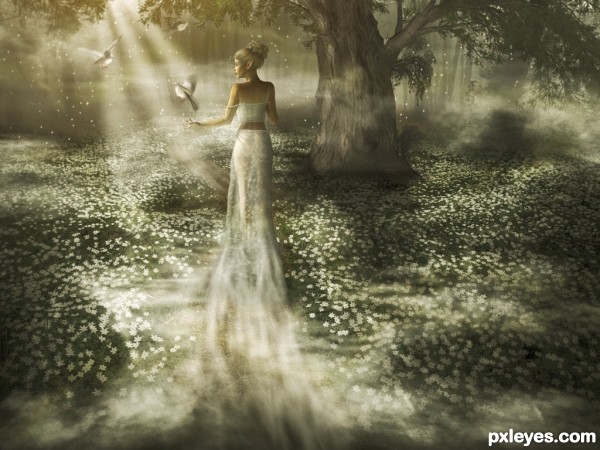
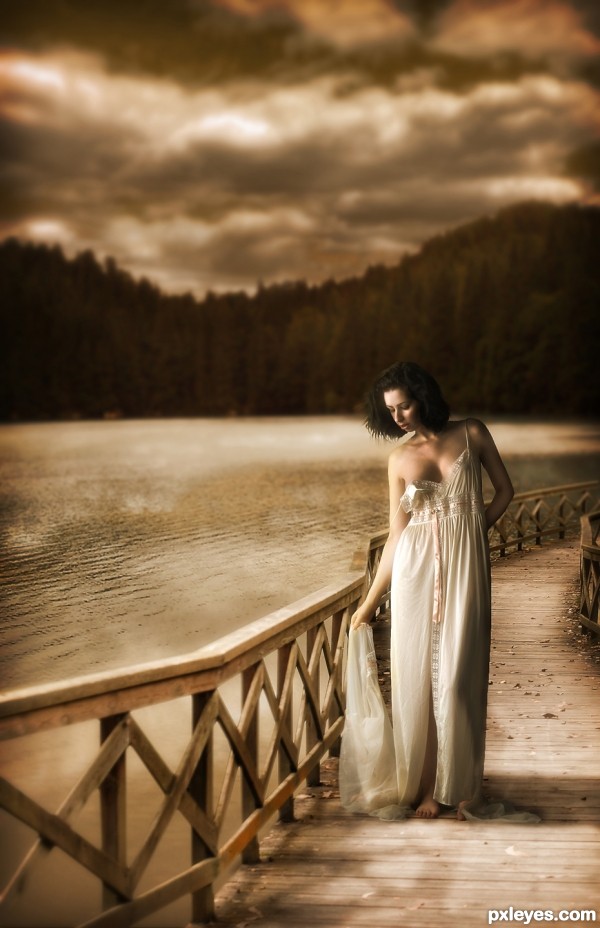
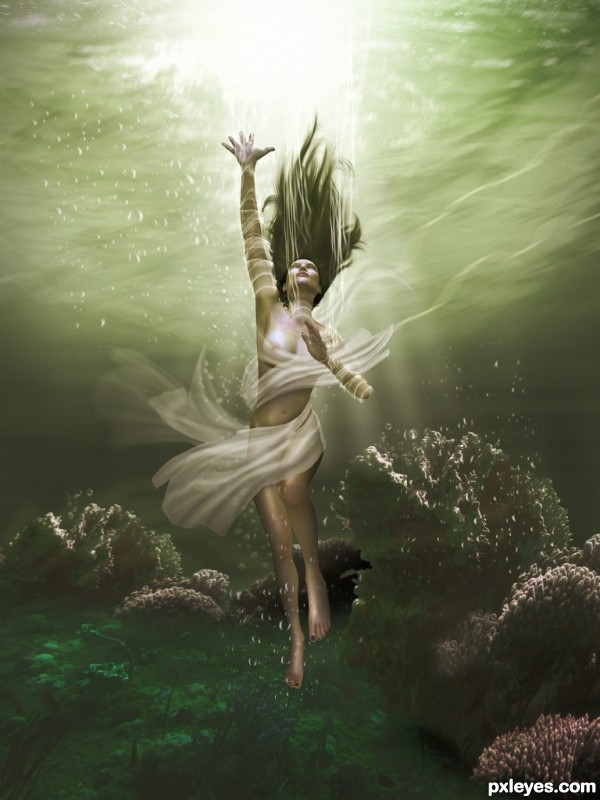
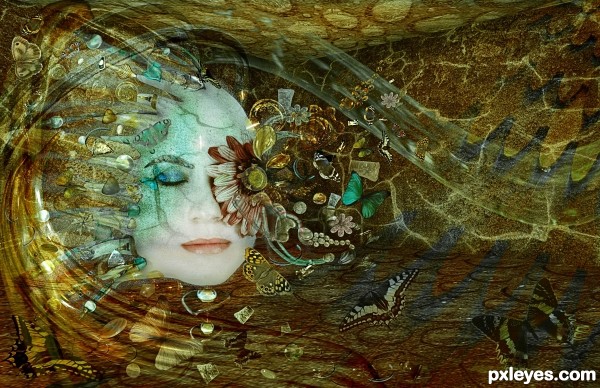
48. Misty Princess
Contest goal:
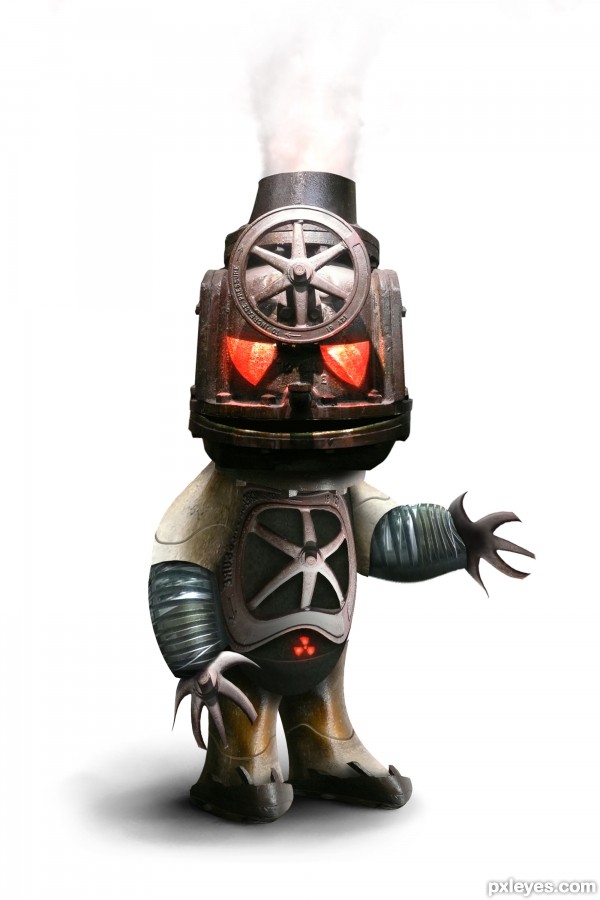
47. Hot Head
Contest goal:


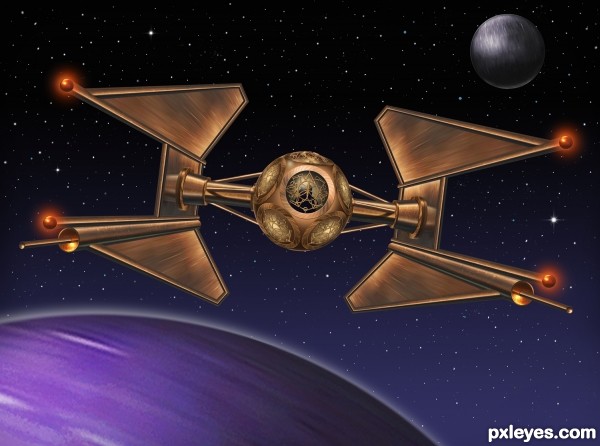
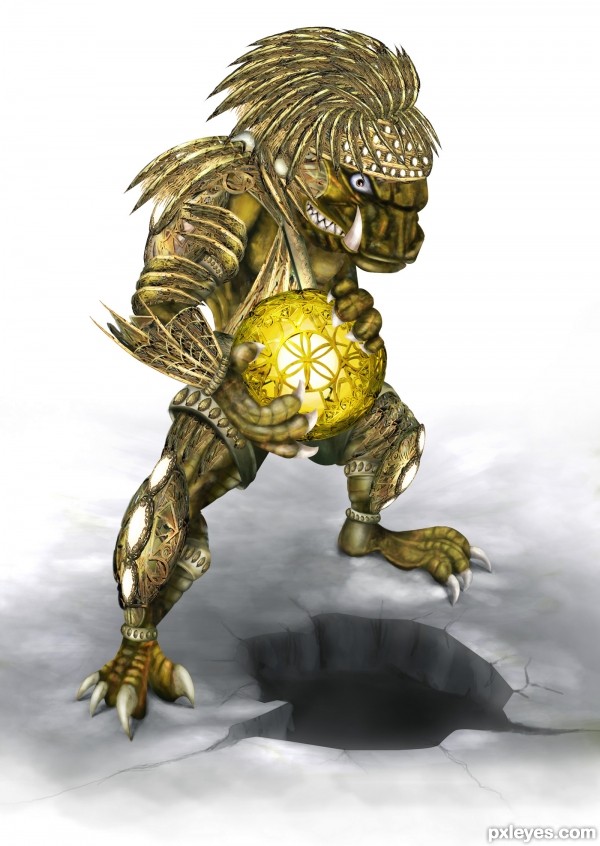
46. Royal Imperial Guardian
Contest goal:
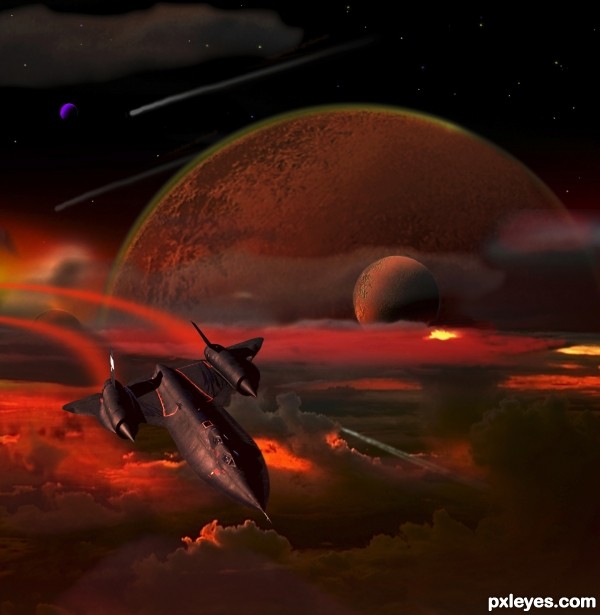
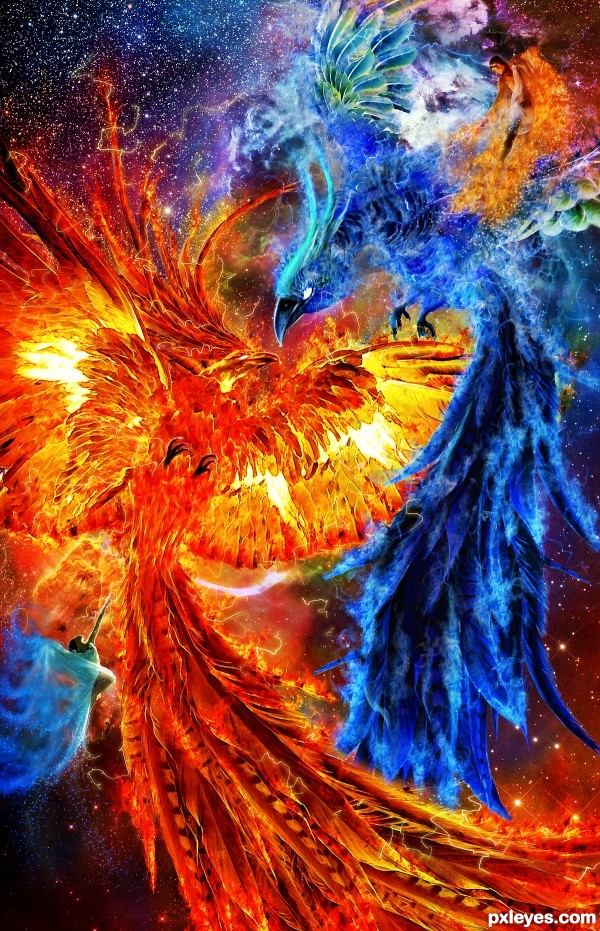
45. Vulcan Blackbird
Contest goal:
In this special contest, you can upload any image manipulation that you created or want to create and that doesn’t fit in any of the other active Photoshop contest. What you create is based only on personal imagination, creativity and photo-manipulation techniques. Obviously, this contest won’t be 100% anonymous, just don’t mention your name, or add any special signs on your image that reveal your name. It can be anything you like and are proud of (even old PST entries), as long as it respects the Pxleyes rules & guidelines and you haven’t submitted it before on pxleyes. Voting will be more difficult here, but like in any other contest, the winner will be determined by voting… Wow-factor will play a bigger role here, but it’s important to check out the SBS guide and sources before placing your vote… That way you can be determine if the Wow-effect is achieved by a good source, or by good technique. To prove the authenticity of your work, your entry must have a step by step guide with at least 1 intermediate step + all sources must be mentioned. Maximum 2 entries.
In this special contest, you can upload any image manipulation that you created or want to create and that doesn’t fit in any of the other active Photoshop contest. What you create is based only on personal imagination, creativity and photo-manipulation techniques. Obviously, this contest won’t be 100% anonymous, just don’t mention your name, or add any special signs on your image that reveal your name. It can be anything you like and are proud of (even old PST entries), as long as it respects the Pxleyes rules & guidelines and you haven’t submitted it before on pxleyes. Voting will be more difficult here, but like in any other contest, the winner will be determined by voting… Wow-factor will play a bigger role here, but it’s important to check out the SBS guide and sources before placing your vote… That way you can be determine if the Wow-effect is achieved by a good source, or by good technique. To prove the authenticity of your work, your entry must have a step by step guide with at least 1 intermediate step + all sources must be mentioned. Maximum 2 entries.
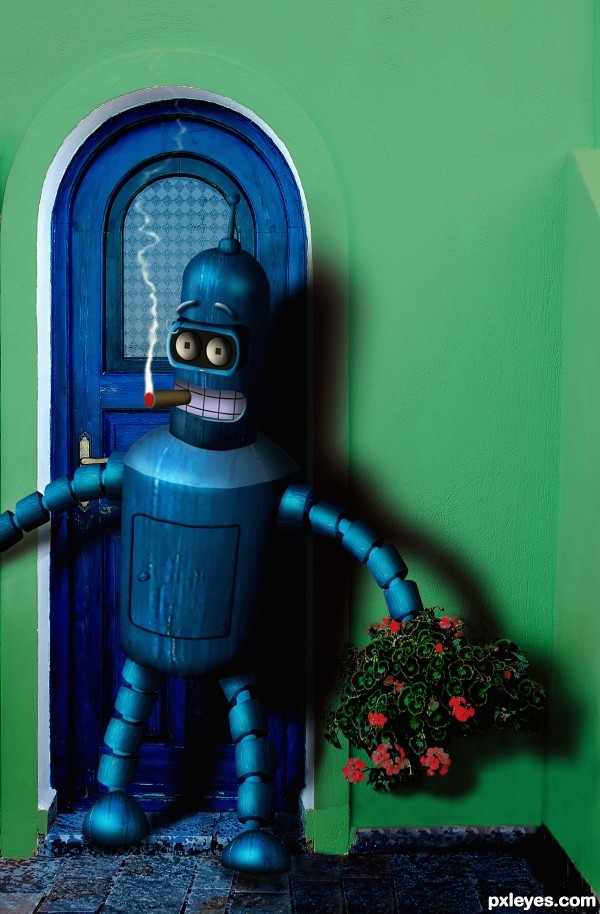
44. Blenders big date
Contest goal:
In this special contest, you can upload any image manipulation that you created or want to create and that doesn’t fit in any of the other active photoshop contest. What you create is based only on personal imagination, creativity and photo-manipulation techniques. Obviously, this contest won’t be 100% anonymous, just don’t mention your name, or add any special signs on your image that reveal your name. It can be anything you like and are proud of (even old PST entries), as long as it respects the Pxleyes rules & guidelines and you haven’t submitted it before on pxleyes. Voting will be more difficult here, but like in any other contest, the winner will be determined by voting… Wow-factor will play a bigger role here, but it’s important to check out the SBS guide and sources before placing your vote… That way you can be determine if the Wow-effect is achieved by a good source, or by good technique. To prove the authenticity of your work, your entry must have a step by step guide with at least 1 intermediate step + all sources must be mentioned. Maximum 2 entries. Good luck!
In this special contest, you can upload any image manipulation that you created or want to create and that doesn’t fit in any of the other active photoshop contest. What you create is based only on personal imagination, creativity and photo-manipulation techniques. Obviously, this contest won’t be 100% anonymous, just don’t mention your name, or add any special signs on your image that reveal your name. It can be anything you like and are proud of (even old PST entries), as long as it respects the Pxleyes rules & guidelines and you haven’t submitted it before on pxleyes. Voting will be more difficult here, but like in any other contest, the winner will be determined by voting… Wow-factor will play a bigger role here, but it’s important to check out the SBS guide and sources before placing your vote… That way you can be determine if the Wow-effect is achieved by a good source, or by good technique. To prove the authenticity of your work, your entry must have a step by step guide with at least 1 intermediate step + all sources must be mentioned. Maximum 2 entries. Good luck!
43. Encounter
Contest goal:
In this special contest, you can upload any image manipulation that you created or want to create and that doesn’t fit in any of the other active Photoshop contest. What you create is based only on personal imagination, creativity and photo-manipulation techniques. Obviously, this contest won’t be 100% anonymous, just don’t mention your name, or add any special signs on your image that reveal your name. It can be anything you like and are proud of (even old PST entries), as long as it respects the Pxleyes rules & guidelines and you haven’t submitted it before on pxleyes. Voting will be more difficult here, but like in any other contest, the winner will be determined by voting… Wow-factor will play a bigger role here, but it’s important to check out the SBS guide and sources before placing your vote… That way you can be determine if the Wow-effect is achieved by a good source, or by good technique. To prove the authenticity of your work, your entry must have a step by step guide with at least 1 intermediate step + all sources must be mentioned. Maximum 2 entries.
In this special contest, you can upload any image manipulation that you created or want to create and that doesn’t fit in any of the other active Photoshop contest. What you create is based only on personal imagination, creativity and photo-manipulation techniques. Obviously, this contest won’t be 100% anonymous, just don’t mention your name, or add any special signs on your image that reveal your name. It can be anything you like and are proud of (even old PST entries), as long as it respects the Pxleyes rules & guidelines and you haven’t submitted it before on pxleyes. Voting will be more difficult here, but like in any other contest, the winner will be determined by voting… Wow-factor will play a bigger role here, but it’s important to check out the SBS guide and sources before placing your vote… That way you can be determine if the Wow-effect is achieved by a good source, or by good technique. To prove the authenticity of your work, your entry must have a step by step guide with at least 1 intermediate step + all sources must be mentioned. Maximum 2 entries.
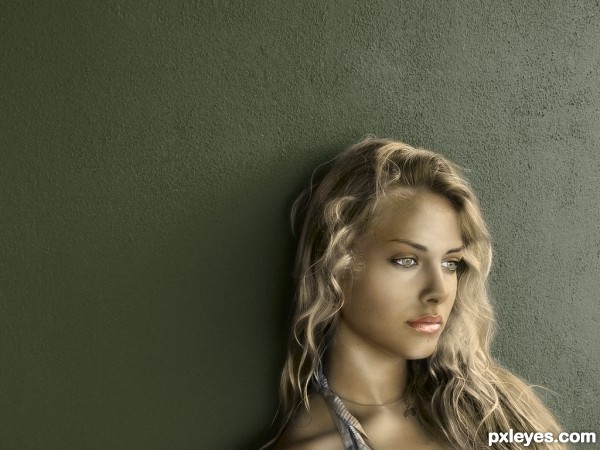
42. al muro
Contest goal:
The goal of this contest is very simple: take any gray-scale photo and give it more colors! If you don’t have a gray-scale photo, take a color photo and turn it into gray-scale first… then give it completely different colors. You can also use an old black and white photo that was made before color photography was invented, and then colorize it as realistic as possible. ( Example tutorial: Colorize a vintage photo ) Realism is not necessary however, you can also give unusual colors and color combinations to your photo… Combinations that do not exist in real life. Don’t forget to post the originals in your source list, or in your SBS guide. Drawings are not allowed. Your photo must be fully colorized, no gray-scales can be visible in your work. Good luck!
The goal of this contest is very simple: take any gray-scale photo and give it more colors! If you don’t have a gray-scale photo, take a color photo and turn it into gray-scale first… then give it completely different colors. You can also use an old black and white photo that was made before color photography was invented, and then colorize it as realistic as possible. ( Example tutorial: Colorize a vintage photo ) Realism is not necessary however, you can also give unusual colors and color combinations to your photo… Combinations that do not exist in real life. Don’t forget to post the originals in your source list, or in your SBS guide. Drawings are not allowed. Your photo must be fully colorized, no gray-scales can be visible in your work. Good luck!
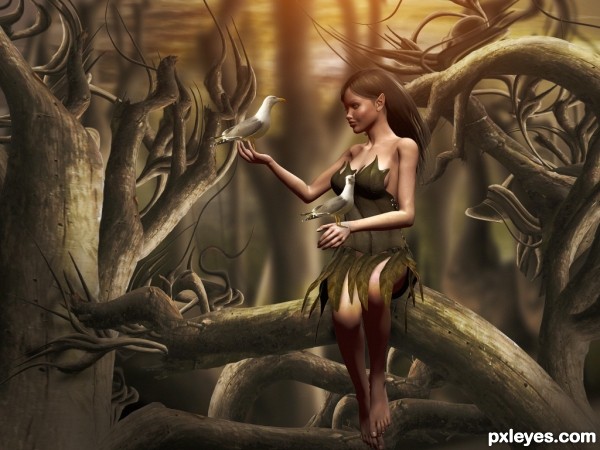
41. In The Forest
Contest goal:
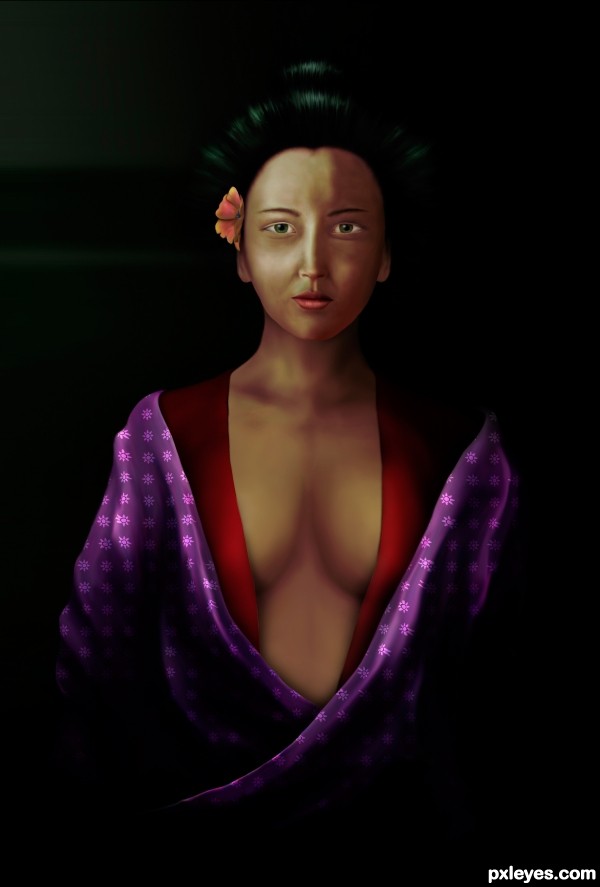
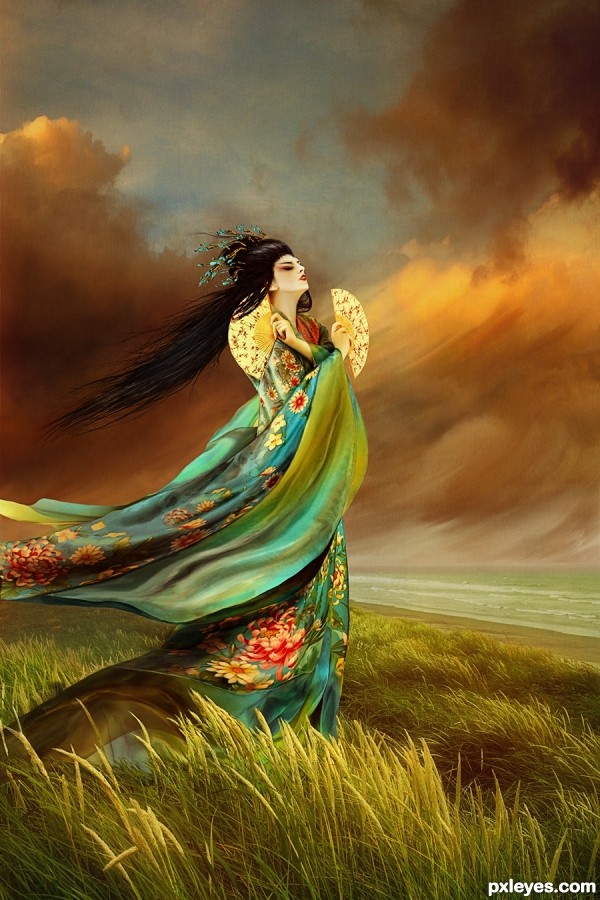
40. Geisha
Contest goal:
In this special contest, you can upload any image manipulation that you created or want to create and that doesn’t fit in any of the other active Photoshop contest. What you create is based only on personal imagination, creativity and photo-manipulation techniques. Obviously, this contest won’t be 100% anonymous, just don’t mention your name, or add any special signs on your image that reveal your name. It can be anything you like and are proud of (even old PST entries), as long as it respects the Pxleyes rules & guidelines and you haven’t submitted it before on pxleyes. A SBS is optional, but all sources must be mentioned to prove the authenticity of your work. Maximum 2 entries.
In this special contest, you can upload any image manipulation that you created or want to create and that doesn’t fit in any of the other active Photoshop contest. What you create is based only on personal imagination, creativity and photo-manipulation techniques. Obviously, this contest won’t be 100% anonymous, just don’t mention your name, or add any special signs on your image that reveal your name. It can be anything you like and are proud of (even old PST entries), as long as it respects the Pxleyes rules & guidelines and you haven’t submitted it before on pxleyes. A SBS is optional, but all sources must be mentioned to prove the authenticity of your work. Maximum 2 entries.
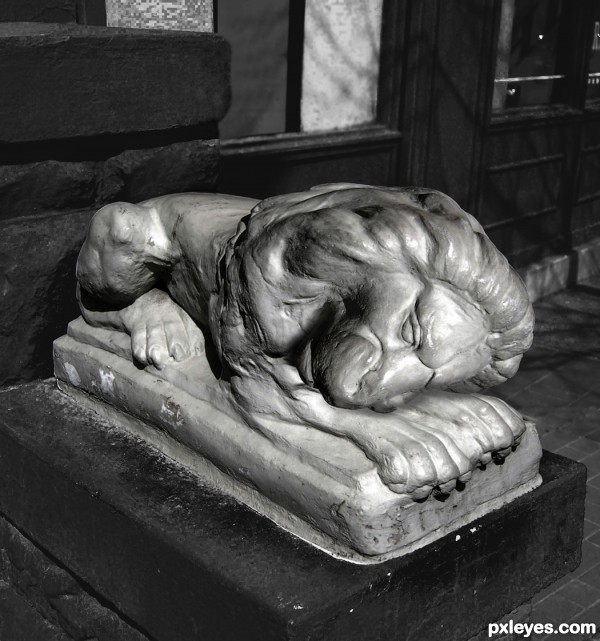
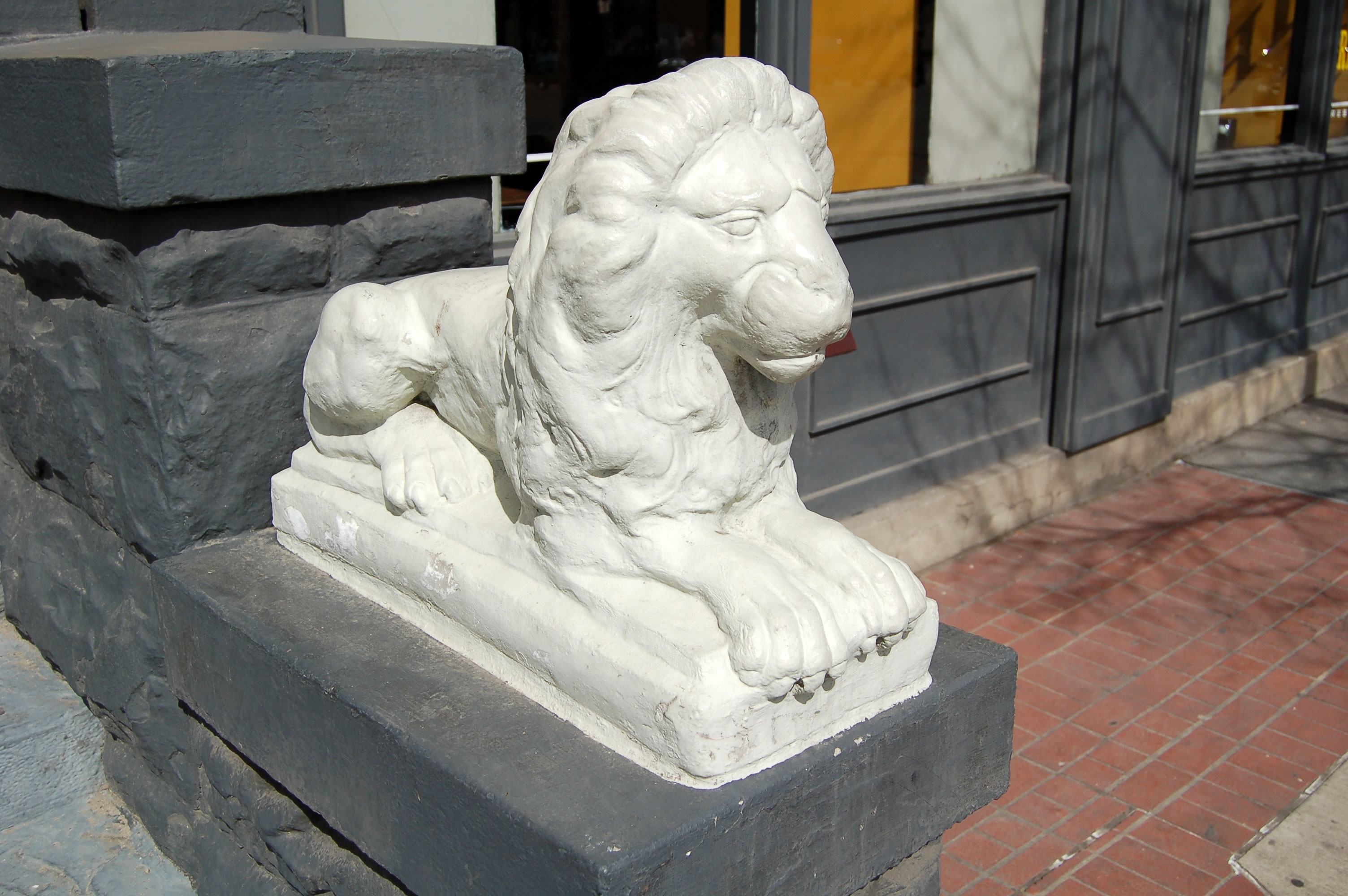
39. Resting Lion
Contest goal:
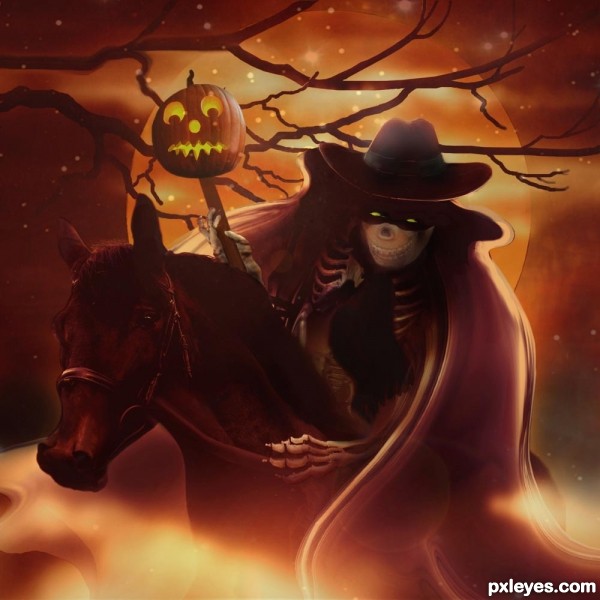
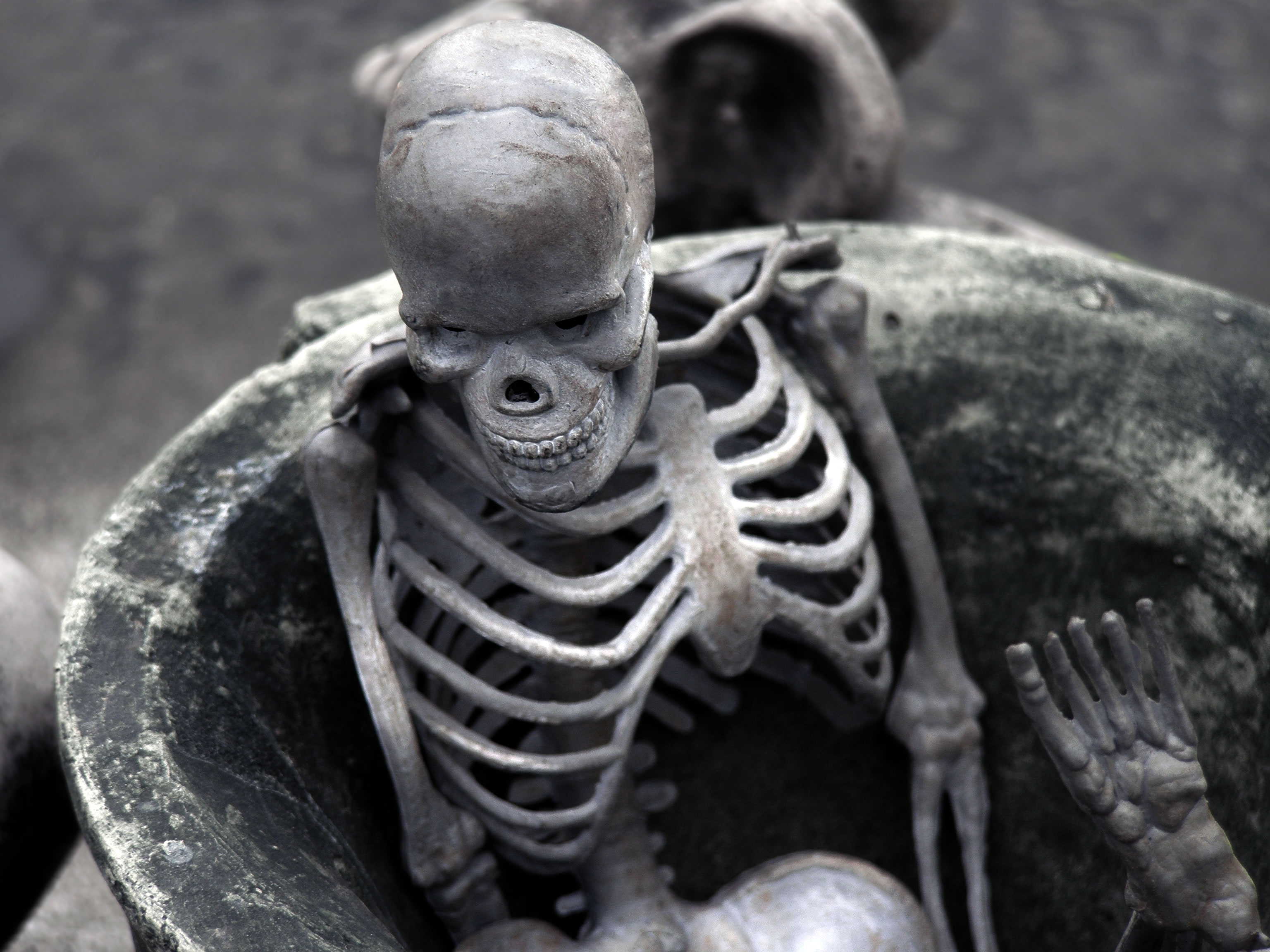
38. Fright Night Ride
Contest goal:
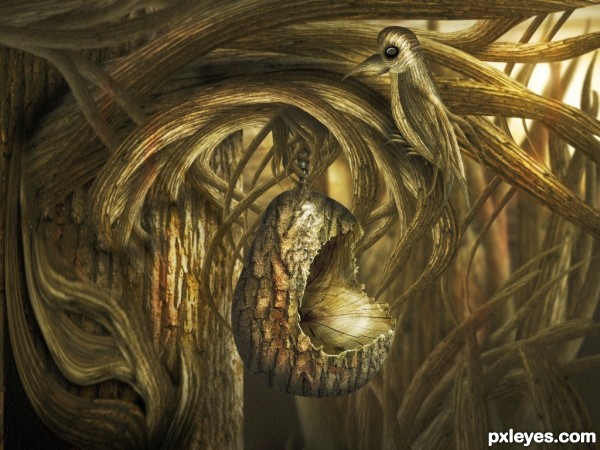
37. Pear Tree
Contest goal:
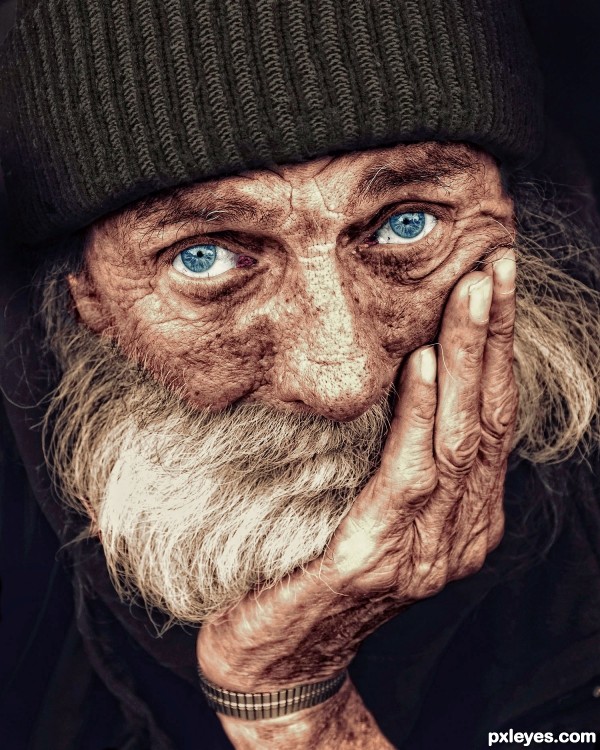
36. Old Man
Contest goal:
The goal of this contest is very simple: take any gray-scale photo and give it more colors! If you don’t have a gray-scale photo, take a color photo and turn it into gray-scale first… then give it completely different colors. You can also use an old black and white photo that was made before color photography was invented, and then colorize it as realistic as possible. ( Example tutorial: Colorize a vintage photo ) Realism is not necessary however, you can also give unusual colors and color combinations to your photo… Combinations that do not exist in real life. Don’t forget to post the originals in your source list, or in your SBS guide. Drawings are not allowed. Your photo must be fully colorized, no gray-scales can be visible in your work. Good luck!
The goal of this contest is very simple: take any gray-scale photo and give it more colors! If you don’t have a gray-scale photo, take a color photo and turn it into gray-scale first… then give it completely different colors. You can also use an old black and white photo that was made before color photography was invented, and then colorize it as realistic as possible. ( Example tutorial: Colorize a vintage photo ) Realism is not necessary however, you can also give unusual colors and color combinations to your photo… Combinations that do not exist in real life. Don’t forget to post the originals in your source list, or in your SBS guide. Drawings are not allowed. Your photo must be fully colorized, no gray-scales can be visible in your work. Good luck!
35. Waiting
Contest goal:

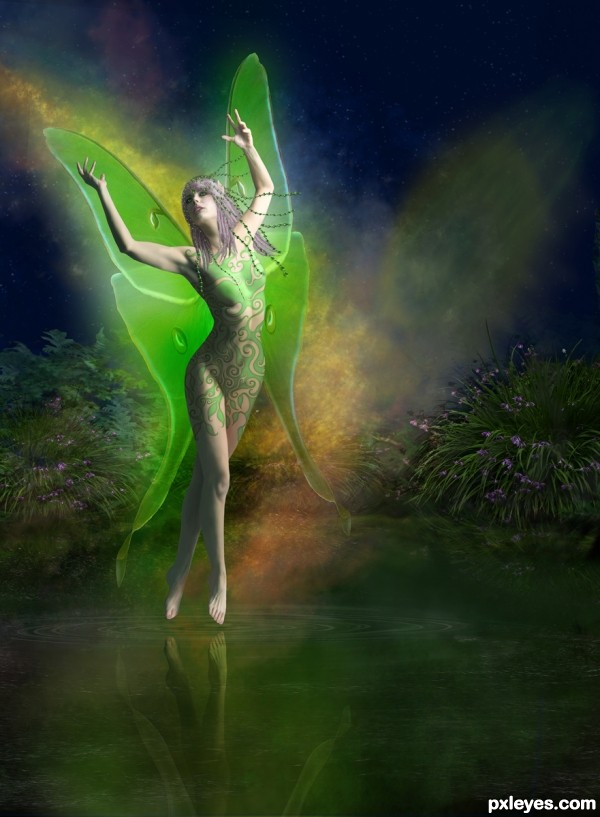
34. Star Dust Fairy
Contest goal:
Take any picture of a person and give this person special light effects. For example, you could add some halo, have electricity bolts come out of the hands, add one or more flares around the body, etc… To give some examples: – Example 1 – Example 2 – Example 3 As you can see from these example, your light effect doesn’t have to be attached to the person, but the person must have some interaction with it (either creating the light, or emmitting it.) Just “shining” a light on the person will be considered off-theme. A few good tutorials which you can use to achieve this (and use your interpretation of it) can be found here: – Adding light streaks to a photo… – How to create light beams… – Motion spotlight photo effect… – How to create amazing light effects… – Grungy style artwork with great light effects… – Glowing light strokes… (video) Good luck!
Take any picture of a person and give this person special light effects. For example, you could add some halo, have electricity bolts come out of the hands, add one or more flares around the body, etc… To give some examples: – Example 1 – Example 2 – Example 3 As you can see from these example, your light effect doesn’t have to be attached to the person, but the person must have some interaction with it (either creating the light, or emmitting it.) Just “shining” a light on the person will be considered off-theme. A few good tutorials which you can use to achieve this (and use your interpretation of it) can be found here: – Adding light streaks to a photo… – How to create light beams… – Motion spotlight photo effect… – How to create amazing light effects… – Grungy style artwork with great light effects… – Glowing light strokes… (video) Good luck!
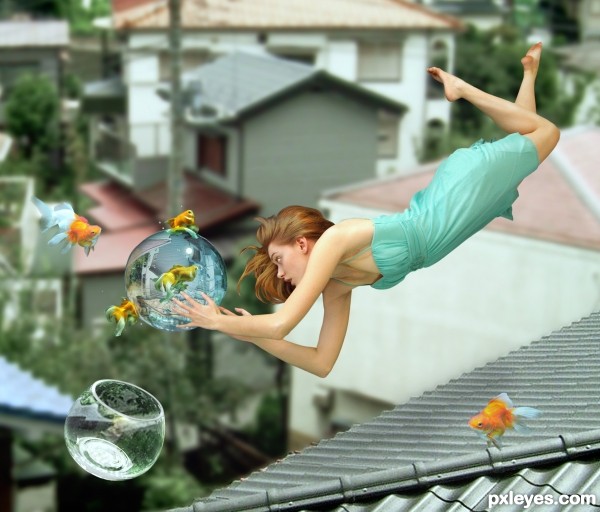
33. Bubble
Contest goal:
We all experience gravitational force, day by day. Your goal in this contest, though, is to create anything that illustrates the exact opposite of gravitation! Show off your blending skills and make anything or anyone float in mid-air on planet earth. It can be anything you like, but the more anti-gravity effects in your photo, the better. It’s all is up to your imagination. Have fun!
We all experience gravitational force, day by day. Your goal in this contest, though, is to create anything that illustrates the exact opposite of gravitation! Show off your blending skills and make anything or anyone float in mid-air on planet earth. It can be anything you like, but the more anti-gravity effects in your photo, the better. It’s all is up to your imagination. Have fun!
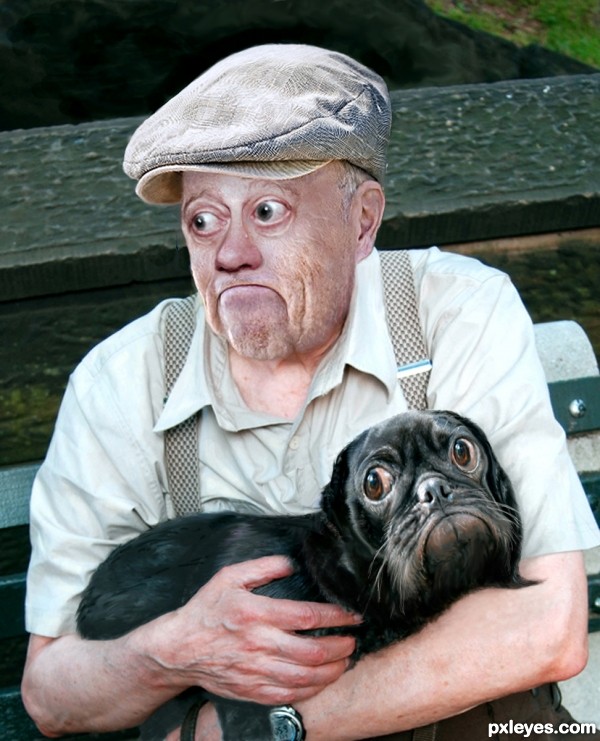
32. best buddy’s
Contest goal:
It’s often said that pets look like their owners or the other way around. This contest is about applying that theory in the most realistic manner possible, so, for example, do not give the owner a dog’s face, but modify some of the facial characteristics in such a manner that if you should pass by that person on the street, you’d think of how it resembles a dog. This can be done by giving both pet and owner a similar haircut or similar clothes. Also remember to use a regular pet (nothing like cows, giraffes or elephants.). Both the pet and the owner must be visible in your entry.
It’s often said that pets look like their owners or the other way around. This contest is about applying that theory in the most realistic manner possible, so, for example, do not give the owner a dog’s face, but modify some of the facial characteristics in such a manner that if you should pass by that person on the street, you’d think of how it resembles a dog. This can be done by giving both pet and owner a similar haircut or similar clothes. Also remember to use a regular pet (nothing like cows, giraffes or elephants.). Both the pet and the owner must be visible in your entry.
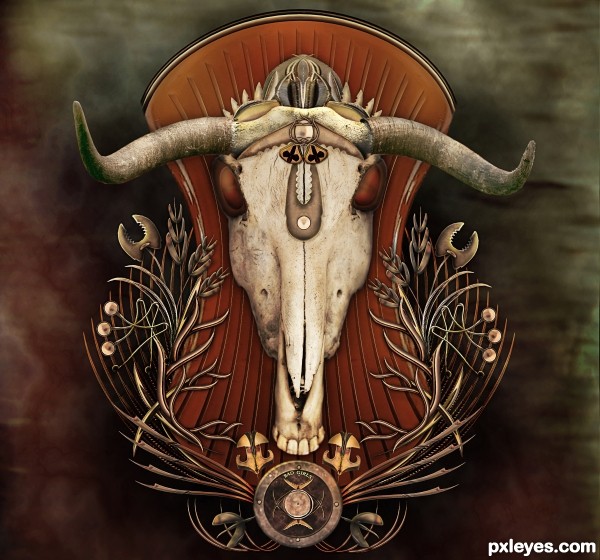
31. Bad Girls Crest
Contest goal:
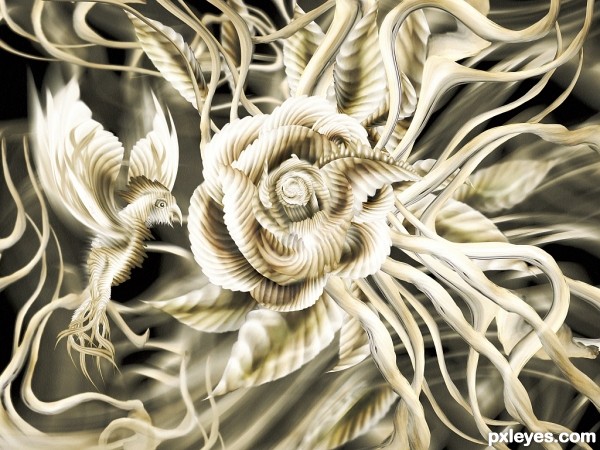
30. Rose
Contest goal:
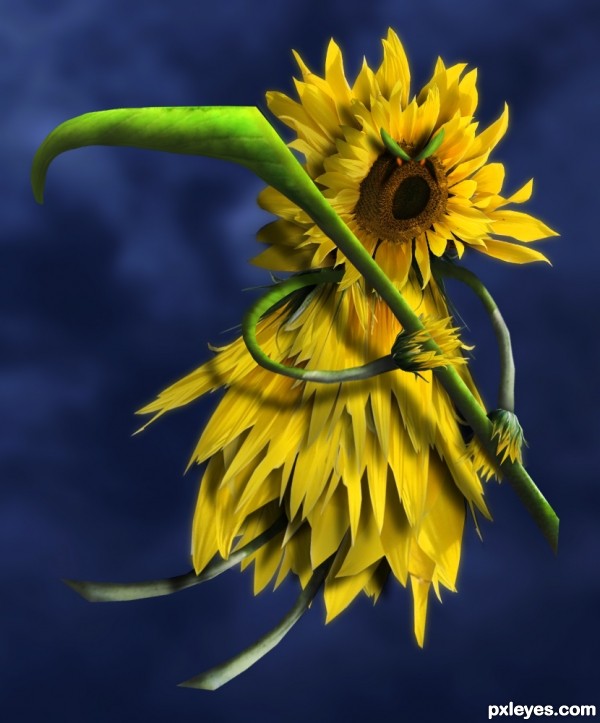
29. The Flower Reaper
Contest goal:
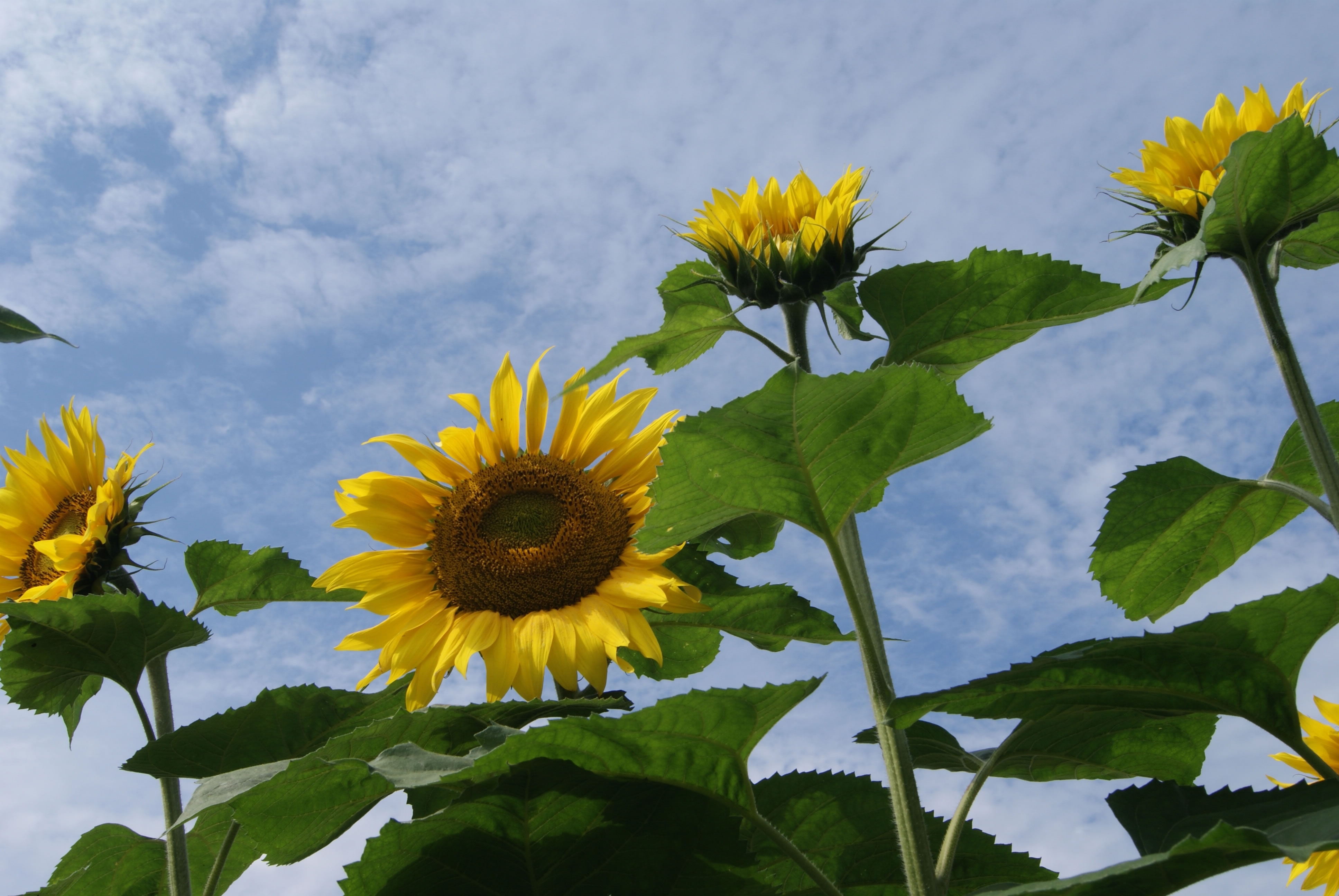
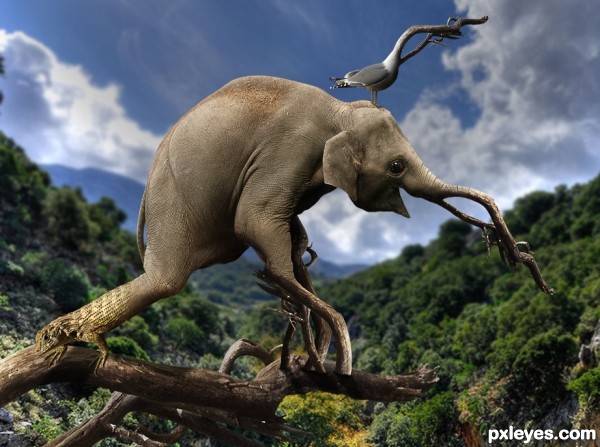
28. New Breed
Contest goal:
27. No Safe Haven
Contest goal:
In this special contest, you can upload any image manipulation that you created or want to create and that doesn’t fit in any of the other active Photoshop contest. What you create is based only on personal imagination, creativity and photo-manipulation techniques. Obviously, this contest won’t be 100% anonymous, just don’t mention your name, or add any special signs on your image that reveal your name. It can be anything you like and are proud of (even old PST entries), as long as it respects the Pxleyes rules & guidelines and you haven’t submitted it before on pxleyes. A SBS is optional, but all sources must be mentioned to prove the authenticity of your work. Maximum 2 entries.
In this special contest, you can upload any image manipulation that you created or want to create and that doesn’t fit in any of the other active Photoshop contest. What you create is based only on personal imagination, creativity and photo-manipulation techniques. Obviously, this contest won’t be 100% anonymous, just don’t mention your name, or add any special signs on your image that reveal your name. It can be anything you like and are proud of (even old PST entries), as long as it respects the Pxleyes rules & guidelines and you haven’t submitted it before on pxleyes. A SBS is optional, but all sources must be mentioned to prove the authenticity of your work. Maximum 2 entries.
26. empty
Contest goal:
25. The Burden
Contest goal:
In this special contest, you can upload any image manipulation that you created or want to create and that doesn’t fit in any of the other active Photoshop contest. What you create is based only on personal imagination, creativity and photo-manipulation techniques. Obviously, this contest won’t be 100% anonymous, just don’t mention your name, or add any special signs on your image that reveal your name. It can be anything you like and are proud of (even old PST entries), as long as it respects the Pxleyes rules & guidelines and you haven’t submitted it before on pxleyes. Voting will be more difficult here, but like in any other contest, the winner will be determined by voting… Wow-factor will play a bigger role here, but it’s important to check out the SBS guide and sources before placing your vote… That way you can be determine if the Wow-effect is achieved by a good source, or by good technique. To prove the authenticity of your work, your entry must have a step by step guide with at least 1 intermediate step + all sources must be mentioned. Maximum 2 entries.
In this special contest, you can upload any image manipulation that you created or want to create and that doesn’t fit in any of the other active Photoshop contest. What you create is based only on personal imagination, creativity and photo-manipulation techniques. Obviously, this contest won’t be 100% anonymous, just don’t mention your name, or add any special signs on your image that reveal your name. It can be anything you like and are proud of (even old PST entries), as long as it respects the Pxleyes rules & guidelines and you haven’t submitted it before on pxleyes. Voting will be more difficult here, but like in any other contest, the winner will be determined by voting… Wow-factor will play a bigger role here, but it’s important to check out the SBS guide and sources before placing your vote… That way you can be determine if the Wow-effect is achieved by a good source, or by good technique. To prove the authenticity of your work, your entry must have a step by step guide with at least 1 intermediate step + all sources must be mentioned. Maximum 2 entries.
24. The Happening
Contest goal:
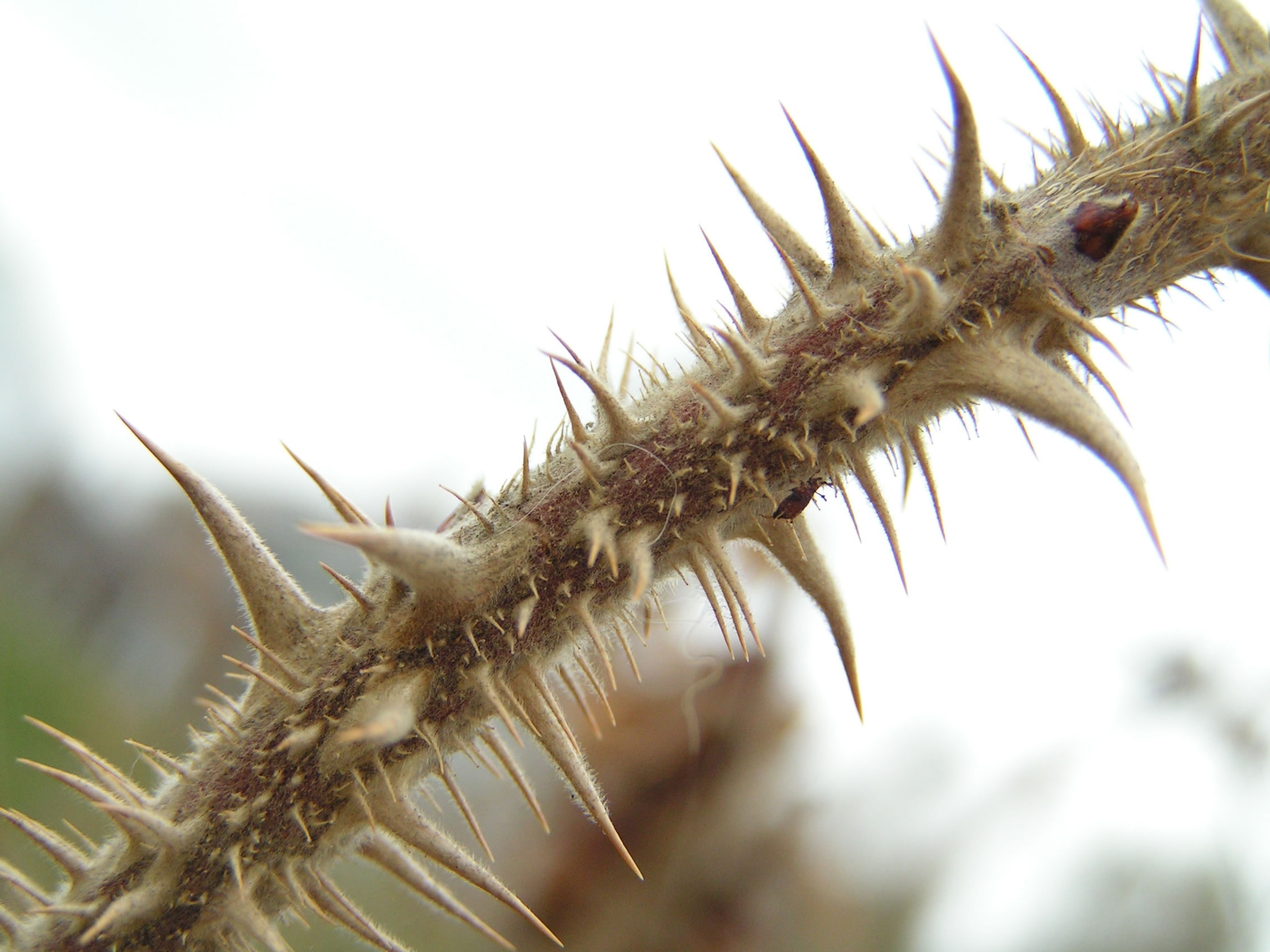
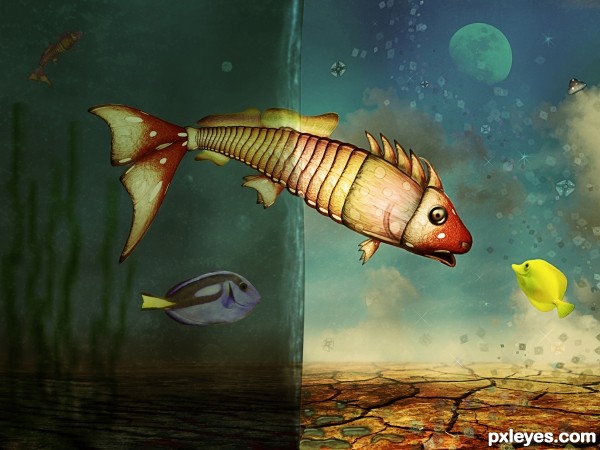
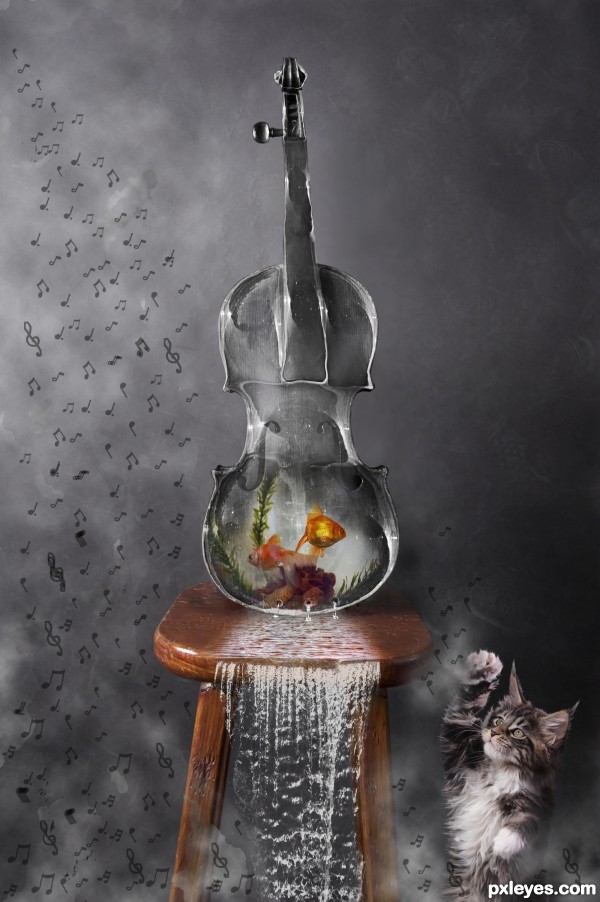
23. MELODIC FISH TANK
Contest goal:
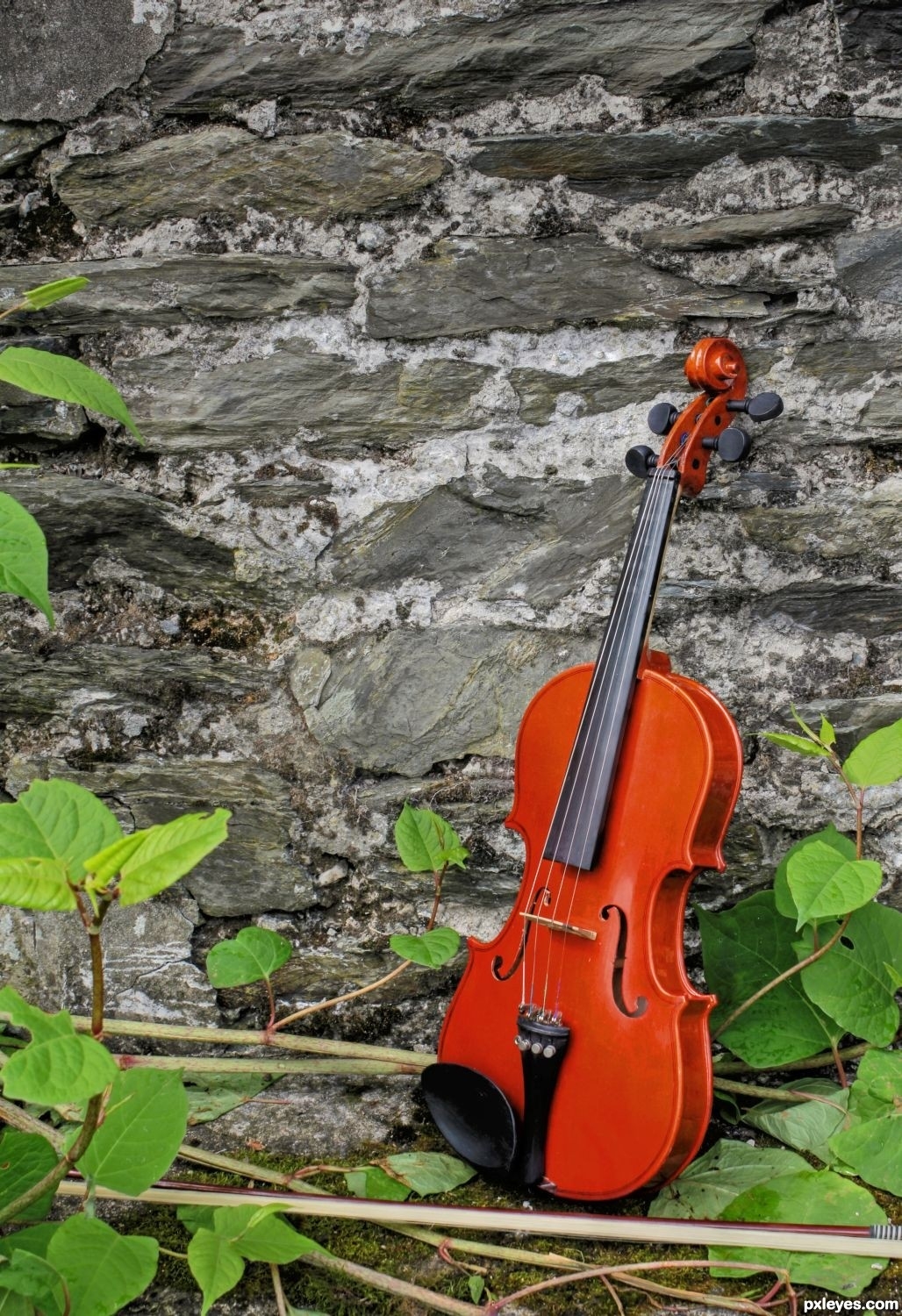
22. Rescue Light
Contest goal:
Take any picture of a person and give this person special light effects. For example, you could add some halo, have electricity bolts come out of the hands, add one or more flares around the body, etc… To give some examples: – Example 1 – Example 2 – Example 3 As you can see from these example, your light effect doesn’t have to be attached to the person, but the person must have some interaction with it (either creating the light, or emmitting it.) Just “shining” a light on the person will be considered off-theme. A few good tutorials which you can use to achieve this (and use your interpretation of it) can be found here: – Adding light streaks to a photo… – How to create light beams… – Motion spotlight photo effect… – How to create amazing light effects… – Grungy style artwork with great light effects… – Glowing light strokes… (video) Good luck!
Take any picture of a person and give this person special light effects. For example, you could add some halo, have electricity bolts come out of the hands, add one or more flares around the body, etc… To give some examples: – Example 1 – Example 2 – Example 3 As you can see from these example, your light effect doesn’t have to be attached to the person, but the person must have some interaction with it (either creating the light, or emmitting it.) Just “shining” a light on the person will be considered off-theme. A few good tutorials which you can use to achieve this (and use your interpretation of it) can be found here: – Adding light streaks to a photo… – How to create light beams… – Motion spotlight photo effect… – How to create amazing light effects… – Grungy style artwork with great light effects… – Glowing light strokes… (video) Good luck!
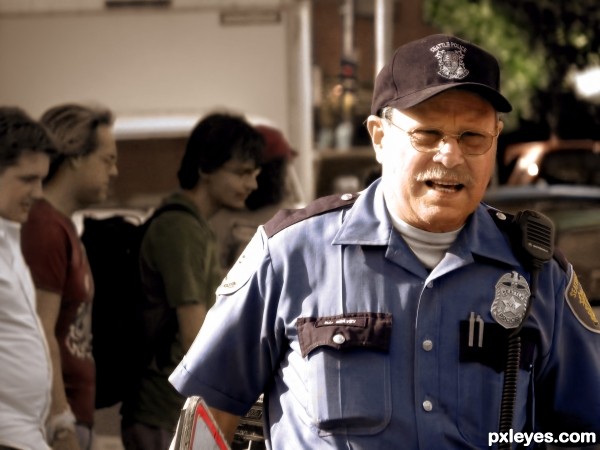
21. cop
Contest goal:
The goal of this contest is very simple: take any gray-scale photo and give it more colors! If you don’t have a gray-scale photo, take a color photo and turn it into gray-scale first… then give it completely different colors. You can also use an old black and white photo that was made before color photography was invented, and then colorize it as realistic as possible. ( Example tutorial: Colorize a vintage photo ) Realism is not necessary however, you can also give unusual colors and color combinations to your photo… Combinations that do not exist in real life. Don’t forget to post the originals in your source list, or in your SBS guide. Drawings are not allowed. Your photo must be fully colorized, no gray-scales can be visible in your work. Good luck!
The goal of this contest is very simple: take any gray-scale photo and give it more colors! If you don’t have a gray-scale photo, take a color photo and turn it into gray-scale first… then give it completely different colors. You can also use an old black and white photo that was made before color photography was invented, and then colorize it as realistic as possible. ( Example tutorial: Colorize a vintage photo ) Realism is not necessary however, you can also give unusual colors and color combinations to your photo… Combinations that do not exist in real life. Don’t forget to post the originals in your source list, or in your SBS guide. Drawings are not allowed. Your photo must be fully colorized, no gray-scales can be visible in your work. Good luck!
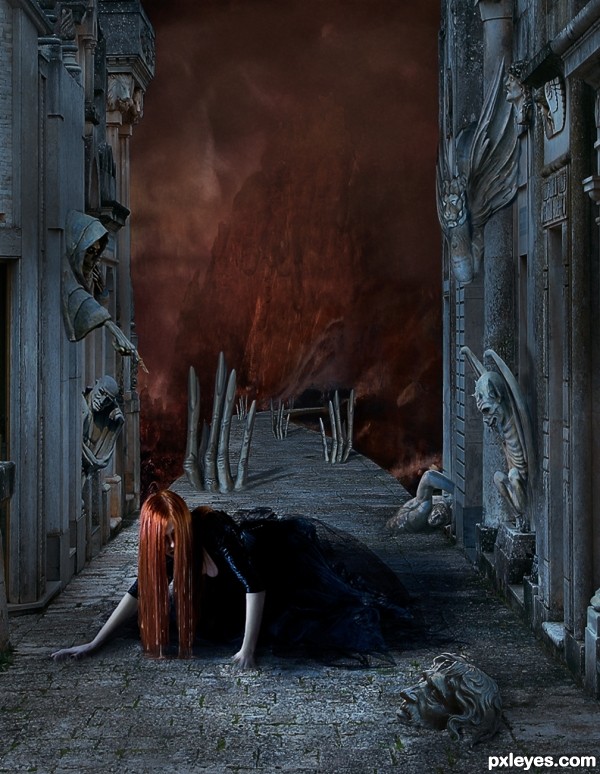
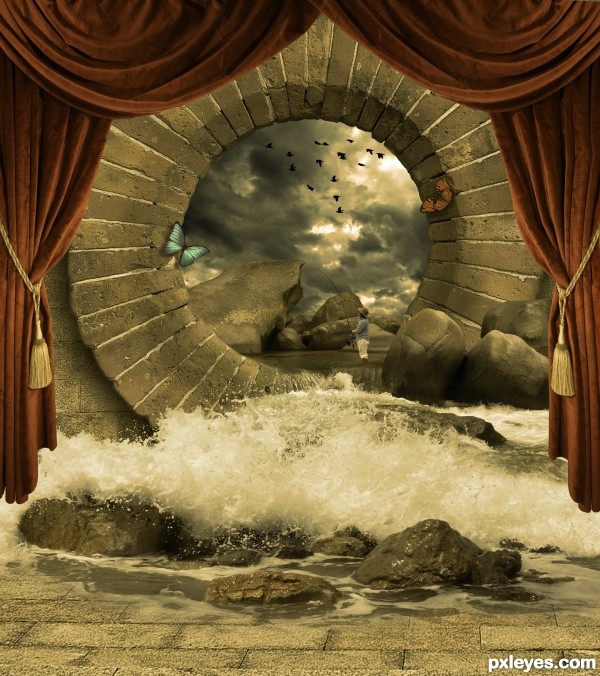
20. Hidden Portal
Contest goal:
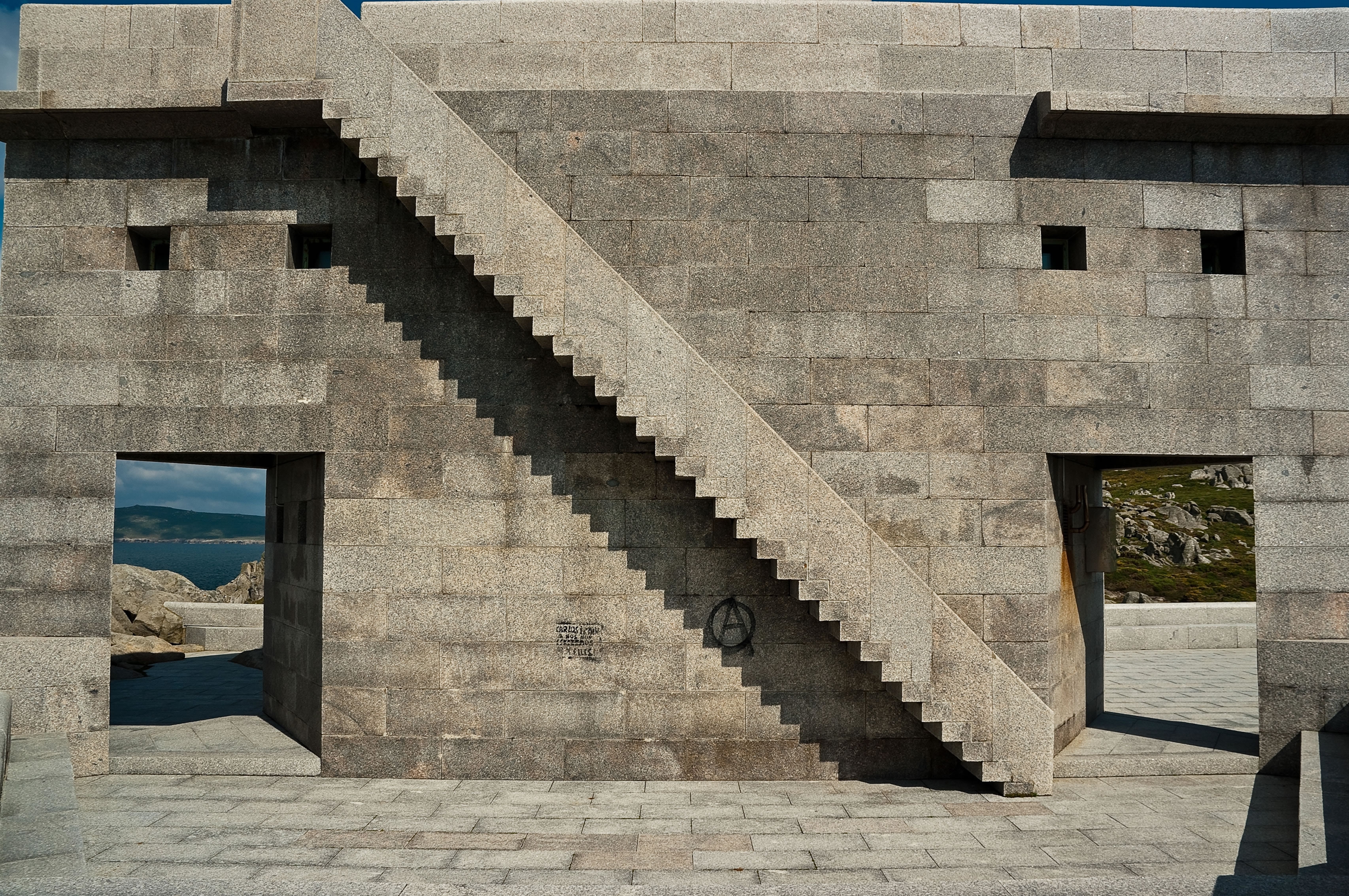
19. Pearl
Contest goal:
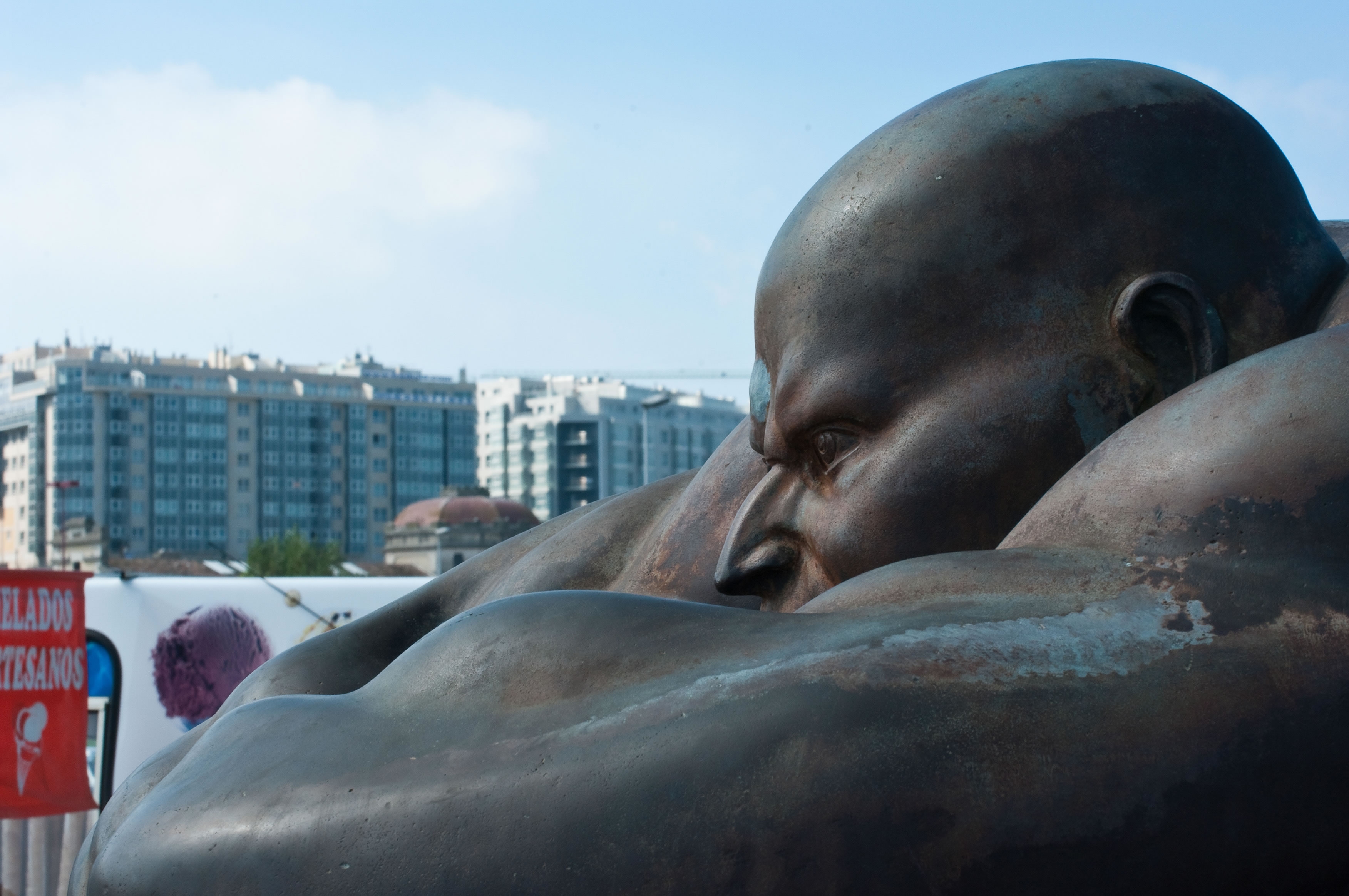
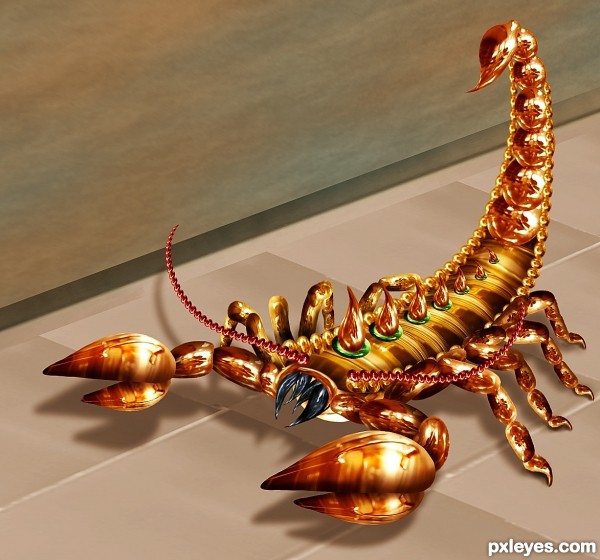
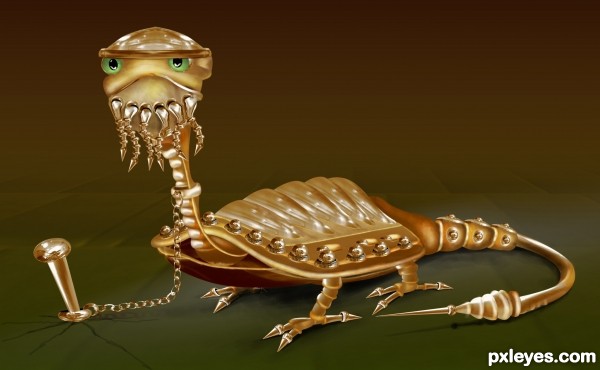
18. Scorpion
Contest goal:

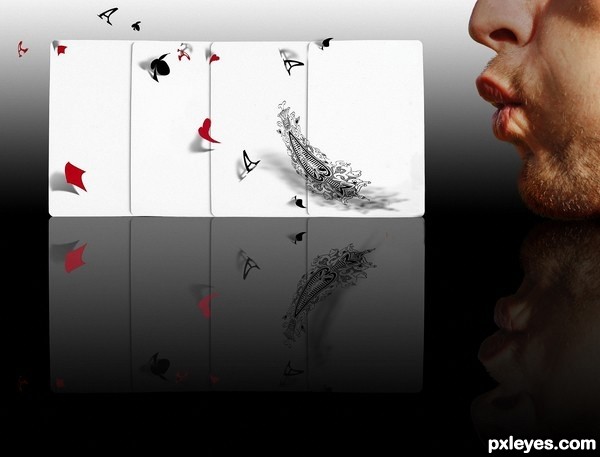
17. Blown away
Contest goal:
In this special contest, you can upload any image manipulation that you created or want to create and that doesn’t fit in any of the other active Photoshop contest. What you create is based only on personal imagination, creativity and photo-manipulation techniques. Obviously, this contest won’t be 100% anonymous, just don’t mention your name, or add any special signs on your image that reveal your name. It can be anything you like and are proud of (even old PST entries), as long as it respects the Pxleyes rules & guidelines and you haven’t submitted it before on pxleyes. Voting will be more difficult here, but like in any other contest, the winner will be determined by voting… Wow-factor will play a bigger role here, but it’s important to check out the SBS guide and sources before placing your vote… That way you can be determine if the Wow-effect is achieved by a good source, or by good technique. To prove the authenticity of your work, your entry must have a step by step guide with at least 1 intermediate step + all sources must be mentioned. Maximum 2 entries.
In this special contest, you can upload any image manipulation that you created or want to create and that doesn’t fit in any of the other active Photoshop contest. What you create is based only on personal imagination, creativity and photo-manipulation techniques. Obviously, this contest won’t be 100% anonymous, just don’t mention your name, or add any special signs on your image that reveal your name. It can be anything you like and are proud of (even old PST entries), as long as it respects the Pxleyes rules & guidelines and you haven’t submitted it before on pxleyes. Voting will be more difficult here, but like in any other contest, the winner will be determined by voting… Wow-factor will play a bigger role here, but it’s important to check out the SBS guide and sources before placing your vote… That way you can be determine if the Wow-effect is achieved by a good source, or by good technique. To prove the authenticity of your work, your entry must have a step by step guide with at least 1 intermediate step + all sources must be mentioned. Maximum 2 entries.
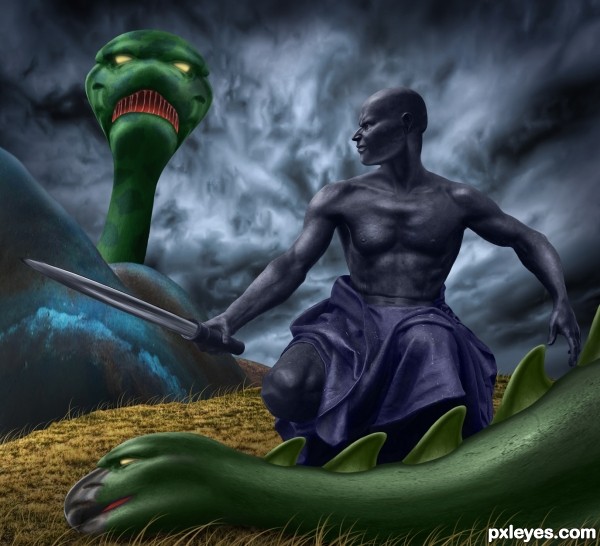
16. Ebony Warrior
Contest goal:
15. Crazy Dreams
Contest goal:
In this special contest, you can upload any image manipulation that you created or want to create and that doesn’t fit in any of the other active photoshop contest. What you create is based only on personal imagination, creativity and photo-manipulation techniques. Obviously, this contest won’t be 100% anonymous, just don’t mention your name, or add any special signs on your image that reveal your name. It can be anything you like and are proud of (even old PST entries), as long as it respects the Pxleyes rules & guidelines and you haven’t submitted it before on pxleyes. Voting will be more difficult here, but like in any other contest, the winner will be determined by voting… Wow-factor will play a bigger role here, but it’s important to check out the SBS guide and sources before placing your vote… That way you can be determine if the Wow-effect is achieved by a good source, or by good technique. To prove the authenticity of your work, your entry must have a step by step guide with at least 1 intermediate step + all sources must be mentioned. Maximum 2 entries. Good luck!
In this special contest, you can upload any image manipulation that you created or want to create and that doesn’t fit in any of the other active photoshop contest. What you create is based only on personal imagination, creativity and photo-manipulation techniques. Obviously, this contest won’t be 100% anonymous, just don’t mention your name, or add any special signs on your image that reveal your name. It can be anything you like and are proud of (even old PST entries), as long as it respects the Pxleyes rules & guidelines and you haven’t submitted it before on pxleyes. Voting will be more difficult here, but like in any other contest, the winner will be determined by voting… Wow-factor will play a bigger role here, but it’s important to check out the SBS guide and sources before placing your vote… That way you can be determine if the Wow-effect is achieved by a good source, or by good technique. To prove the authenticity of your work, your entry must have a step by step guide with at least 1 intermediate step + all sources must be mentioned. Maximum 2 entries. Good luck!
14. No way back
Contest goal:
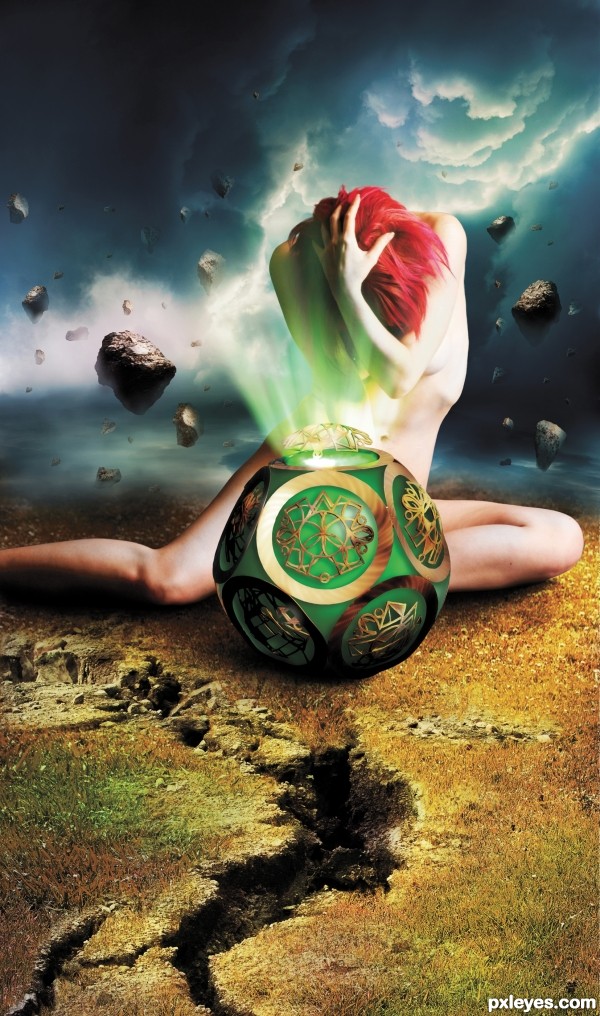
According to the Greek mythology , Pandora was the first woman. She received a present from Zeus – a jar that was not to be opened. But out of curiosity she opened the jar and the myth goes that with that she released all the evil in the world. When she closed the jar again, only hope was still captured. Your goal in this contest is to depict a facet of this story. It can be Pandora with the box/jar or a visualization of the evil that got loose in the world after she opened the it. Anything else works just fine, as long as it relates in an obviously manner to Pandora’s box story. You are not bounded to the Greek times,modern interpretations are also allowed. Good luck!
According to the Greek mythology , Pandora was the first woman. She received a present from Zeus – a jar that was not to be opened. But out of curiosity she opened the jar and the myth goes that with that she released all the evil in the world. When she closed the jar again, only hope was still captured. Your goal in this contest is to depict a facet of this story. It can be Pandora with the box/jar or a visualization of the evil that got loose in the world after she opened the it. Anything else works just fine, as long as it relates in an obviously manner to Pandora’s box story. You are not bounded to the Greek times,modern interpretations are also allowed. Good luck!
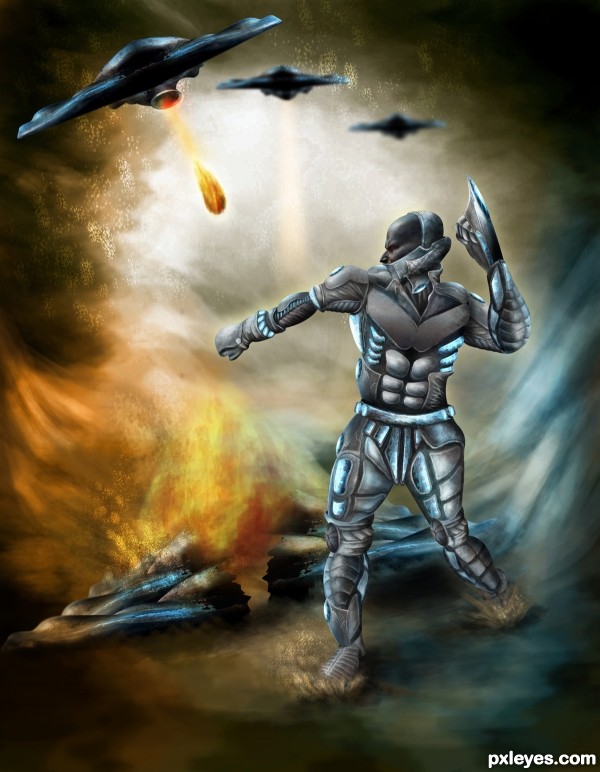
13. UFO Attack…!!!
Contest goal:
12. Camouflage
Contest goal:
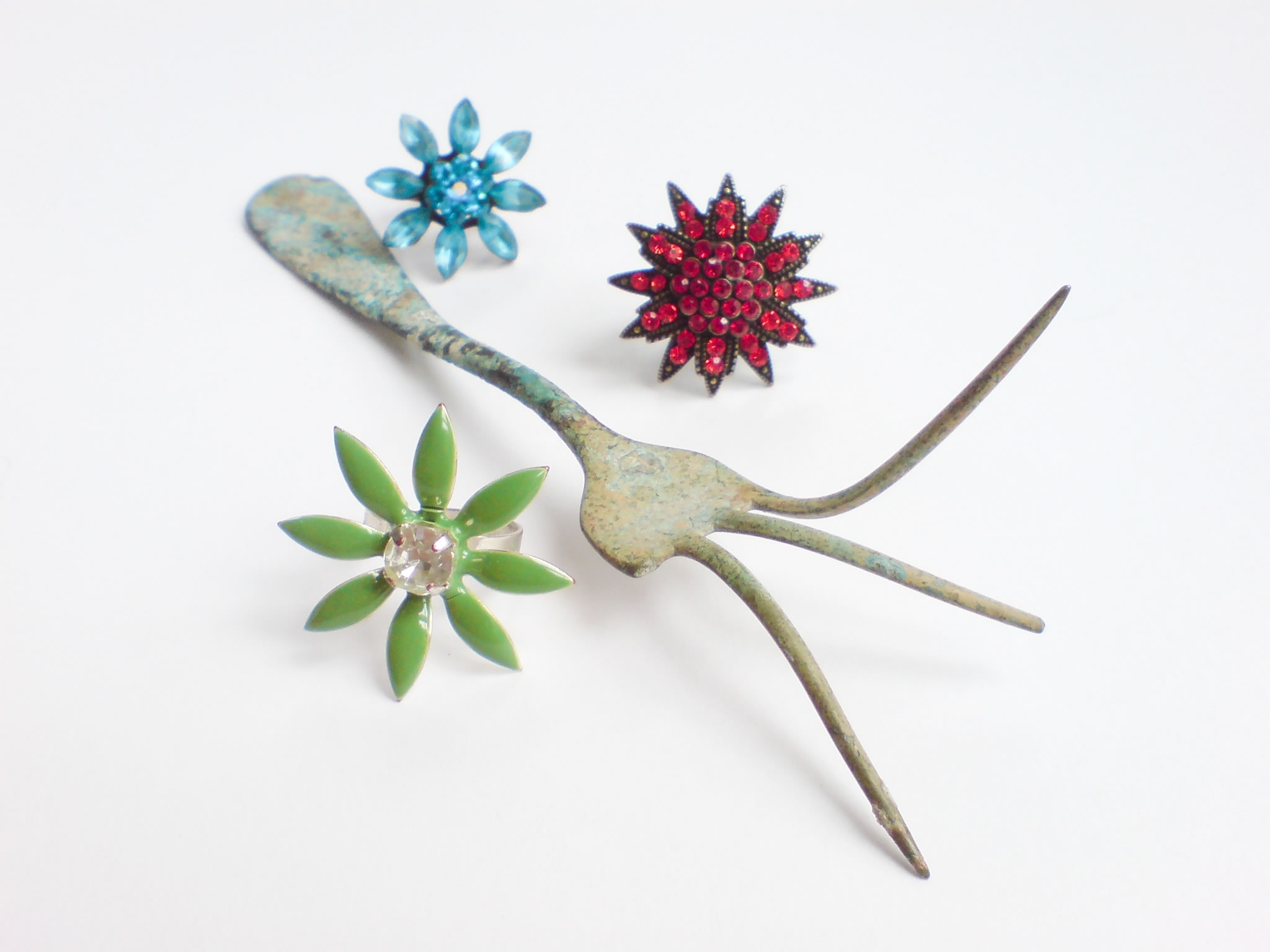
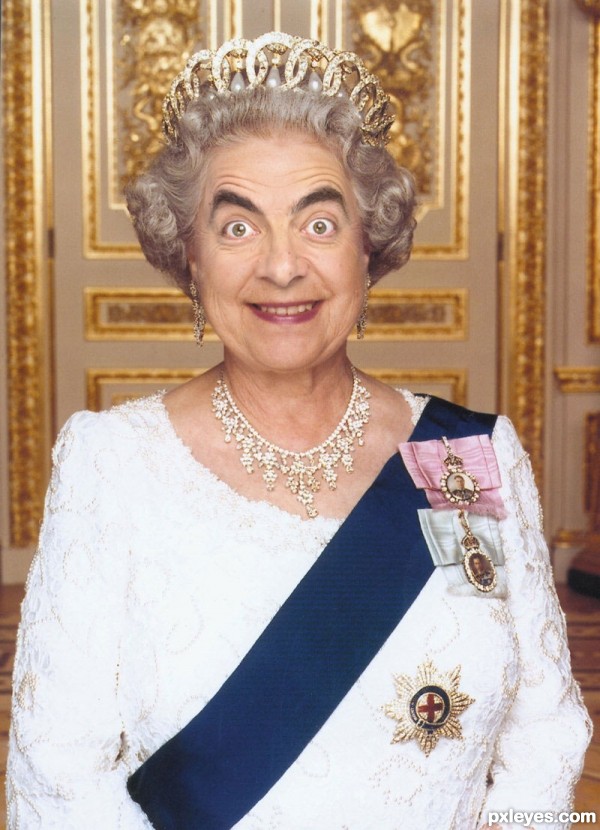
11. Queen Bean
Contest goal:
In this Photoshop contest, your goal is to pick two adult portrait images: one male and one female, and combine both their features to make what an adult child of theirs would look like. Outside sources are encouraged, and exceptionally for this contest, all celebrity photos are allowed as well. Try to make it as realistic and convincing as possible. Have fun and good luck!
In this Photoshop contest, your goal is to pick two adult portrait images: one male and one female, and combine both their features to make what an adult child of theirs would look like. Outside sources are encouraged, and exceptionally for this contest, all celebrity photos are allowed as well. Try to make it as realistic and convincing as possible. Have fun and good luck!
10. Someone spiked my drink!
Contest goal:
In this special contest, you can upload any image manipulation that you created or want to create and that doesn’t fit in any of the other active Photoshop contest. What you create is based only on personal imagination, creativity and photo-manipulation techniques. Obviously, this contest won’t be 100% anonymous, just don’t mention your name, or add any special signs on your image that reveal your name. It can be anything you like and are proud of (even old PST entries), as long as it respects the Pxleyes rules & guidelines and you haven’t submitted it before on pxleyes. A SBS is optional, but all sources must be mentioned to prove the authenticity of your work. Maximum 2 entries.
In this special contest, you can upload any image manipulation that you created or want to create and that doesn’t fit in any of the other active Photoshop contest. What you create is based only on personal imagination, creativity and photo-manipulation techniques. Obviously, this contest won’t be 100% anonymous, just don’t mention your name, or add any special signs on your image that reveal your name. It can be anything you like and are proud of (even old PST entries), as long as it respects the Pxleyes rules & guidelines and you haven’t submitted it before on pxleyes. A SBS is optional, but all sources must be mentioned to prove the authenticity of your work. Maximum 2 entries.
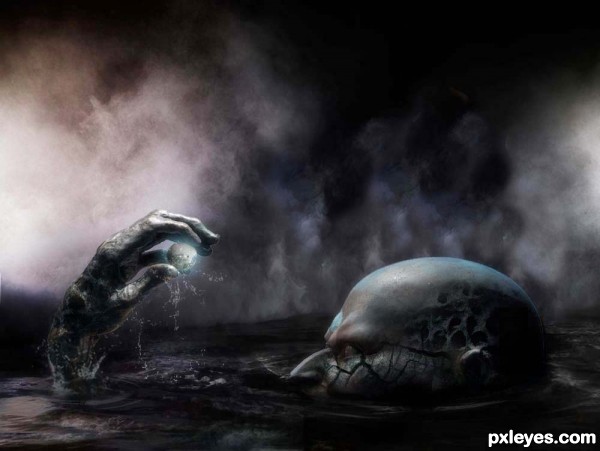
9. I Caught One Monster
Contest goal:
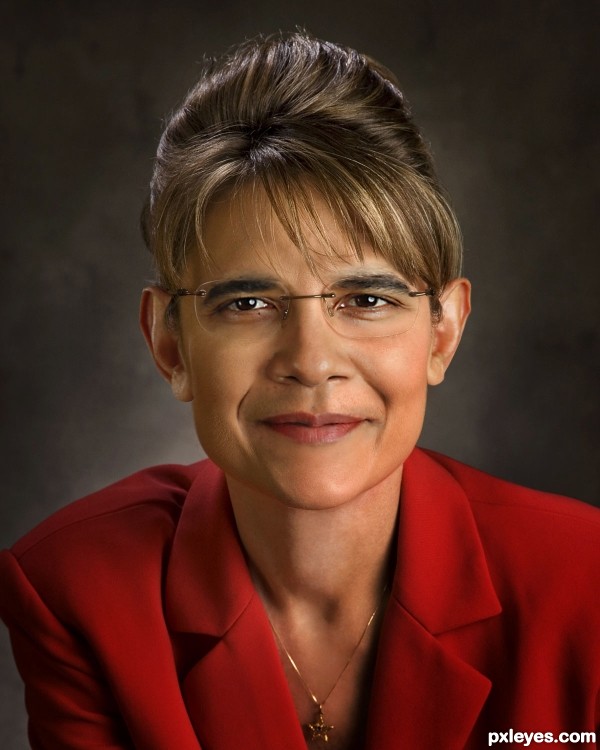
8. Sarah Obama
Contest goal:
In this Photoshop contest, your goal is to pick two adult portrait images: one male and one female, and combine both their features to make what an adult child of theirs would look like. Outside sources are encouraged, and exceptionally for this contest, all celebrity photos are allowed as well. Try to make it as realistic and convincing as possible. Have fun and good luck!
In this Photoshop contest, your goal is to pick two adult portrait images: one male and one female, and combine both their features to make what an adult child of theirs would look like. Outside sources are encouraged, and exceptionally for this contest, all celebrity photos are allowed as well. Try to make it as realistic and convincing as possible. Have fun and good luck!
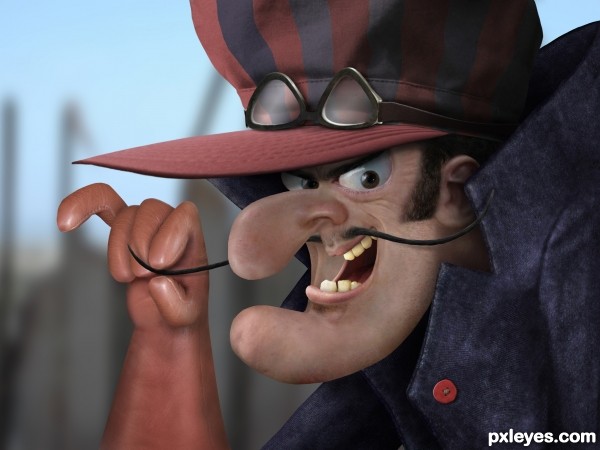
7. Dick Dastardly
Contest goal:
Bugs Bunny, the Smurfs, Tom & Jerry, Homer Simpson, Eric Cartman, Peter Griffin, Stewie,… : all kinds of cartoon characters that made millions of people put a smile on their face for the last couples of decades. All these cartoons were drawn, and your goal in this contest is to make them “alive”, a depiction of how they would look like in real life. You can only use photos to achieve this and you can only pick out animation cartoons which are originally made in 2D/drawn (so no 3D cartoons allowed). The photo-transformed cartoon can be from the old animations or from nowadays, as long as they look like the original ones, as much as possible. Not sure what this is all about? Check out Homer Simpson alive, by pixeloo. Good luck!
Bugs Bunny, the Smurfs, Tom & Jerry, Homer Simpson, Eric Cartman, Peter Griffin, Stewie,… : all kinds of cartoon characters that made millions of people put a smile on their face for the last couples of decades. All these cartoons were drawn, and your goal in this contest is to make them “alive”, a depiction of how they would look like in real life. You can only use photos to achieve this and you can only pick out animation cartoons which are originally made in 2D/drawn (so no 3D cartoons allowed). The photo-transformed cartoon can be from the old animations or from nowadays, as long as they look like the original ones, as much as possible. Not sure what this is all about? Check out Homer Simpson alive, by pixeloo. Good luck!
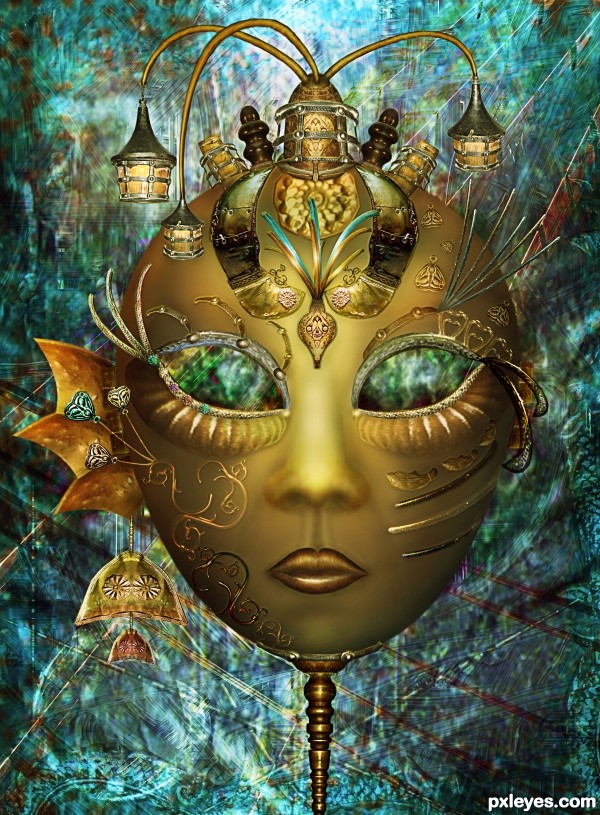
6. Mask
Contest goal:
In this special contest, you can upload any image manipulation that you created or want to create and that doesn’t fit in any of the other active Photoshop contest. What you create is based only on personal imagination, creativity and photo-manipulation techniques. Obviously, this contest won’t be 100% anonymous, just don’t mention your name, or add any special signs on your image that reveal your name. It can be anything you like and are proud of (even old PST entries), as long as it respects the Pxleyes rules & guidelines and you haven’t submitted it before on pxleyes. Voting will be more difficult here, but like in any other contest, the winner will be determined by voting… Wow-factor will play a bigger role here, but it’s important to check out the SBS guide and sources before placing your vote… That way you can be determine if the Wow-effect is achieved by a good source, or by good technique. To prove the authenticity of your work, your entry must have a step by step guide with at least 1 intermediate step + all sources must be mentioned. Maximum 2 entries.
In this special contest, you can upload any image manipulation that you created or want to create and that doesn’t fit in any of the other active Photoshop contest. What you create is based only on personal imagination, creativity and photo-manipulation techniques. Obviously, this contest won’t be 100% anonymous, just don’t mention your name, or add any special signs on your image that reveal your name. It can be anything you like and are proud of (even old PST entries), as long as it respects the Pxleyes rules & guidelines and you haven’t submitted it before on pxleyes. Voting will be more difficult here, but like in any other contest, the winner will be determined by voting… Wow-factor will play a bigger role here, but it’s important to check out the SBS guide and sources before placing your vote… That way you can be determine if the Wow-effect is achieved by a good source, or by good technique. To prove the authenticity of your work, your entry must have a step by step guide with at least 1 intermediate step + all sources must be mentioned. Maximum 2 entries.
5. The dance of eternity
Contest goal:
In this special contest, you can upload any image manipulation that you created or want to create and that doesn’t fit in any of the other active Photoshop contest. What you create is based only on personal imagination, creativity and photo-manipulation techniques. Obviously, this contest won’t be 100% anonymous, just don’t mention your name, or add any special signs on your image that reveal your name. It can be anything you like and are proud of (even old PST entries), as long as it respects the Pxleyes rules & guidelines and you haven’t submitted it before on pxleyes. A SBS is optional, but all sources must be mentioned to prove the authenticity of your work. Maximum 2 entries.
In this special contest, you can upload any image manipulation that you created or want to create and that doesn’t fit in any of the other active Photoshop contest. What you create is based only on personal imagination, creativity and photo-manipulation techniques. Obviously, this contest won’t be 100% anonymous, just don’t mention your name, or add any special signs on your image that reveal your name. It can be anything you like and are proud of (even old PST entries), as long as it respects the Pxleyes rules & guidelines and you haven’t submitted it before on pxleyes. A SBS is optional, but all sources must be mentioned to prove the authenticity of your work. Maximum 2 entries.
4. wAaat U LooKiNN Attt…!!???
Contest goal:
3. Haiku Spring
Contest goal:
In this special contest, you can upload any image manipulation that you created or want to create and that doesn’t fit in any of the other active photoshop contest. What you create is based only on personal imagination, creativity and photo-manipulation techniques. Obviously, this contest won’t be 100% anonymous, just don’t mention your name, or add any special signs on your image that reveal your name. It can be anything you like and are proud of (even old PST entries), as long as it respects the Pxleyes rules & guidelines and you haven’t submitted it before on pxleyes. Voting will be more difficult here, but like in any other contest, the winner will be determined by voting… Wow-factor will play a bigger role here, but it’s important to check out the SBS guide and sources before placing your vote… That way you can be determine if the Wow-effect is achieved by a good source, or by good technique. To prove the authenticity of your work, your entry must have a step by step guide with at least 1 intermediate step + all sources must be mentioned. Maximum 2 entries. Good luck!
In this special contest, you can upload any image manipulation that you created or want to create and that doesn’t fit in any of the other active photoshop contest. What you create is based only on personal imagination, creativity and photo-manipulation techniques. Obviously, this contest won’t be 100% anonymous, just don’t mention your name, or add any special signs on your image that reveal your name. It can be anything you like and are proud of (even old PST entries), as long as it respects the Pxleyes rules & guidelines and you haven’t submitted it before on pxleyes. Voting will be more difficult here, but like in any other contest, the winner will be determined by voting… Wow-factor will play a bigger role here, but it’s important to check out the SBS guide and sources before placing your vote… That way you can be determine if the Wow-effect is achieved by a good source, or by good technique. To prove the authenticity of your work, your entry must have a step by step guide with at least 1 intermediate step + all sources must be mentioned. Maximum 2 entries. Good luck!
2. Solitary
Contest goal:
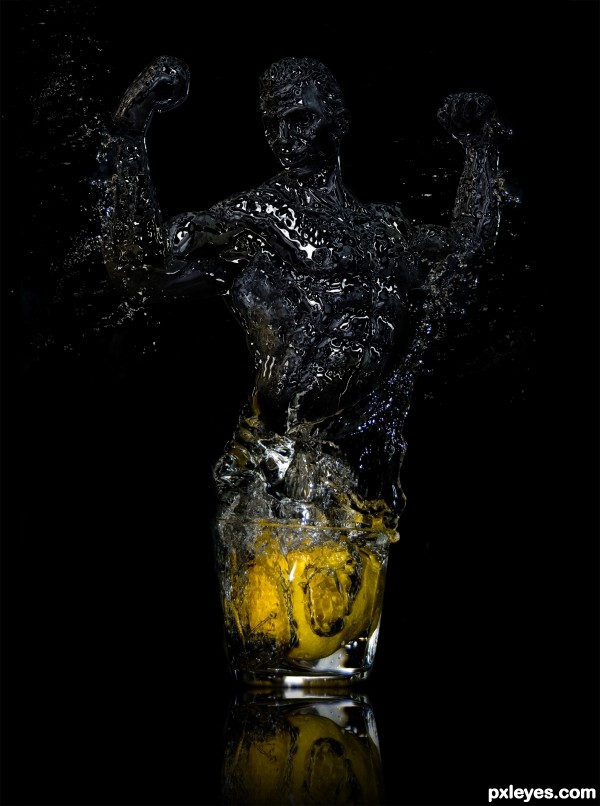
1. Electric man
Contest goal:
Author: admin
Howdie stranger!
If you want to participate in our photoshop and photography contests, just:
LOGIN HERE or REGISTER FOR FREE
-
says:
-
says:
Great photoshop tutorials! Love the design of some of the images.
( 2 years and 4605 days ago )
Pxleyes
Photography and photoshop contests
We are a community of people with
a passion for photography, graphics and art in general.
Every day new photoshop
and photography contests are posted to compete in. We also have one weekly drawing contest
and one weekly 3D contest!
Participation is 100% free!
Just
register and get
started!
Good luck!
Follow us:








© 2015 Pxleyes.com. All rights reserved.
Superb entry …Congratulation to all of you !!!
( 2 years and 4617 days ago )