


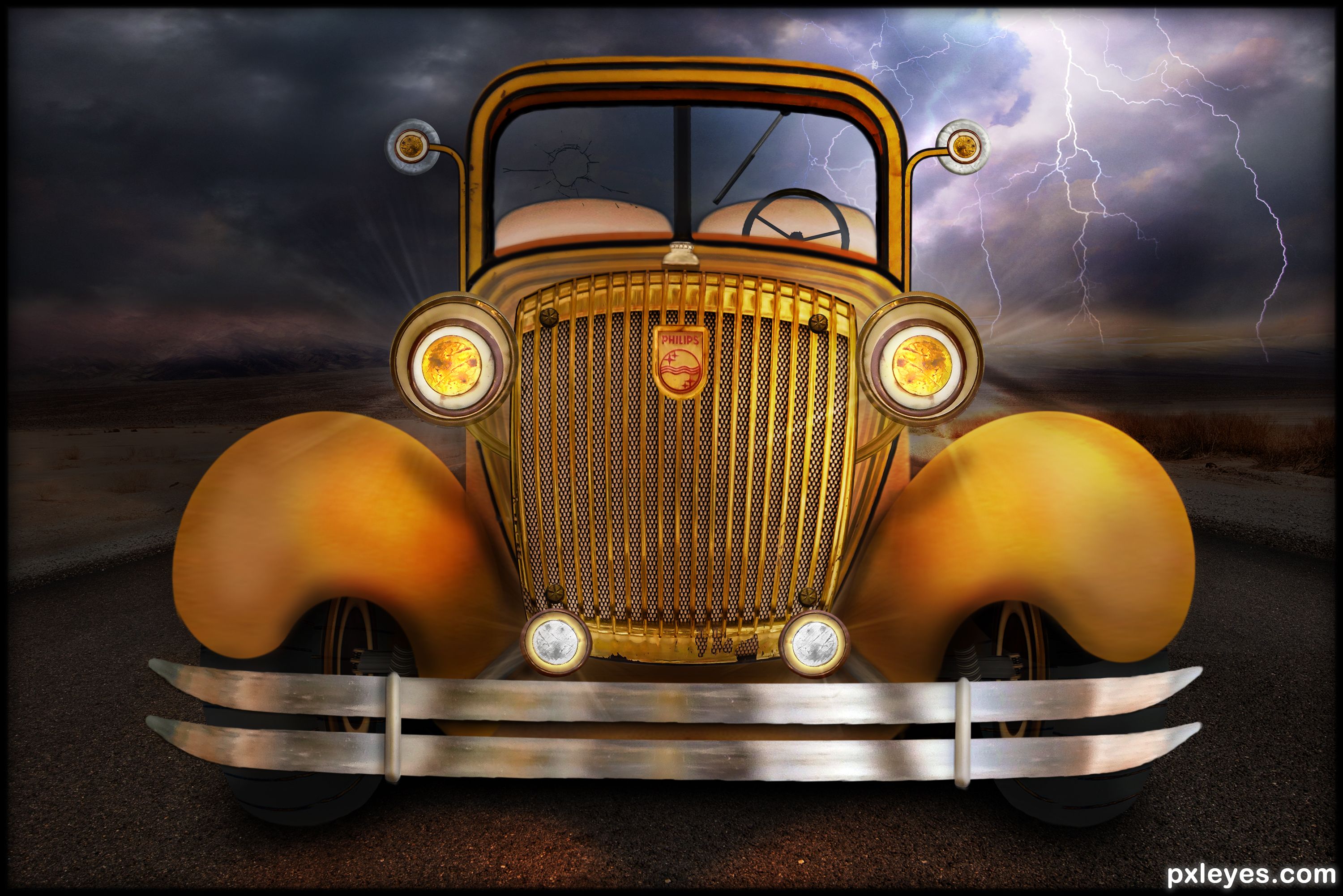
It's the only one of its kind in the world.
It has no driver, because he ran out of fuel so he left the headlights on for safety reasons since it was dark. The fuel station was not far away so hopefully he will be back before his battery runs down. (5 years and 756 days ago)
6 Sources:





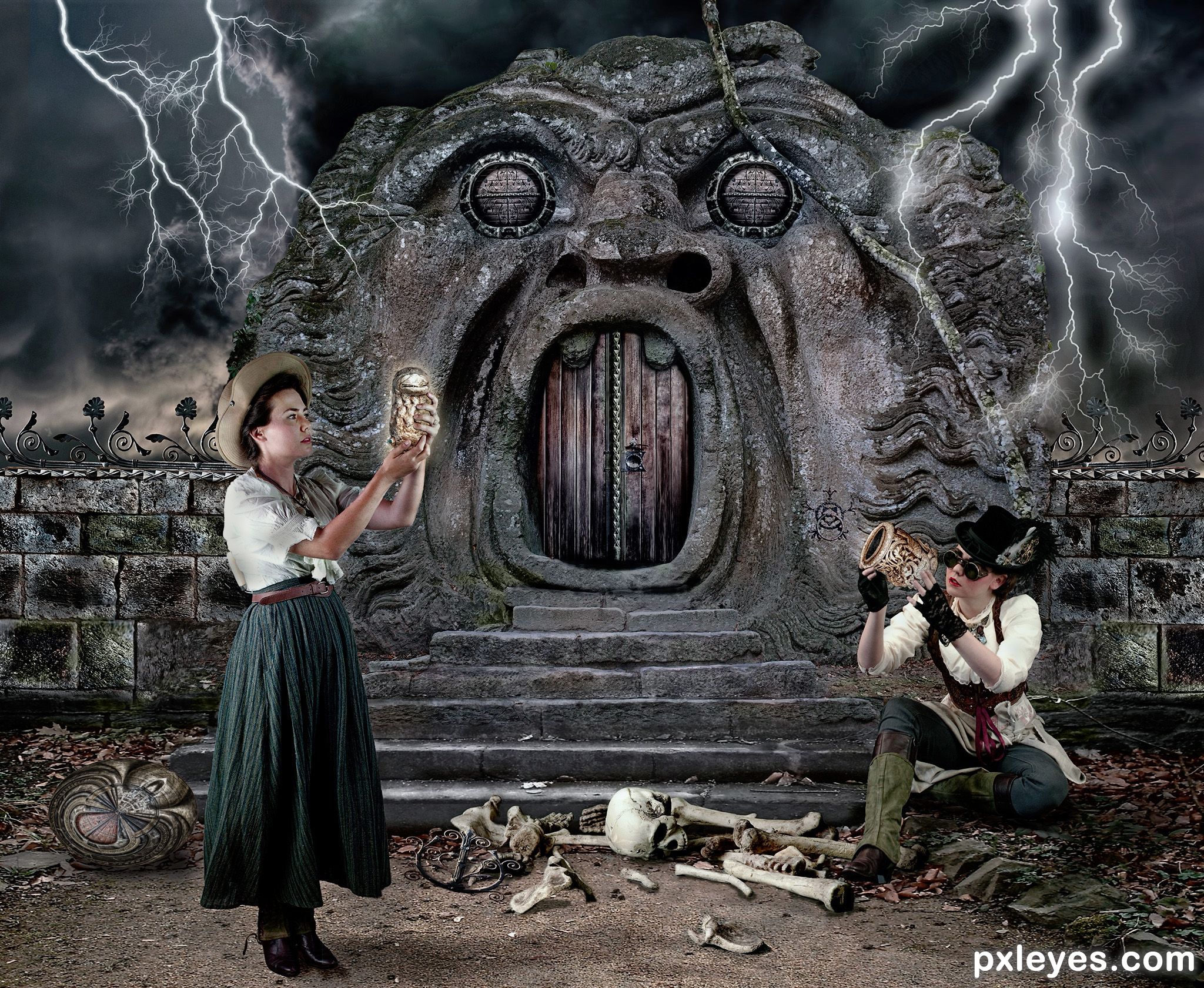


 . There would also be mass amounts of light and would cast light reflections on the rocks monster and surrounding areas. The wrought iron work on the wall is an exceedingly nice touch and made me say to myself "Wow that was a real good use of the source" because the wrought iron stuff in the source image was just a minor detail. The people fit in wonderfully into the "feel" of the Chop. The bones are awesome and well done. The shield doesn't look much like a shield. PS mahalo for the SBS. I would not have known that was a shield otherwise.
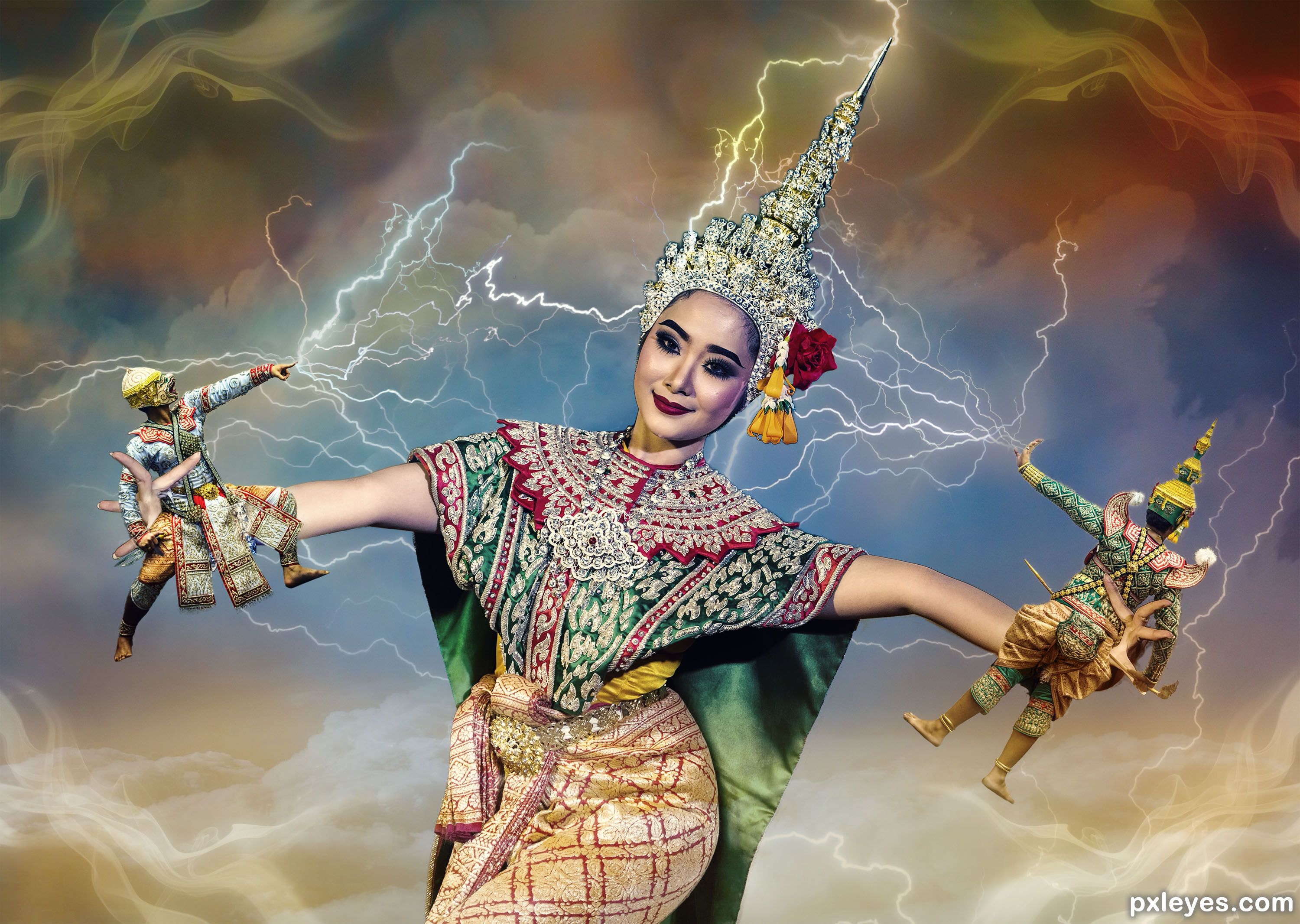











Those lightning brushes aren't working. Try making your own lightning.
I tried and they didn't turn out looking any better than the lightning brushes so I used photos. I put them in the sources list.

I think it's better now.
Thanks for your suggestion.
Yes, much better. Good luck.
Thank you very much.
Purdy!
Thank you.
Congrats Angel!
Thank you.
Congrats for first place ! Very nice picture !
Thanks Lolu. Yours was very nice too. There was hardly any difference in scores between yours and mine so consider it equal first.
Congrats Skyangel
Thanks Sylvie.
Howdie stranger!
If you want to rate this picture or participate in this contest, just:
LOGIN HERE or REGISTER FOR FREE