13 entries submitted in this contest:


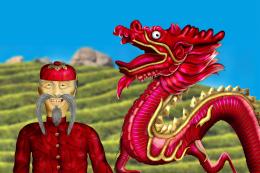
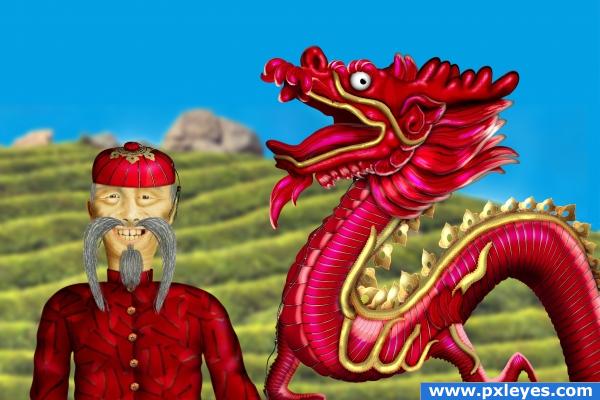
Mr Foo and his creature - created by mymy

Mr Foo and his creature photoshop picture
final rank: 1 out of 13 (final score: 60.4 %)

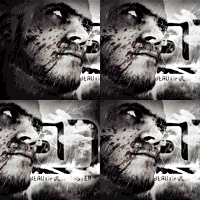
Mr Foo and the dragon are made only with the given source and photoshop. Didn't use any reference for the old man which I'm very proud of :-)
Alot of copy paste warp and liquify. Burn and dodge... 3days of work 8 hours a day.
Please view in high resolution!


this entry has 25 comment(s) and was viewed 1081 time(s).


Mr Foo and his creature step 1
step 1

Mr Foo and his creature step 2
step 2

Mr Foo and his creature step 3
step 3

Mr Foo and his creature step 4
step 4

Mr Foo and his creature step 5
step 5

Mr Foo and his creature step 6
step 6

Mr Foo and his creature step 7
step 7

Mr Foo and his creature step 8
step 8

Mr Foo and his creature step 9
step 9

Mr Foo and his creature step 10
step 10

Mr Foo and his creature step 11
step 11

Mr Foo and his creature step 12
step 12

Mr Foo and his creature step 13
step 13

Mr Foo and his creature step 14
step 14

Mr Foo and his creature step 15
step 15

Mr Foo and his creature step 16
step 16

Mr Foo and his creature step 17
step 17

Mr Foo and his creature step 18
step 18

Mr Foo and his creature step 19
step 19

Mr Foo and his creature step 20
step 20

Mr Foo and his creature step 21
step 21

Mr Foo and his creature step 22
step 22

Mr Foo and his creature step 23
step 23

Mr Foo and his creature step 24
step 24

Mr Foo and his creature step 25
step 25

Mr Foo and his creature step 26
step 26
sources used for this entry:
marked as favorite 5 time(s)
final score: 60.4 %
votes placed: 279
submitted: 212 days ago (July 12, 2009, 12:55 pm GMT)

More:
This guide made it to the guide list!
Rate it here...

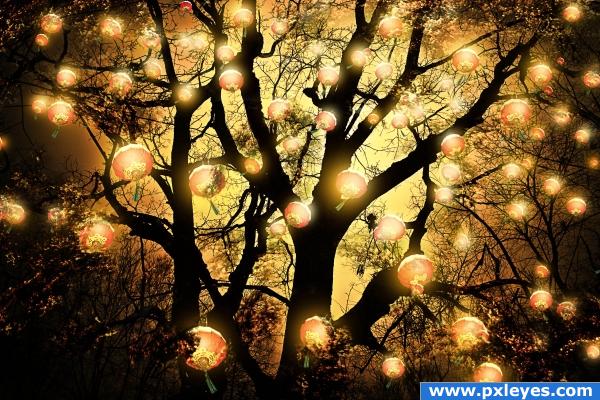
Warm fest - created by siderismaris

Warm fest photoshop picture
final rank: 2 out of 13 (final score: 59.6 %)

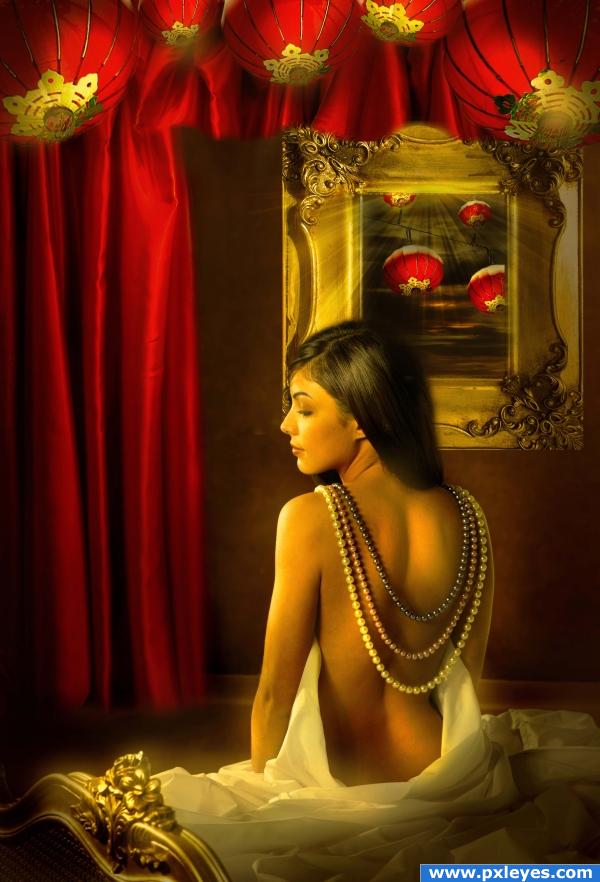
Used the masking erase tool and the selection tool for adding the lanterns to image. The free transformation tool was useful in order to change the perspective of the lanterns, but also their size and position. The shadows and the lights have been created using the dodge and the burn tool. Contrast tool and the photo filter option were useful for creating the mood. Enjoy!
credits and thanks:

www.cgtextures.com
http://katanaz-stock.deviantart.com
http://psauburnchick12.deviantart.com


this entry has 19 comment(s) and was viewed 771 time(s).


sources used for this entry:
marked as favorite 1 time(s)
final score: 59.6 %
votes placed: 235
submitted: 207 days ago (July 17, 2009, 8:06 am GMT)

More:
tags:Warmfest

I WANT THE BLUE ONE!!!!!!!!!!! - created by GolemAura

I WANT THE BLUE ONE!!!!!!!!!!! photoshop picture
final rank: 3 out of 13 (final score: 59.3 %)

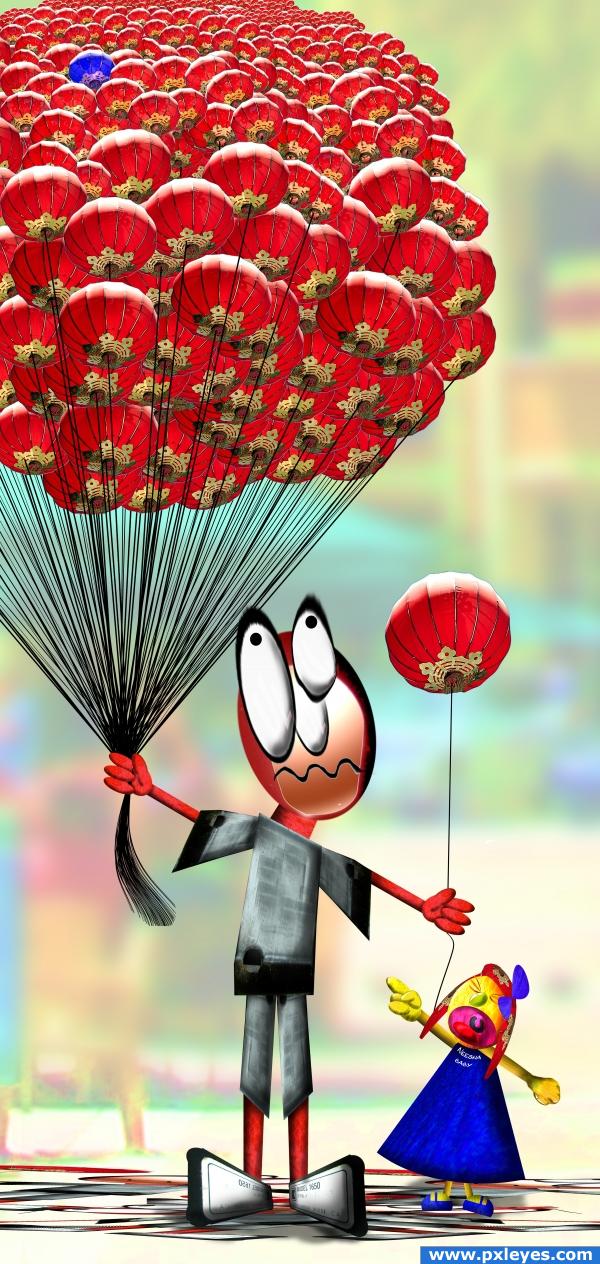
this really happened.. accept it was a deli counter, and it involved a huge tray of about 1000 chicken wings, and it was a grown woman who wanted a very specific wing... ONE.. I prayed for the deli counter person

source and my pic


this entry has 17 comment(s) and was viewed 863 time(s).


I WANT THE BLUE ONE!!!!!!!!!!! step 1
step 1

I WANT THE BLUE ONE!!!!!!!!!!! step 2
step 2

I WANT THE BLUE ONE!!!!!!!!!!! step 3
step 3

I WANT THE BLUE ONE!!!!!!!!!!! step 4
step 4

I WANT THE BLUE ONE!!!!!!!!!!! step 5
step 5

I WANT THE BLUE ONE!!!!!!!!!!! step 6
step 6

I WANT THE BLUE ONE!!!!!!!!!!! step 7
step 7

I WANT THE BLUE ONE!!!!!!!!!!! step 8
step 8

I WANT THE BLUE ONE!!!!!!!!!!! step 9
step 9

I WANT THE BLUE ONE!!!!!!!!!!! step 10
step 10

I WANT THE BLUE ONE!!!!!!!!!!! step 11
step 11

I WANT THE BLUE ONE!!!!!!!!!!! step 12
step 12

I WANT THE BLUE ONE!!!!!!!!!!! step 13
step 13

I WANT THE BLUE ONE!!!!!!!!!!! step 14
step 14

I WANT THE BLUE ONE!!!!!!!!!!! step 15
step 15

I WANT THE BLUE ONE!!!!!!!!!!! step 16
step 16
marked as favorite 4 time(s)
final score: 59.3 %
votes placed: 235
submitted: 208 days ago (July 16, 2009, 3:47 pm GMT)

More:
This guide made it to the guide list!
Rate it here...

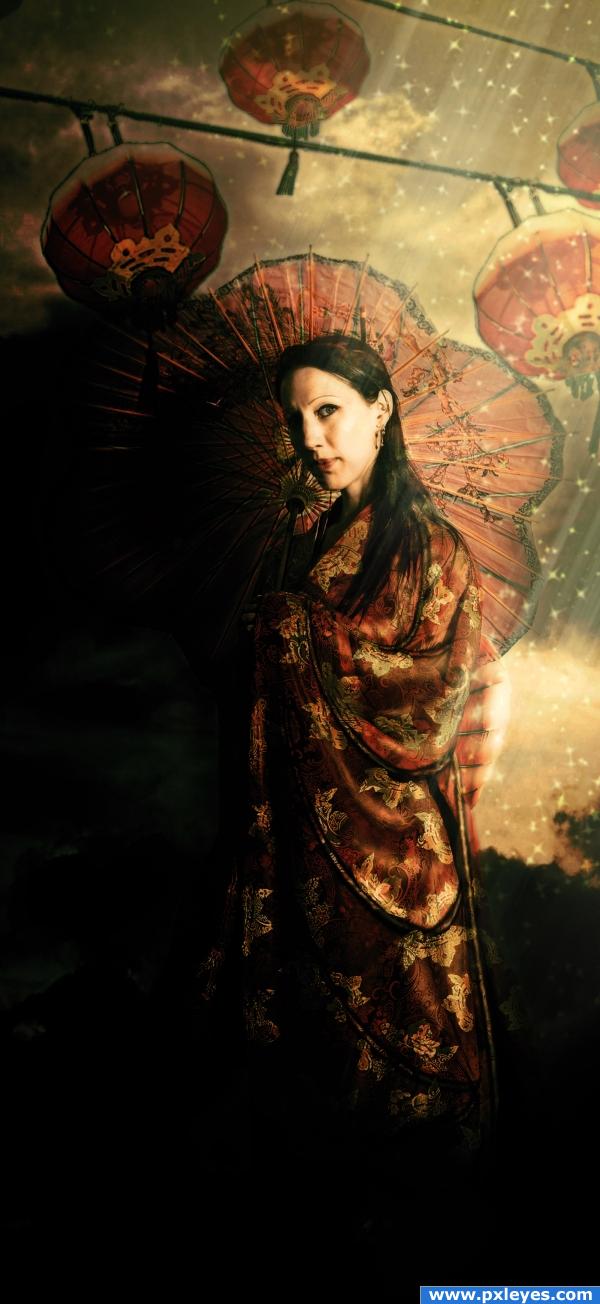
Life as a Geisha... - created by Nellista

Life as a Geisha... photoshop picture
final rank: 4 out of 13 (final score: 58.7 %)

I recreated the kimono and the umbrella out of source image.
Added sky backround and extra lanterns on top of image.
Played with adjustment layers for coloring, shadows and highlights.

Credits to "xstockx" on Deviantart for an absolutely amazing stock that I'm in love with! Please visit the author at: http://xstockx.deviantart.com/ for very good high quality pictures.


this entry has 15 comment(s) and was viewed 1202 time(s).

sources used for this entry:
marked as favorite 1 time(s)
final score: 58.7 %
votes placed: 264
submitted: 210 days ago (July 14, 2009, 11:51 am GMT)

More:

The Lanterns Tree - created by Nellista

The Lanterns Tree photoshop picture
final rank: 5 out of 13 (final score: 58.5 %)

I selected one of the lanterns from source image, copy/paste numerous times, resize, flip and positioned them differently in the tree.
Selected leaves from another tree image, warped, resized and positioned them differently on and in between branches. Masked them to create a better blend with the branches.
Made the lanterns glow by using different tones of yellow on a soft brush. Changed blending mode to screen, added gaussian blur and lowered opacity till I could still see a bit of the lanterns.
Added contrasts and shadows using gradients and different blending modes.
Added high pass filter for better definition.


this entry has 12 comment(s) and was viewed 2624 time(s).

sources used for this entry:
marked as favorite 3 time(s)
final score: 58.5 %
votes placed: 284
submitted: 210 days ago (July 14, 2009, 9:09 am GMT)

More: