


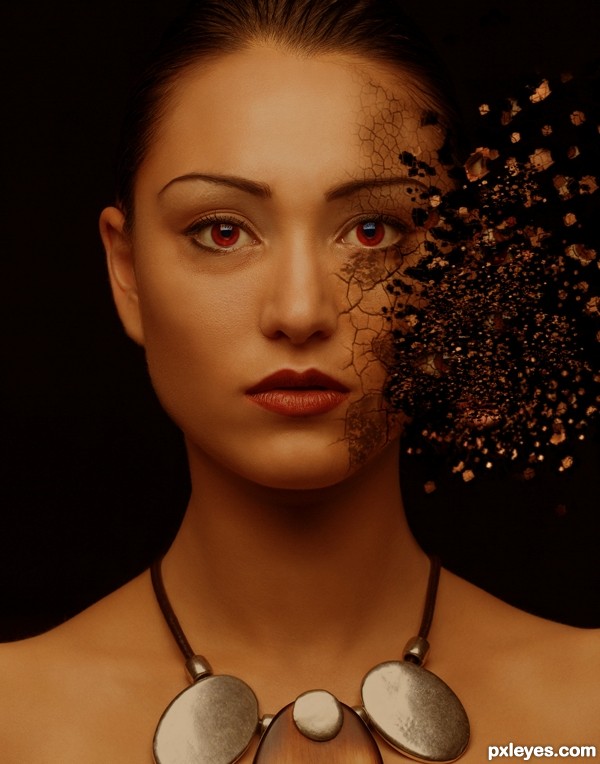





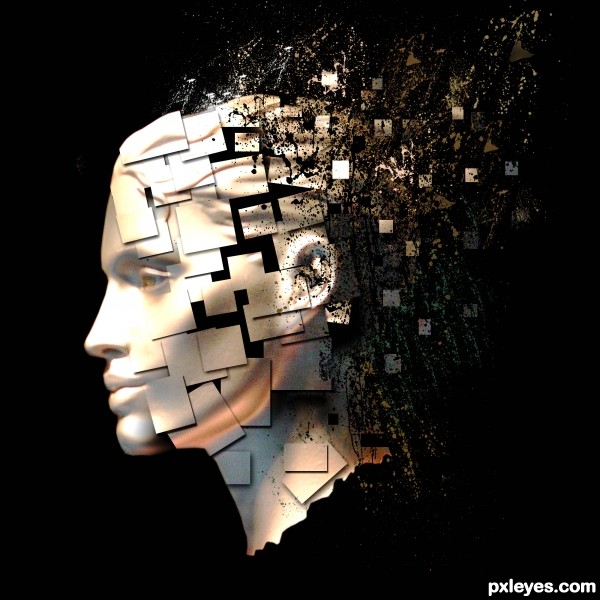
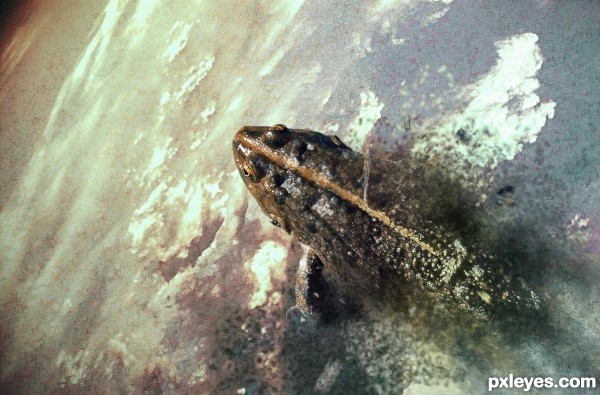
made the shape for the scattering with the pentool using shape, and cloned the face on it (5 years and 2874 days ago)
3 Sources:


Howdie stranger!
If you want to participate in this contest, just:
LOGIN HERE or REGISTER FOR FREE
Photography and photoshop contests
We are a community of people with
a passion for photography, graphics and art in general.
Every day new photoshop
and photography contests are posted to compete in. We also have one weekly drawing contest
and one weekly 3D contest!
Participation is 100% free!
Just
register and get
started!
Good luck!


© 2015 Pxleyes.com. All rights reserved.








 Mainly hoping you stay on theme





SUPER DUPER WELL DONE.. though I would check the debris where the duplicate eyes appear .. I think they should be dispersed as well (or just burn them darker into the background... (They look a tad Cloney to me but that could be just me) ALL IMHO

Super FAV, and I've only offered suggestions ... GREAT JOB ALL ROUND
Many thx for ur comment,compliment and fav driven!!
btw, i changed the eye thing u mentioned
OH YEAH!!! great fix (In a gallery or sell area it would have been fine, but your fix makes it look so much more balanced).. I'm weird that way LOL.. GREAT FIX!!
lol thx driven
Nice work. I like the cracks in the skin. Really adds to the effect. Nice work.
Very very nice work ! good luck author
Congrats!
Congrats nicely done
Congrats!!!
Congrats!!
Congrats !
thx all!
Howdie stranger!
If you want to rate this picture or participate in this contest, just:
LOGIN HERE or REGISTER FOR FREE