













(5 years and 3671 days ago)
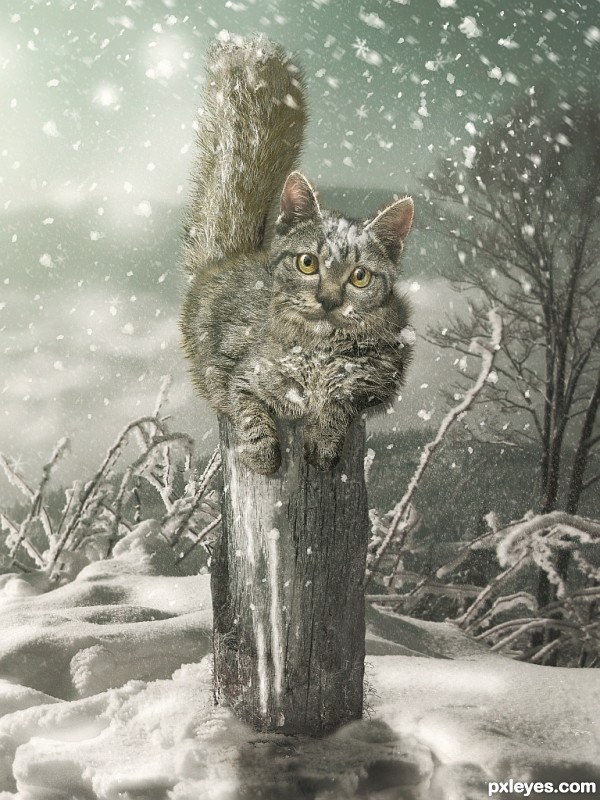
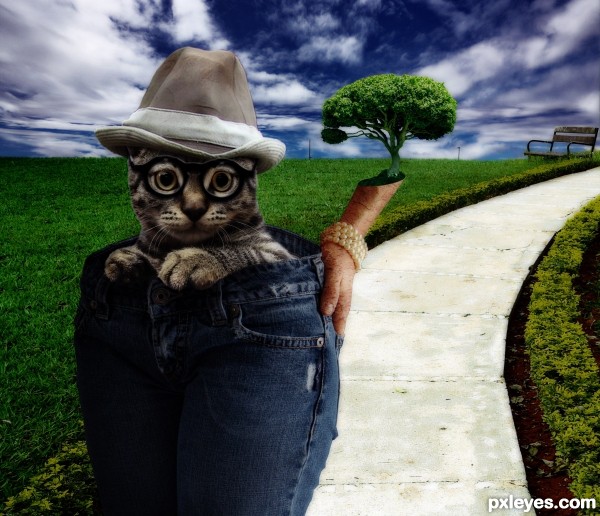
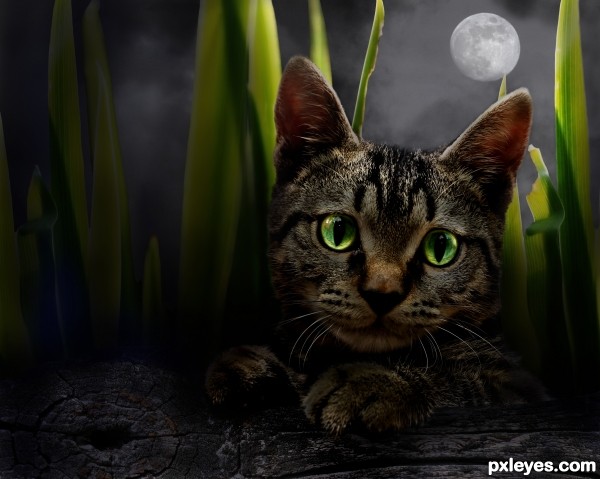
4 Sources:
- 1: Thanks to milan6
- 2: Pole
- 3: Cat Body
- 4: Tail


 Is it a kind of abbreviation?
  ( 5 years and 3671 days ago )
 Howdie stranger!
If you want to participate in this contest, just:
LOGIN HERE or REGISTER FOR FREE
Photography and photoshop contests
We are a community of people with
a passion for photography, graphics and art in general.
Every day new photoshop
and photography contests are posted to compete in. We also have one weekly drawing contest
and one weekly 3D contest!
Participation is 100% free!
Just
register and get
started!
Good luck!


© 2015 Pxleyes.com. All rights reserved.
































Wonderful work author. Congrats in advance

gud author but u must send sbs(step by step)
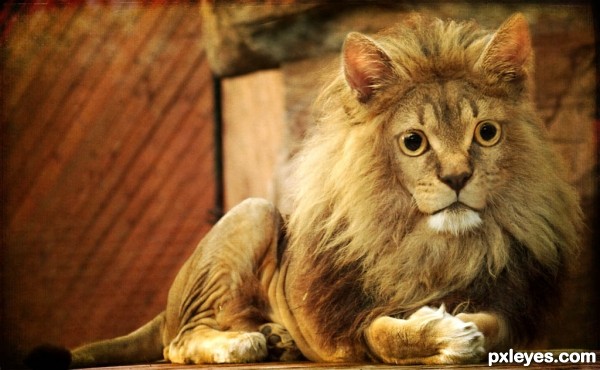
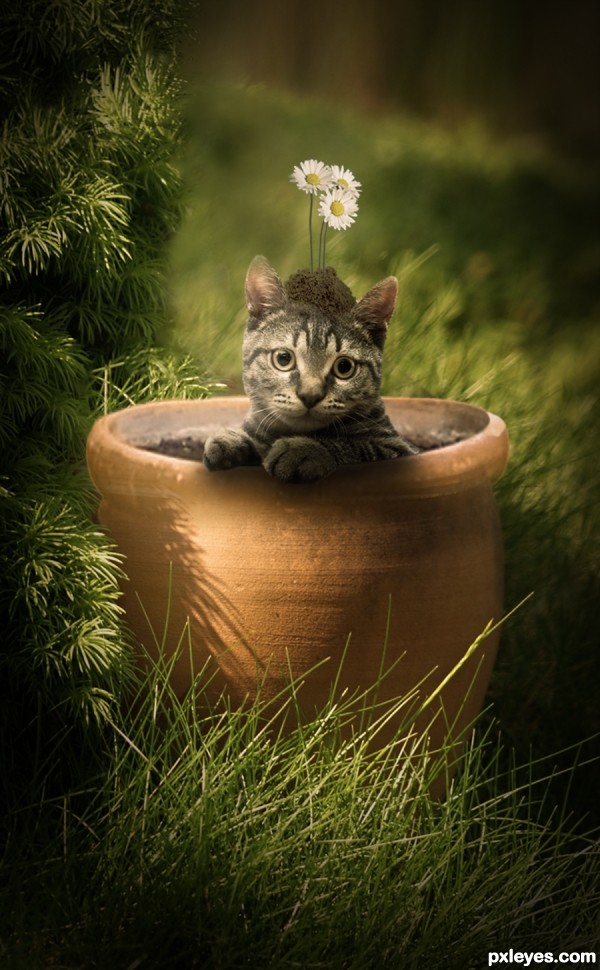
maybe some long hair added to face to match the body?.. but then again.. we shave cats here in Florida and get this
http://thefagcasanova.files.wordpress.com/2009/11/shaved.jpg
So I guess this little guy is the reverse.. (very beautiful author.. good luck)
Superb!
Always a very high level of creativity and craftsmanship in your work author!! High res is a must see......
I feel like the shape and proportions of the cat are a bit awkward, the cat head seems to be a bit too big.. my suggestion would be to add a subtle shadow between the cat head and the body to help separate the two a bit. Other than that, it's a magnificent image. Great job.
Stunning work
I love this = )
perfect !
a tutorial for this one is a must! this is a great piece of work.. love the sharpness and the color.
Congratulations!
Congratulations for 1st
Congrats, lovely work
Congrats for your winning

Congrats Jaskier! I'll always admire your work
congrats!
Thanks for Your comments and votes.
Howdie stranger!
If you want to rate this picture or participate in this contest, just:
LOGIN HERE or REGISTER FOR FREE