


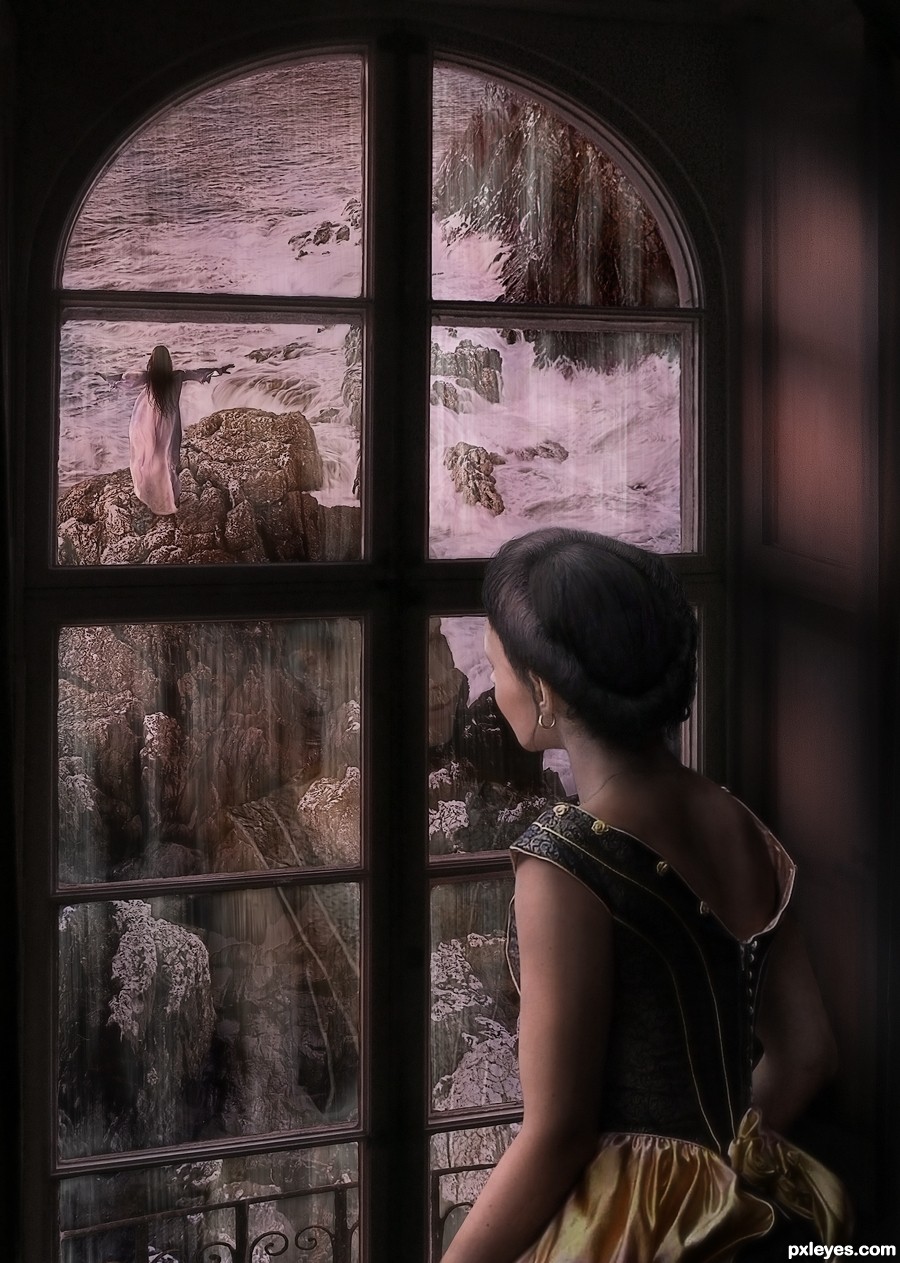













Thanks to stock provider Auroradreams for all figures in the image. The Seascape is by mqtrf from last weeks Wild Sea contest.
Window photo is my own - see SBS
(5 years and 3442 days ago)
7 Sources:

Reflections  by arca 16031 views - final score: 61.9% | Chasing Dreams  by yoguy108 12972 views - final score: 61.7% | Field Trip  by yoguy108 11331 views - final score: 60.7% |
bliss  by Androla 13374 views - final score: 59.4% | Floating Beauty  by fatz8016 10165 views - final score: 54.8% | Exiled Soul  by Lamantine 7736 views - final score: 54.7% |
Flowers 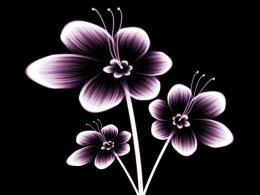 by serialkiller 6176 views - final score: 53.2% | Monk  by Mario 7542 views - final score: 53.1% | Hidden Dreams 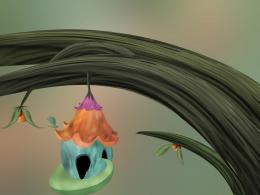 by darkshellie23 6301 views - final score: 52.7% |
Love Forever........  by lahiripartha 8706 views - final score: 52.7% | Demonic Distortion in Mexico 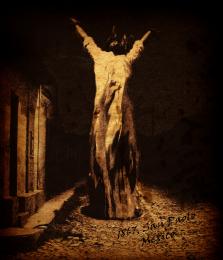 by PSA2009 8667 views - final score: 51.7% | Slave Cell 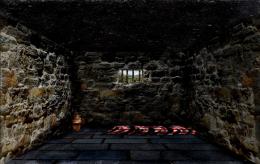 by TheTrapper 12622 views - final score: 50.7% |
Sax Man 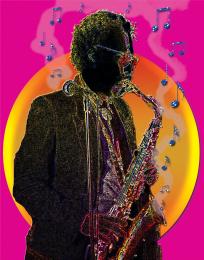 by mv4 8016 views - final score: 50% | Galathea 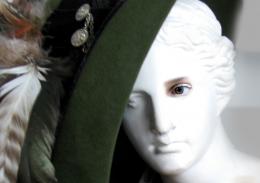 by mazanda 4222 views - final score: 50% | Beautiful Colors  by zainemma 12038 views - final score: 48.3% |
Howdie Guest!
You need to be logged in to rate this entry and participate in the contests!
LOGIN HERE or REGISTER FOR FREE
Photography and photoshop contests
We are a community of people with
a passion for photography, graphics and art in general.
Every day new photoshop
and photography contests are posted to compete in. We also have one weekly drawing contest
and one weekly 3D contest!
Participation is 100% free!
Just
register and get
started!
Good luck!


© 2015 Pxleyes.com. All rights reserved.






Fabulous piece author...Its shame about the last week contest,this one would be 1st without any doubt...GL
This is an amazing piece with a lot of detail and work put into it. My only issue is with the perspective of the furthest rocks (top right) which somehow feels wrong in relation to the perspective of the lady at the window. But I still love this to bits!
@Mad Funny you should mention that. It has been bothering me too so I have been working on it. Tried a variety of different layouts and I think this one is the best. Hard perspective on this piece. Thanks for the great observation and comment.

@erathion Yeah it was too bad I did not get it finished in time but just too many little details and not enough time. Thank you so much for the comment.
Fabulous work !
nice image ,GL
I really love entries like these. Thought provoking and well done. Just great!
SO SWEET ,GOOD LUCK
Beautiful entry...,the excecution is so realistic.., Good luck author...

I like your step 12, a really good tip. I am impressed with the all the detail here, you've really thought of everything. Her reflection in the window is perfect, just barely there, like it should be. A very powerful image with the girl on the edge of the rocks like this. Touching........
Thanks all!
Bravos, words cannot express! Stunning work.
I have a question about step 16: by Non desctructive.. you mean dodge/burn in the high pass layer / making another gray layer / using simple white/black brushes with layer blending or how? Feeling noob-ish here.
@greymval - ur not a noob just poor SBS explaning on my part You can do the dodge and burn either in a new layer (see below for direction for that) or If you are using the High Pass layer to sharpen (which is what I usually use it for) I sometimes do some Dodge and Burn work in that layer (and neutrilizing the sharpening where it is too strong). I don't usually do a lot of D&B there but when I only have a little to do I will utilize the High Pass layer rather than create another layer. (NOTE: High pass layer and neutral gray layers are both set on Soft Light Blend mode).

Direction for a Non Destructive Dodge and Burn layer (no HIgh Pass layers were harmed in these instructions)
You create a new layer (hold Alt key - click on the Create new layer icon - bottom layers palette>in new layers window pick Soft Light blend mode and check the Fill with Soft-Light neutral colour (50%grey) box). This will create a layer that can be used to Burn (using Blacks & Darker grays or Dodge (using White and lighter grays).
There is a rose in Spanish Harlem ....

Well actually.. There is a rose in Spanish Edge-of-a-Cliff and OMG if she opens that window she's going to fall and go boom.. and wait till she get her hands on that girl IN THE WHITE Night gown wondering around on all those sharp rocks... EEEEEEKKKKKKKK
(couldn't resist author.. LOLOLOL)
Very wonderful image, has that whole should be hanging in a castle feel
@ slushy

Actually it is more Heather on the Scottish lowlands .... and she has no intention of following her sister ... she is the sensible one (or restrained or sane or less crazy depending on your point of view)
Heather Does the Scottish Lowlands? ..(oh I'm bad.. I'm really really bad) smooch and FLEE
Flee, fi, fo, fum ... I see a slushy on the rum! (not a typo)! Mwwwhahahahah
Burp
Congrats, Arca...a well deserved placement!
Thank you all so very much!!!! Big hug!
Congrats for your first place, Arca! Lovely image!
Congrats arca,awesomely made entry.
Congrats for 1st
Congrats for 1st
congratulations...
Congrats Arca another beautiful piece
Congrats!!
Congrats, you deserve it = )
Beautiful work...congrants
Nice job Congrats on 1st Place
Howdie stranger!
If you want to rate this picture or participate in this contest, just:
LOGIN HERE or REGISTER FOR FREE