


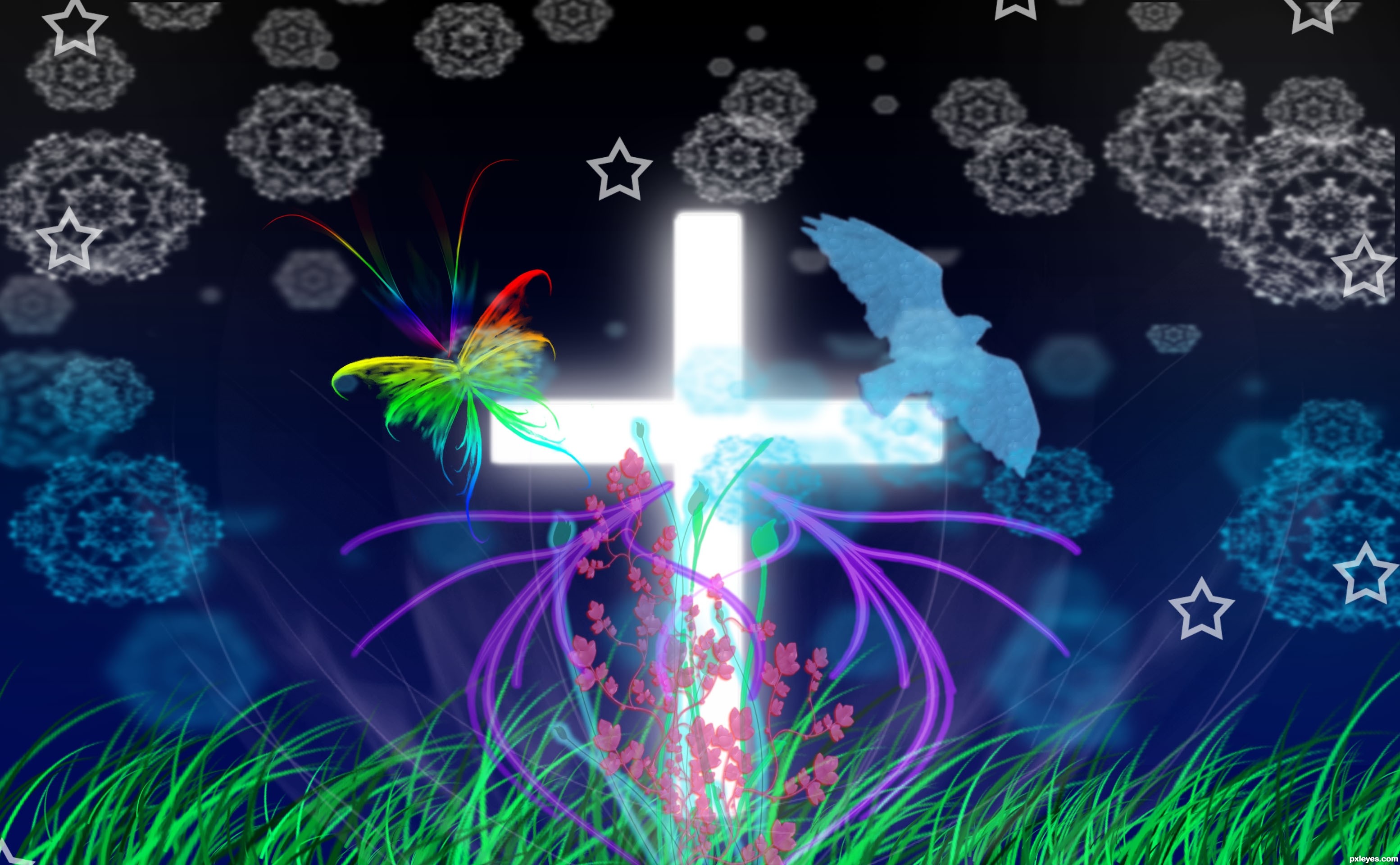
I used different kinds of brushes.
"Thanks to Shady Medusa-stock at DA for brushes 1 and 5. Thanks to Obsidian Dawn for brushes 2 and 3. Also thanks to Jason Gaylor and Design Fruit for brush 4." (5 years and 3476 days ago)

The Resurrection  by petersheep 29116 views - final score: 63.2% | Blessing  by dekwid 11553 views - final score: 61.6% | Dead Land  by locxoul 13707 views - final score: 56.9% |
Flowers  by locale 12701 views - final score: 55.1% | Stars Crossing Flowers  by dandesign05 13624 views - final score: 53.2% | Meeting night  by erikuri 6173 views - final score: 53% |
Heaven  by ReDZN 6918 views - final score: 52.6% | The call  by erikuri 4686 views - final score: 52.6% | Golgotha (The Hill of Skulls) 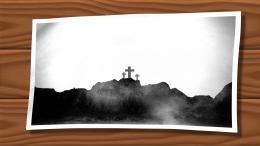 by baumillerkyle 15999 views - final score: 52.5% |
Fantasmas pedem carona 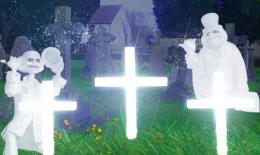 by Bikudo38 11086 views - final score: 51.5% | My Dear Chimpu!! 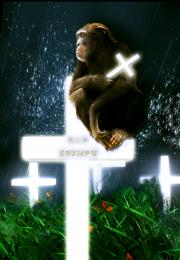 by shaiju1974 6841 views - final score: 51.2% | Give Me PEACE  by camy23 6838 views - final score: 50.5% |
moon 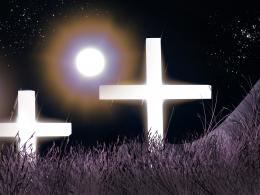 by Androla 4745 views - final score: 49.8% | Rose from the dead... 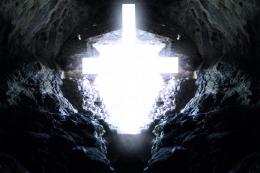 by layerstack 7411 views - final score: 49.8% | End of World 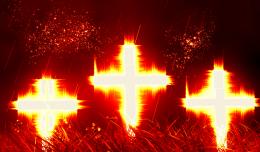 by vimal 6767 views - final score: 48.9% |
Marble Heaven 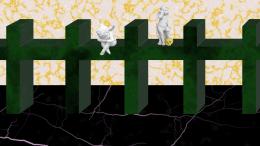 by baumillerkyle 11484 views - final score: 48.6% | R.I.P 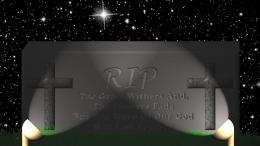 by baumillerkyle 10286 views - final score: 48.1% |
Howdie Guest!
You need to be logged in to rate this entry and participate in the contests!
LOGIN HERE or REGISTER FOR FREE
Photography and photoshop contests
We are a community of people with
a passion for photography, graphics and art in general.
Every day new photoshop
and photography contests are posted to compete in. We also have one weekly drawing contest
and one weekly 3D contest!
Participation is 100% free!
Just
register and get
started!
Good luck!


© 2015 Pxleyes.com. All rights reserved.






You sure did.
I ilke this. It's very pretty
to give your brushes a little more punch.... make ONE on one layer then duplicate it and rotate it a bit... continue the process until you have several brushes at different sizes and angles it will make them look more balanced, at the moment they are very repetitive (I'm speaking of the stars and snow flakes).. just look at the stars in the sky, they are a great guide
Good luck and welcome to PXLeyes, it's a great place to learn and there are lots of nice peeps to help you along
@Drivenslush : Thank you very much... will be very careful next time..Thankx a lot....
@MnMCarta : Thank you very much...
I agree with Drivenslush about the brushes. But if you don't want too much layers, you can do it on only one layer, then selecting each star (or snow flake) and resizing/rotating the way you want, moving the place and applying effects as well.
Nice choose of colors!
nice job...psicodelic! GL author
I like your butterfly here = )
@ Emik : Thank you dear....
@petersheep: Thank you sir
Howdie stranger!
If you want to rate this picture or participate in this contest, just:
LOGIN HERE or REGISTER FOR FREE