


Color Depth - Photoshop Contest [27 entries]
Home » Photoshop Contests » Color Depth
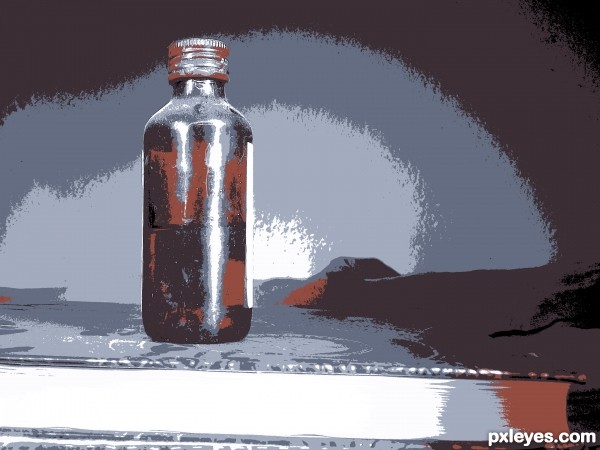
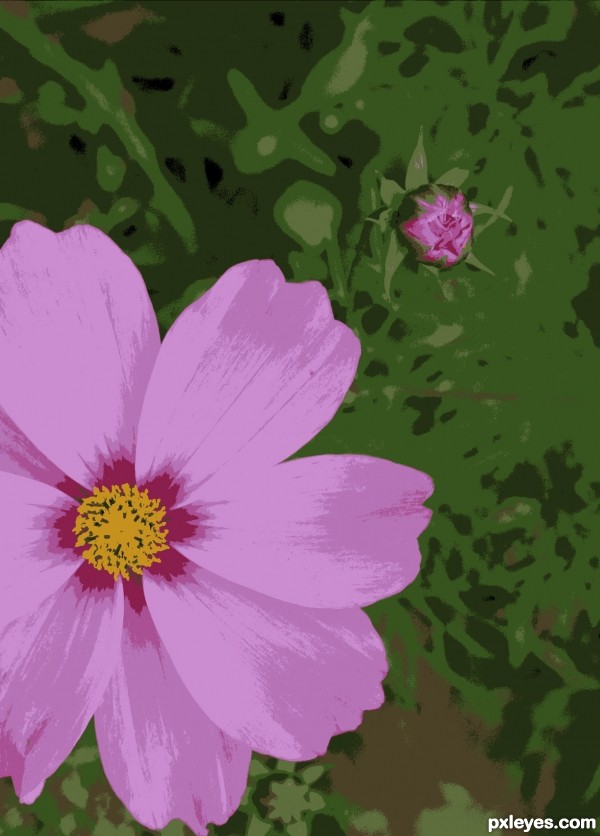
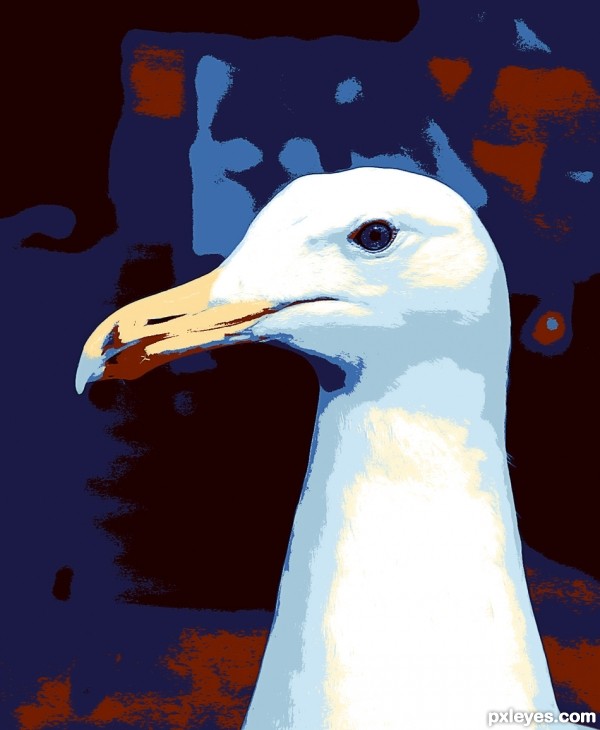
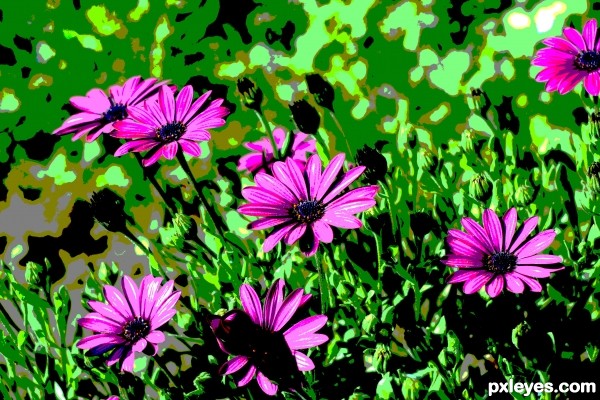
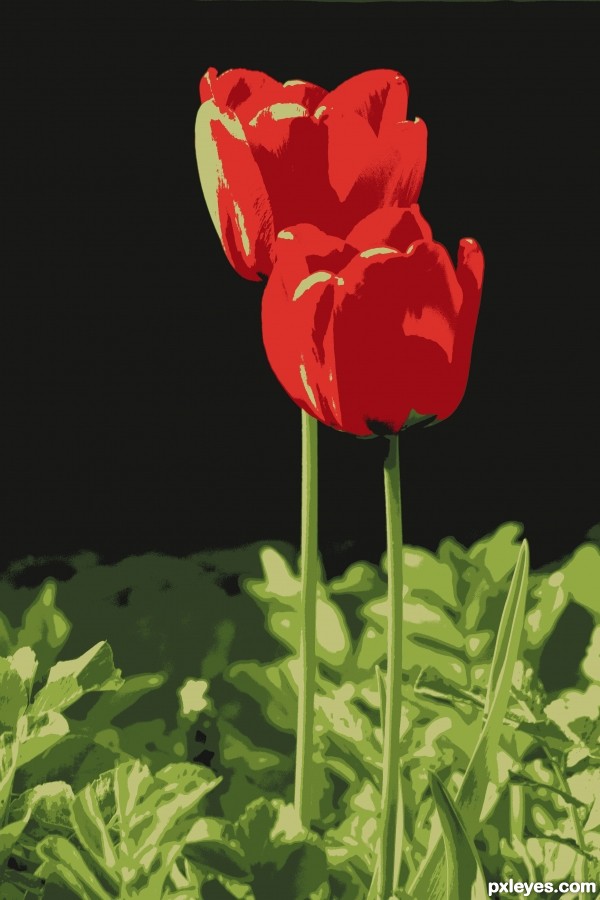
Take any of your own photos and decrease the color depth anywhere from 2 to 16 colors (1-4 bit). In the description, mention how many colors you decreased your photo by. Experiment with your favorite photos and upload the most artistic one.
( suggested by: k5683 )
This contest is just for fun!
Details:
Submit days: July 14, 2011 - July 22, 2011
Voting days: July 22, 2011 - July 24, 2011
Current contest status: finished
Required skill level: all levels
9 Comments:
pingenvy: This is something I've never tried. How is this approached in Photoshop? (317 days ago)
CMYK46: Ummm...yeah, what's the technique here? (317 days ago)
Chalty669: Image/Adjustments/Posterize.......Not much of a photoshop contest. (317 days ago)
k5683: Chalty669, I didn't know whether to put this in the photography or in the photoshop. Mr. Monty would have changed it if he thought it would have better suited the Photography section. I use PSP and in the Color menu, you can either increase or decrease colors used. PSP is most like PS. Not sure if Posterize is the same but would suppose it is---can you tell how many colors you decreased it by when using Posterize?
(317 days ago)
(317 days ago)
ibmaxed: I thought about posterize but didnt seem right. Adobe version is to change from rgb to index and adjust fron there. Keeping in mind that adjusting to 2 is BW. When you change to index you get the options and can play around a little to view the results. Any imaging software that handle index files should do it.You do have to change the finished image back to rgb to save as jpeg. The results are a little to posterization as you have to dither or use one of the other options to make up for the lost colour. (316 days ago)
arca: This is fun ... I did what ibmaxed suggested and changed image to index mode and spent 2 hours playing with a variety of settings and photos. Great! (316 days ago)
DanLundberg: The drama/composition of the starting photo seems to be key while the subsequent manipulation is secondary, i.e., it merely enhances/emphasizes what is already there to make the image that more compelling. (316 days ago)
k5683: ibmaxed, thanks for the explanation for the other type of program. I am surprised there isn't more entries already since it is a simple one. (313 days ago)
Contest Moderator: Any entry submitted after 2000hrs GMT Friday 22nd July will be removed (309 days ago)
27 entries submitted in this contest: |