






Subliminal message follows......
VOTE FOR ME!
*hi-res*
(SBS coming soon) (5 years and 3823 days ago)


 ( 5 years and 3825 days ago )
 Howdie stranger!
If you want to participate in this contest, just:
LOGIN HERE or REGISTER FOR FREE
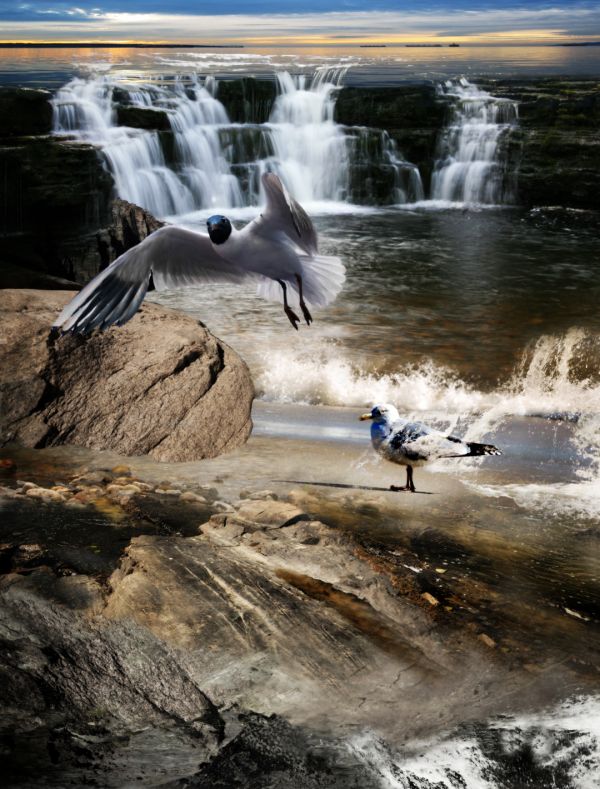
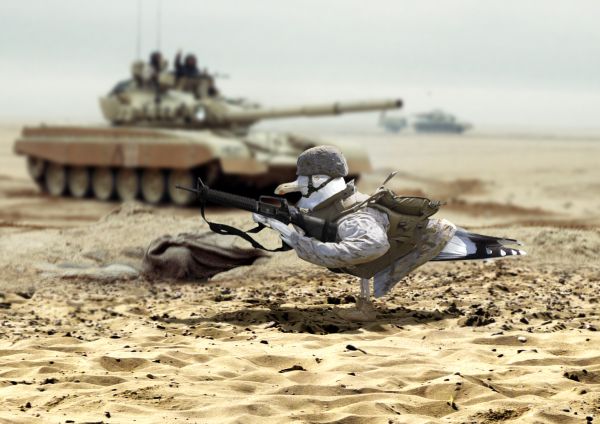
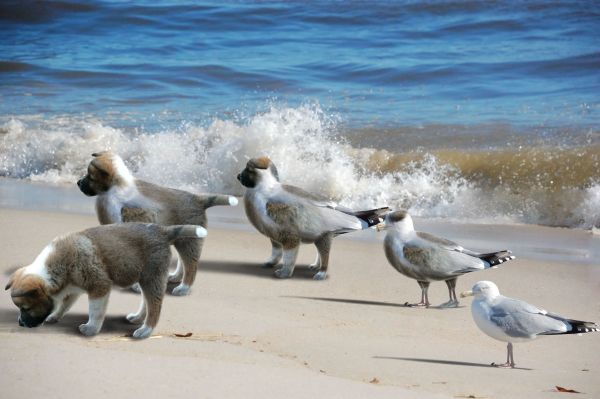
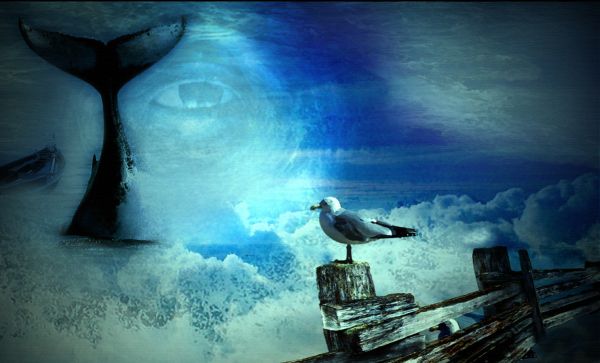
Just a huge amount of handwork, with blending all the layers and finding a way to make them match each others. Tried to do a clean cut with the bird (seagull) and give it a better coloring too.
I gave some colours for the bird(s) and spend a lot of time altering the colours for different source pictures, as the colour palette was very different in each.
Tools used: layer blending, masking tools, warping tool, perspective tool. Hue/saturation and colour balance tool+channel mixer. Clone tool and render/lightning effect.
A slight gaussian blur added finally with some colour tweaking, to remove excess colour from the lower part of the image (mostly red). (5 years and 3821 days ago)
Photography and photoshop contests
We are a community of people with
a passion for photography, graphics and art in general.
Every day new photoshop
and photography contests are posted to compete in. We also have one weekly drawing contest
and one weekly 3D contest!
Participation is 100% free!
Just
register and get
started!
Good luck!


© 2015 Pxleyes.com. All rights reserved.






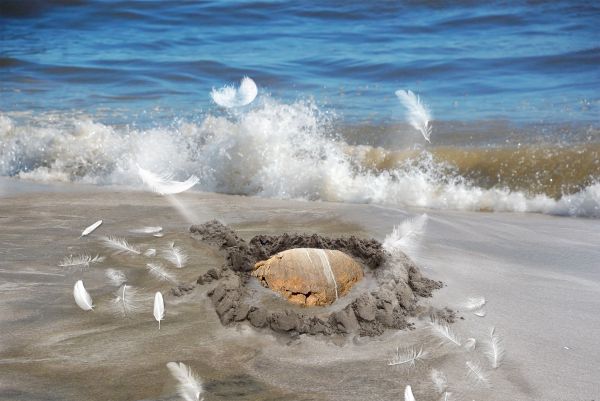


 Great blend!
















Check your sources, 2 & 3 go to the same image
Pretty funny! Just fix the source link problem, and good luck!

fixed.... Thanks guys
Very nice lool what an amazing soldier he doesn't even need an airplane >.
lol
Great job.. excellent blend
aahhaahh...very good work! well done
Very funny! and great chop!
funny use of pun, good work! love his boots!
awesome! high res is not so great, but good nonetheless
Awesome work......Lovely...
LOL! nice work!
lol... good job
Congrats yet again on 1st place! woohoooo
Congrats for your first place, Buzzy!
thanks guys!!!
the best!
Howdie stranger!
If you want to rate this picture or participate in this contest, just:
LOGIN HERE or REGISTER FOR FREE