


(5 years and 426 days ago)
7 Sources:

(5 years and 460 days ago)
Howdie stranger!
If you want to rate this picture or participate in this contest, just:
LOGIN HERE or REGISTER FOR FREE
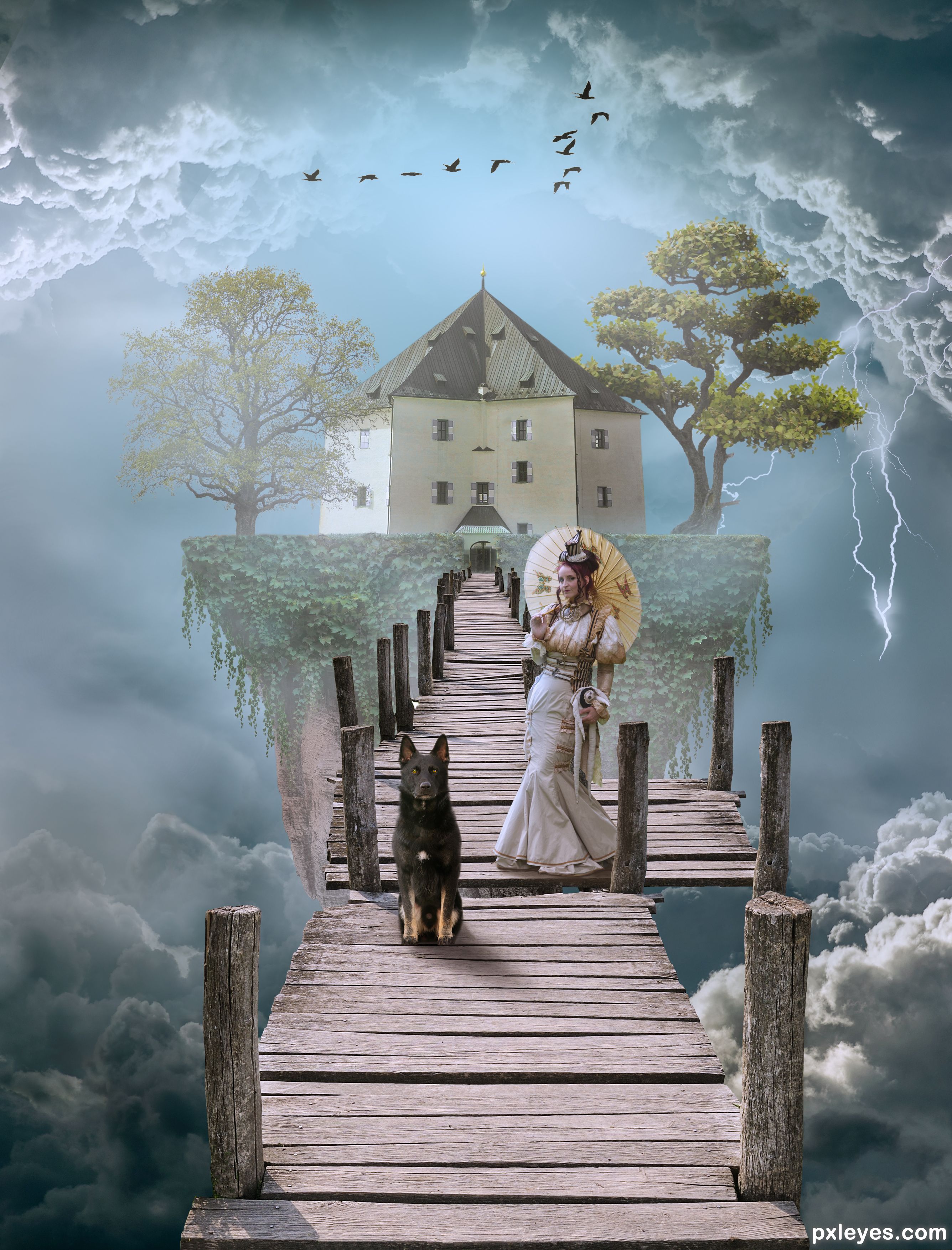
Please view Hi-Res. This blurry previews does this Photoshop no justice. Thank you. (5 years and 503 days ago)

Beautiful! thanks to be back 
Thank you Z!

Beautiful work..... nice to see you back.....
Thanks Mr George 

Nice chop. Welcome back.
Mahalo fruity. It got scored higher than I thought. 

Congrats !
Thank you lolu. Appreciate it.
Congrats on the win  Good chop
Moohalo Robster.
Congrats B
Thank you seestah Z!!
Congratulations my friend..... good job...
Mahalo George. Much appreciated.
Howdie stranger!
If you want to rate this picture or participate in this contest, just:
LOGIN HERE or REGISTER FOR FREE

Sort of a heavy composite. From first glance it will be hard to tell hot the sources were actually used, so check out the SBS.
https://commons.wikimedia.org/wiki/File:Shenkar_Archive_-_Bag_Collection._Tooled_leather_handbag,_late_20th_century_(open).jpg
Bag - ShenkarArchive (5 years and 720 days ago)

Very well done. Cute story with a stork bringing a baby elephant to mama. Must be a very strong stork. 
It was hard to come up with any "theme" or "story" using those 4 sources. I loved that elephant source and built the Chop around it. Wasn't really planning on using that background, but that cliff was finagled in there and since the source background had a house in it, I made a shoe house. Was stuck at that point for most of the day on how to fit a bag into the scene. I had a (human) baby hanging in that bag off a tree branch which looked OK, but then tried the baby elephant in the bag. It was then that I managed to find the strongest stork ever and after some consultation, the stork said it could in fact "deliver" the baby elephant.
Just as well since we couldn't have a orphaned elephant. That would create a very sad mother.
Congratulations BWR
Mooooohalo!!

Congratulations!
Thank you thank you filantrop
Howdie stranger!
If you want to rate this picture or participate in this contest, just:
LOGIN HERE or REGISTER FOR FREE
(5 years and 1006 days ago)

lighting is fantastic, concept excellent...

TY.
Congratulations....
Thanks George.
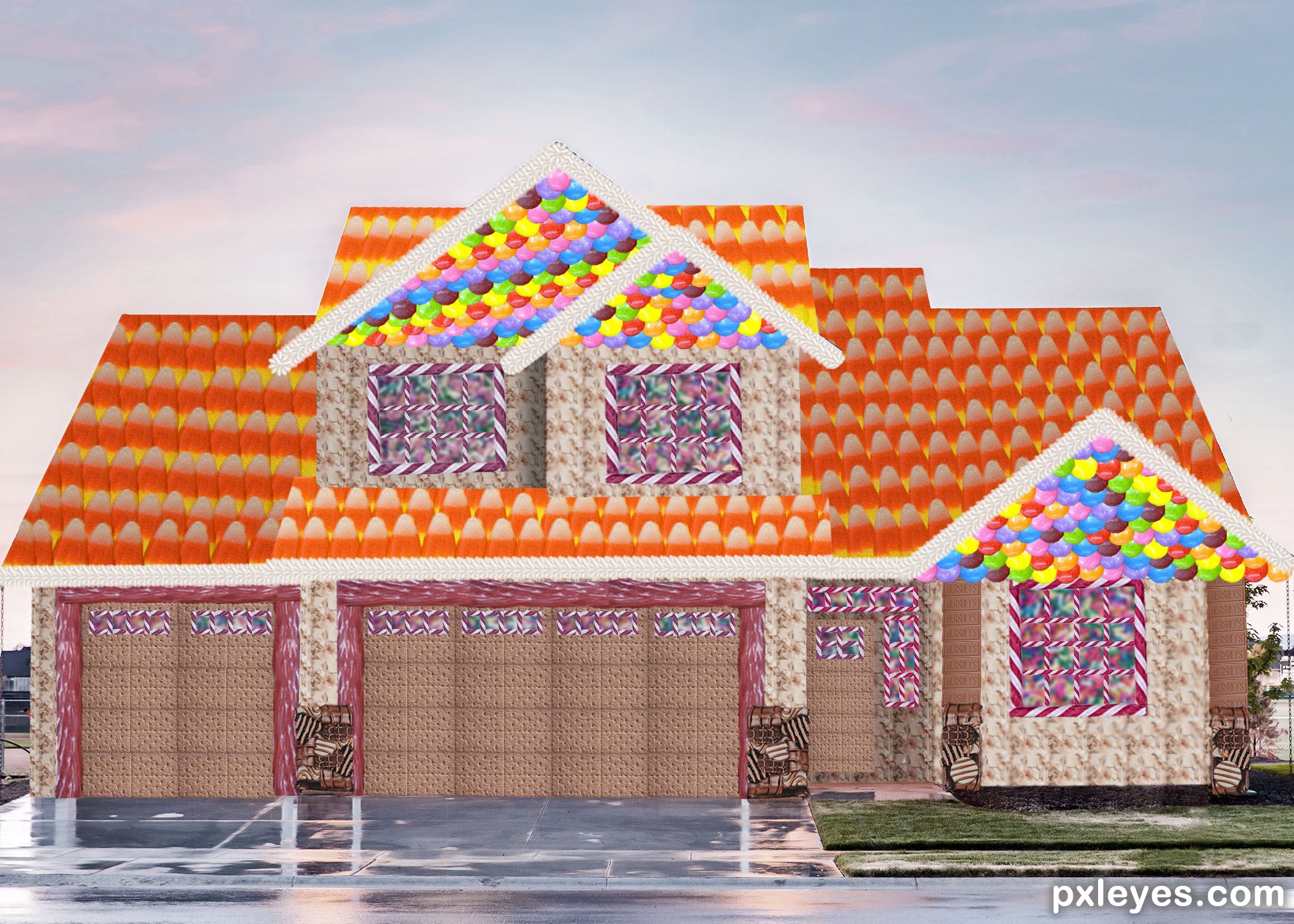
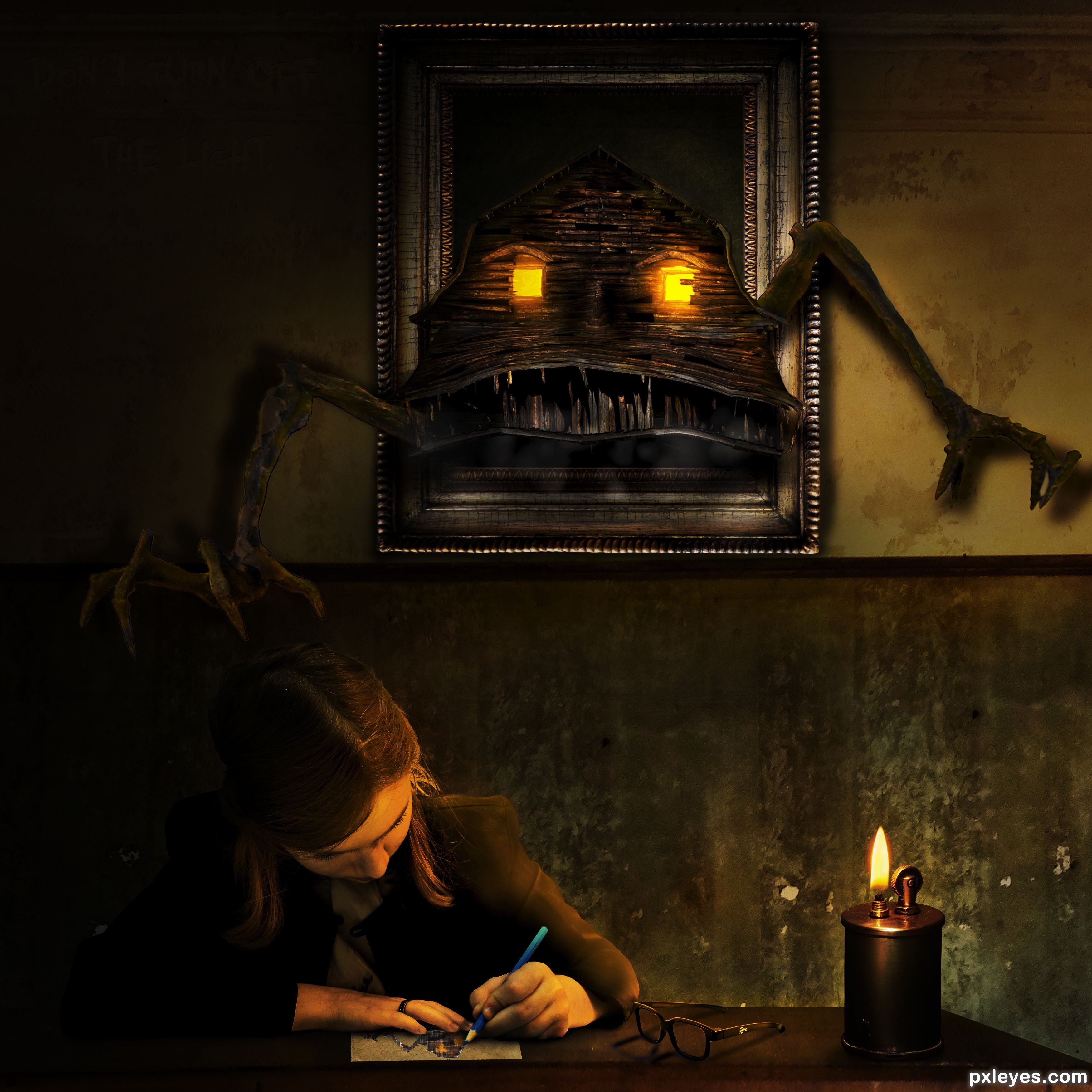
Congrats BWR, that's one scary house.
Mahalo MM.
You are "da bess." (the best) 
Howdie stranger!
If you want to rate this picture or participate in this contest, just:
LOGIN HERE or REGISTER FOR FREE
Photography and photoshop contests
We are a community of people with
a passion for photography, graphics and art in general.
Every day new photoshop
and photography contests are posted to compete in. We also have one weekly drawing contest
and one weekly 3D contest!
Participation is 100% free!
Just
register and get
started!
Good luck!


© 2015 Pxleyes.com. All rights reserved.






Tree source YBsilon-Stock
https://www.deviantart.com/ybsilon-stock/art/Green-Tree-512258654
Bravo B
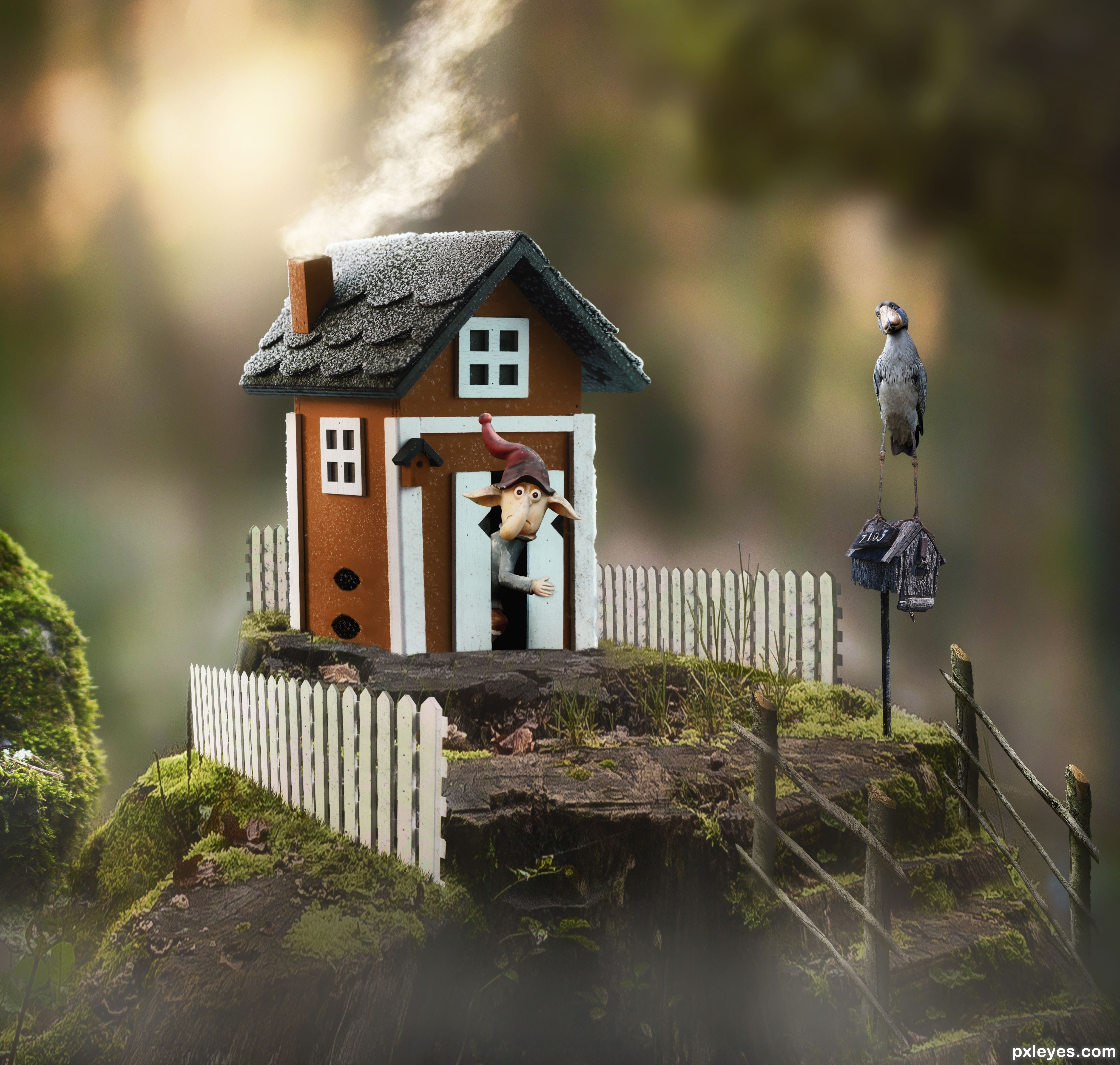
Thanks Z. It's a nice house/stump scene. Was never sure about the color of the house. But I love that bird!! Look how big they are. This pic isn't Photoshopped. They are called "Shoebill Storks". https://i.pinimg.com/originals/65/22/2a/65222ad333a57c5e26a6aec07778d141.jpg
Where is everyone?
Yes, where are they? I'm in Slovakia now and won't be near my computer before weeks... at least you know where I am
Congrats
Thanks
Thanks Fruity.
Hi Z.
Howdie stranger!
If you want to rate this picture or participate in this contest, just:
LOGIN HERE or REGISTER FOR FREE