
step 2 of 11
Mask also the back part of the statue
step 3 of 11
Draw some buildings and some chimneys
step 4 of 11
Copy and paste to build a city
step 5 of 11
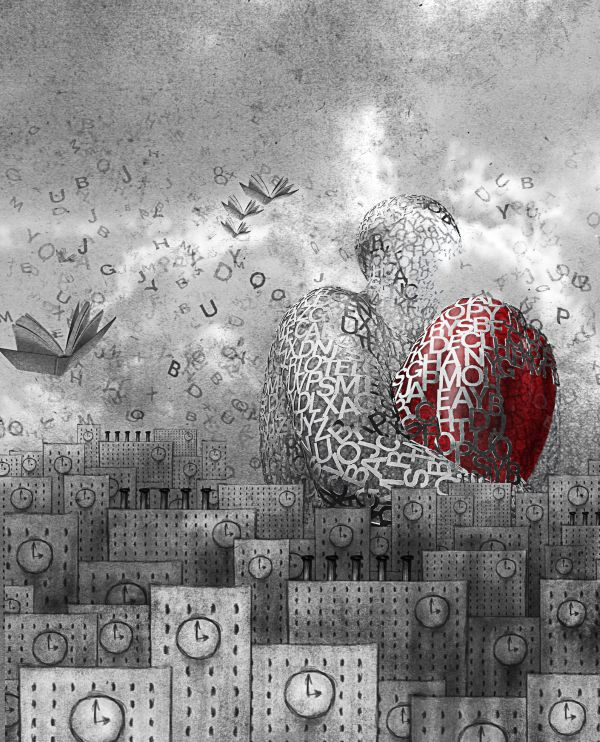
Paste the statue drawing a heart into it
step 6 of 11
Place the source 1 (old paper texture) desaturate it (ctrl+shift+u) and set mode to multiply
step 7 of 11
Add some shadows with a soft round brush (low opacity)
step 8 of 11
And repeat picking a lighter color to add highlights, this step and the last one where done in a new layer in overlay mode
step 9 of 11
Place the sky, desturate it and set mode to overlay
step 10 of 11
Make some brushes picking some letters from the statue and paint the background with them.
Don't forget to change the brush presets to improve the effect
step 11 of 11
Place the book picture desaturate it and copy and paste.
Transform them in a subtle way to make them look different.





