



Original image
step 1 of 7
Blocked in different shades of grey to define the layout (I find this useful to get the foreground/background values right)

step 2 of 7
Started adding detail to background mountains and sky.

step 3 of 7
colorized the whole image and repainted the sky on a 50% grey overlay mode layer (Lots of low opacity small brushwork here)

step 4 of 7
Intensified and darkened the image here. Also decided it looked better flipped on the horizontal axis.

step 5 of 7
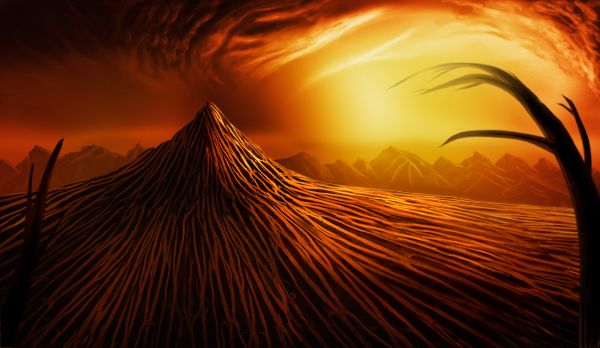
Intensified the light source, and used coconut texture on foreground.

step 6 of 7
Created the trees from coconut texture using transform/warp and liquify.

step 7 of 7
Brought trees into main picture and shaded by painting low opacity black. Added any relevant highlights.

Final result


Pxleyes
Photography and photoshop contests
We are a community of people with
a passion for photography, graphics and art in general.
Every day new photoshop
and photography contests are posted to compete in. We also have one weekly drawing contest
and one weekly 3D contest!
Participation is 100% free!
Just
register and get
started!
Good luck!
Follow us:








© 2015 Pxleyes.com. All rights reserved.