



Original image
step 1 of 7
Resized the canvas and then copy pasted parts of the background to cover the extra area.

step 2 of 7
Creating the tower.

step 3 of 7
Adjusting the brightness levels, dodge and burn.

step 4 of 7

step 5 of 7
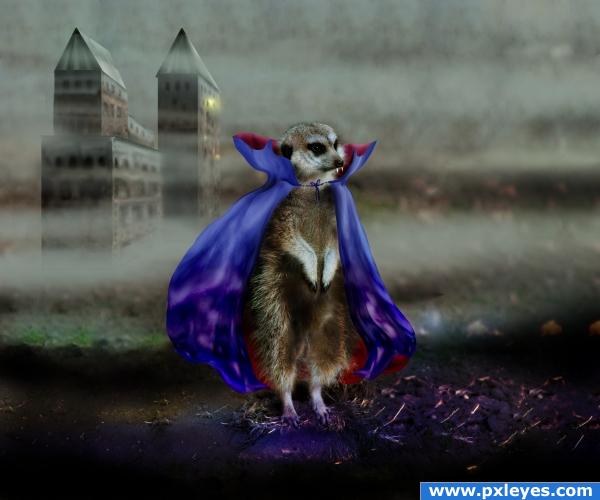
Cut out meerkat in a new layer. Created teeth and cape from the same part I used for the tower.
Liquify, dodge, burn, hue/saturation.
Liquify, dodge, burn, hue/saturation.

step 6 of 7
Healing tool in the background.

step 7 of 7
Resized tower, soft round brush at 450 px for the fog. New layer with overlay properties for the darkening and coloured parts of the image.

Final result
Pxleyes
Photography and photoshop contests
We are a community of people with
a passion for photography, graphics and art in general.
Every day new photoshop
and photography contests are posted to compete in. We also have one weekly drawing contest
and one weekly 3D contest!
Participation is 100% free!
Just
register and get
started!
Good luck!
Follow us:








© 2015 Pxleyes.com. All rights reserved.