



Original image
step 1 of 4
I cropped the image for a tighter fit, i also softened the sking around the lips and tried to give the lips themselves a more outstanding colour.

step 2 of 4
My layers palatte just after i uploaded the image of the painter

step 3 of 4
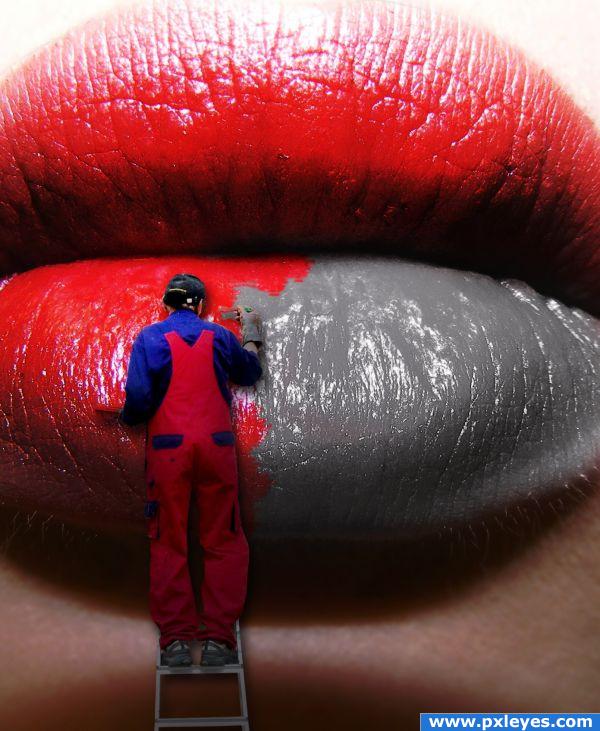
I uploaded the man and used channel mixer to create a nice glossy black and white image, i then used one of the splatter brushes to fake brush strokes

step 4 of 4
Here is the layers palatte of my finished image.

Final result
Pxleyes
Photography and photoshop contests
We are a community of people with
a passion for photography, graphics and art in general.
Every day new photoshop
and photography contests are posted to compete in. We also have one weekly drawing contest
and one weekly 3D contest!
Participation is 100% free!
Just
register and get
started!
Good luck!
Follow us:








© 2015 Pxleyes.com. All rights reserved.