



Original image
step 1 of 10
A refined sketch

step 2 of 10
Start colouring, used render clouds to make some texture in the chameleon

step 3 of 10
Painted shadows with a rounded soft brush

step 4 of 10
Add the wall texture to the chameleon skin in overlay mode, used the liquify tool to make it fit to the body.

step 5 of 10
Improved shadows and details

step 6 of 10
Added a drop shadow, here is a bit transformed to make the shadows fin on the scene

step 7 of 10
Here is with the background

step 8 of 10
Finally I get rid of the color and added the sofa texture to the chameleon skin

step 9 of 10
Desaturate and put in multiply mode this layer, also used the liquify tool as in the wall texture

step 10 of 10
Here is with the texture applied to the body, change the brightness/contrast of the chameleon to make it with the same grey tones of the wall

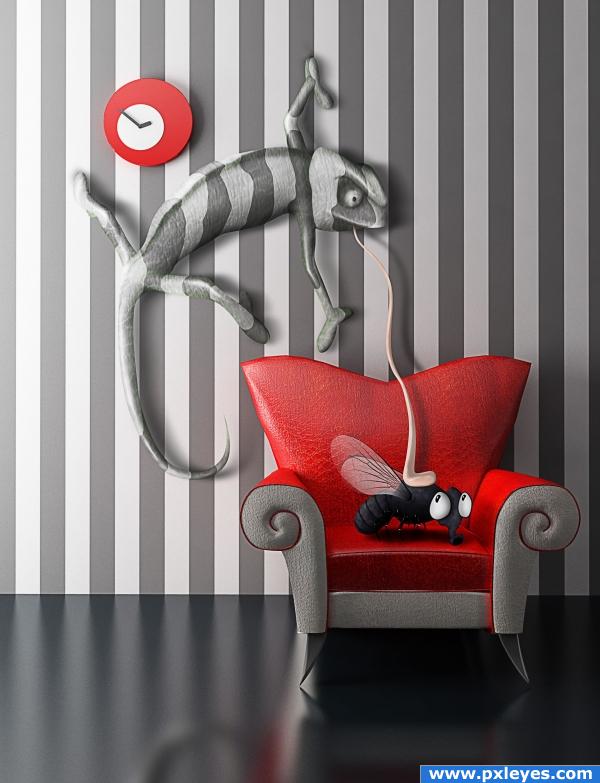
Final result


Pxleyes
Photography and photoshop contests
We are a community of people with
a passion for photography, graphics and art in general.
Every day new photoshop
and photography contests are posted to compete in. We also have one weekly drawing contest
and one weekly 3D contest!
Participation is 100% free!
Just
register and get
started!
Good luck!
Follow us:








© 2015 Pxleyes.com. All rights reserved.