



Original image
step 1 of 8
the table

step 2 of 8
Added 1 snail

step 3 of 8
Duplicated the snail over the original and colored it. Erased some parts of the colored version to make a more colorfull snail

step 4 of 8
Duplicated the snails, flipped them horizontal and nudged them.

step 5 of 8
The copper thingy, removed the interieur and the name on front.

step 6 of 8
Added shadow to the copper thingy

step 7 of 8
Added a name on the nameplate

step 8 of 8
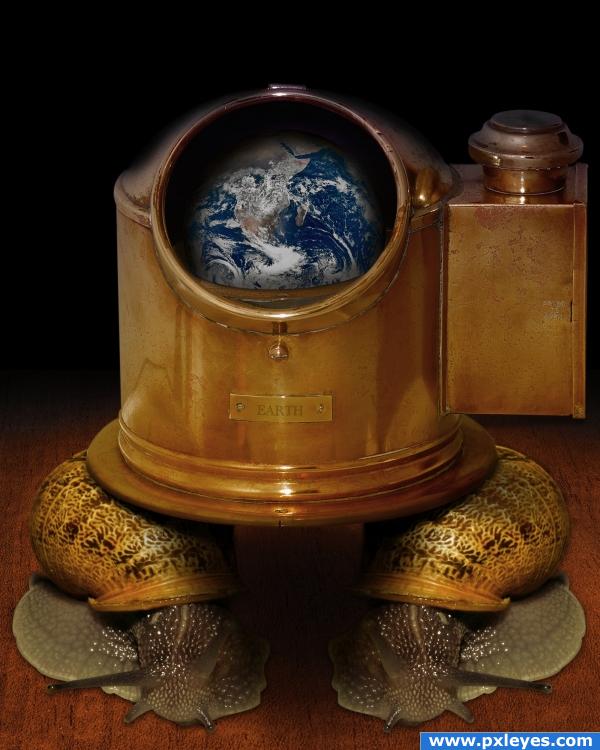
Last but not least; added the earth inside the copper thingy.
Of course played with shadows, colors and so on all over and all over all steps.
Of course played with shadows, colors and so on all over and all over all steps.

Final result
Pxleyes
Photography and photoshop contests
We are a community of people with
a passion for photography, graphics and art in general.
Every day new photoshop
and photography contests are posted to compete in. We also have one weekly drawing contest
and one weekly 3D contest!
Participation is 100% free!
Just
register and get
started!
Good luck!
Follow us:








© 2015 Pxleyes.com. All rights reserved.