


(5 years and 2504 days ago)

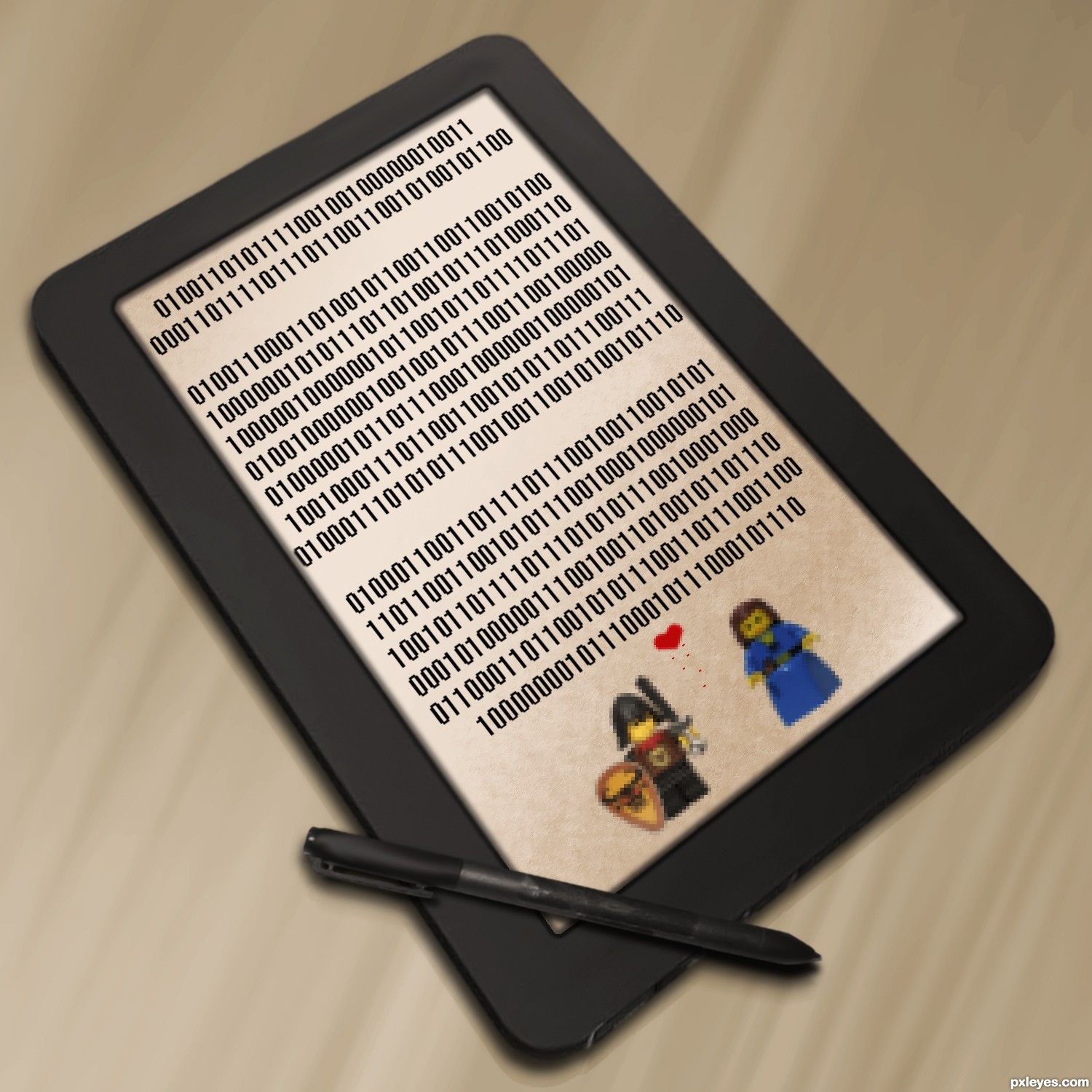
If you are curious as to what it says...
"My love,
Life with you is an adventure.
Forever your princess..." (5 years and 2653 days ago)

Wow! Nice dedication! IMO it would be hotter to arrange the binary code in the shape of a heart, or something obviously related to love It will have more impact.

Good idea, ill see what i can do, ty!
superb idea
Howdie stranger!
If you want to rate this picture or participate in this contest, just:
LOGIN HERE or REGISTER FOR FREE
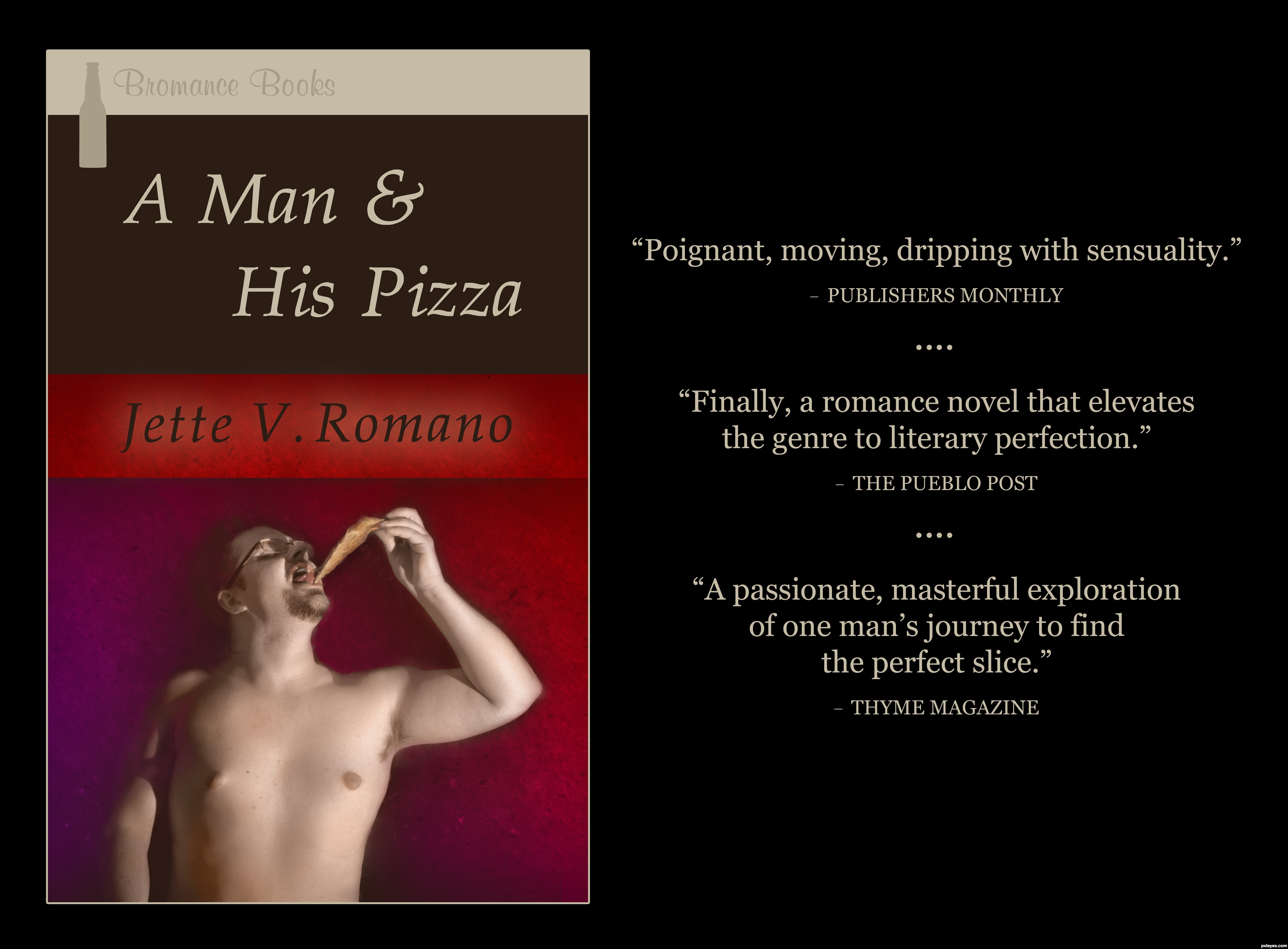
Increased the figure's brightness by 19, contrast by 7. In order to begin colorizing him, I created three color layers over the figure: one beige (layer set to Soft Light), one salmon (layer set to Color), one blue (layer set to Soft Light). I went in with the brush tool (Soft Mechanical, various sizes) to add detail to the color. Burned and dodged here and there, mostly to keep the emphasis on the face and pizza. Used a grunge paper texture for the background, adding a violet gradient. Feathered and faded the figure to let some of the background seep in. Also brushed some of his skin tone into the background here and there to further integrate him. Kept some shadows surrounding the figure in the background, just erasing them lightly. This added variety and more sense of weight. The lighter red bar with the "author's" name is the grunge paper background without a gradient or darkening. I added a faint outer glow to the name because it seemed it might get lost in the red bar. (5 years and 2784 days ago)
Excellent colorization, hilarious reviews!
Truly a fun and imaginative chop. Very well done!
Thank you so much, MossyB!
Very creative use of the most challenging portion of the contest image excellently colorized as MossyB noted. Great type fonts and layout. The 'Thyme Magazine' blurb is inspired.

the brown color band on the title should have the same "textured" look 
Howdie stranger!
If you want to rate this picture or participate in this contest, just:
LOGIN HERE or REGISTER FOR FREE
(5 years and 2891 days ago)

hehe good idea
gl
hehe good idea
gl

Very cool
Howdie stranger!
If you want to rate this picture or participate in this contest, just:
LOGIN HERE or REGISTER FOR FREE
here i used only custom brushes and a bit of pen tool (5 years and 2933 days ago)

Interesting idea but it's pretty washed out.
maybe that's just your point of view
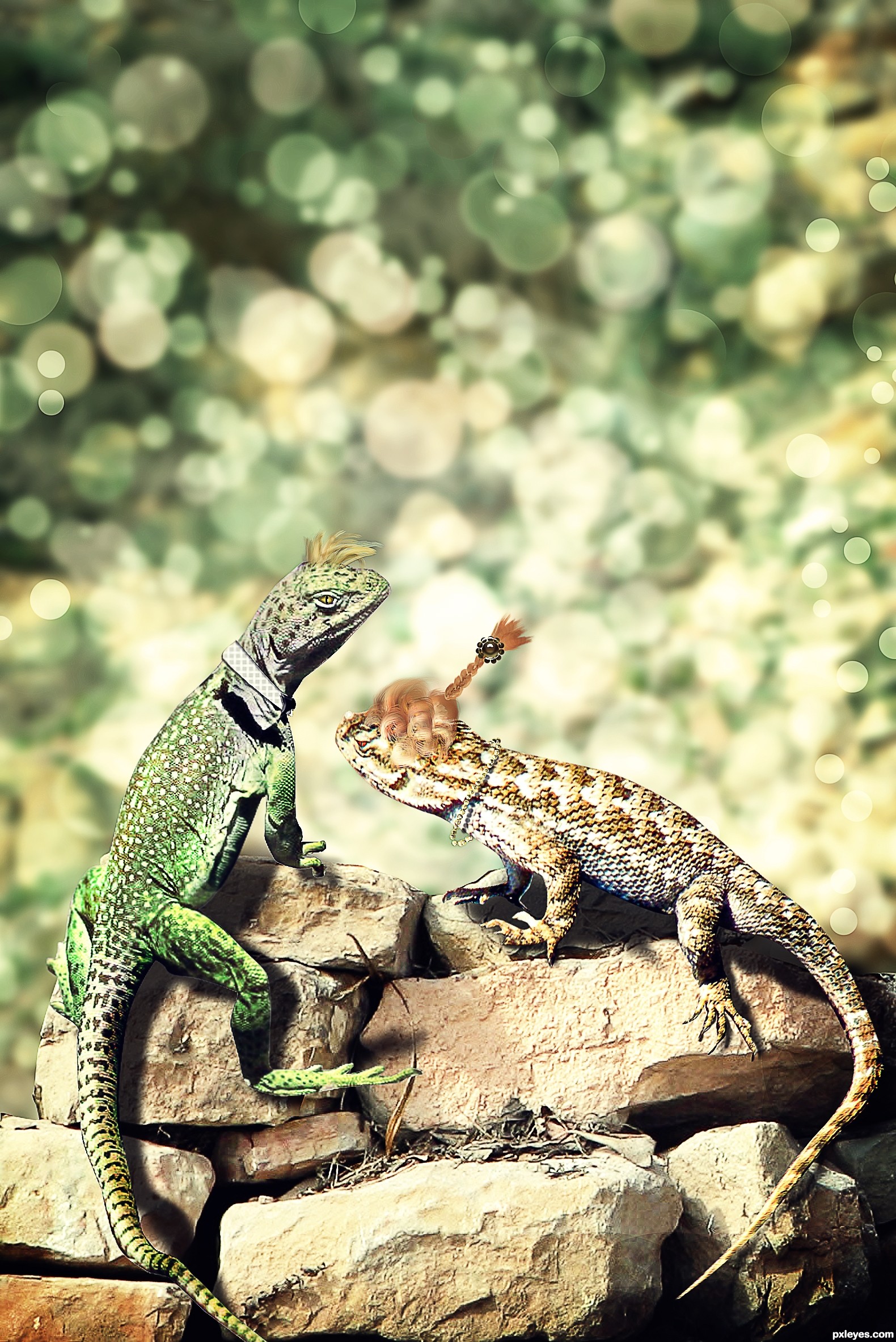
OMG author, You did such an AMAZING job masking out the person in STEP 1 and cloning content fill the background and then YOU JUST BUMPED IT OUT... PEOPLE LOOK AT THE SBS (it's quite a lot of work there and it's not seen in the finished image...
If this were taken to a print shop, and ink version would come out MARVELOUS (also the hair is much better in High res) good luck author
(though making the hair on the orange hued lizard a bit more Donald Trumpy would be very funny.. just KEEP THE BRAID... LOL .. IMHO of course  )
)
thank you so much! i'm really flattered!

Nice !

very nice but i don't like the hair lol
well, tastes differ! anyway thanks!
Great job on the background, and I love that you chose the other elements in the source besides the man. Such a lovely couple, and she wears her accessories well!
thank you!!!

Fantastic thinking and so cool execution author...best of luck
thank you for such good words!!!

great job.... how u do that..?
Wow, fantastic work
many thanks!

Nice work ....GL!!
thank you! glad you liked it!
Congratulation !
Congrats, nice work
thank you!
Congrats for 1st

Hey Congrats on 1st place win
Congrats for gaining the top place!
Howdie stranger!
If you want to rate this picture or participate in this contest, just:
LOGIN HERE or REGISTER FOR FREE
Photography and photoshop contests
We are a community of people with
a passion for photography, graphics and art in general.
Every day new photoshop
and photography contests are posted to compete in. We also have one weekly drawing contest
and one weekly 3D contest!
Participation is 100% free!
Just
register and get
started!
Good luck!


© 2015 Pxleyes.com. All rights reserved.









One of yer best pieces IMO.
great work
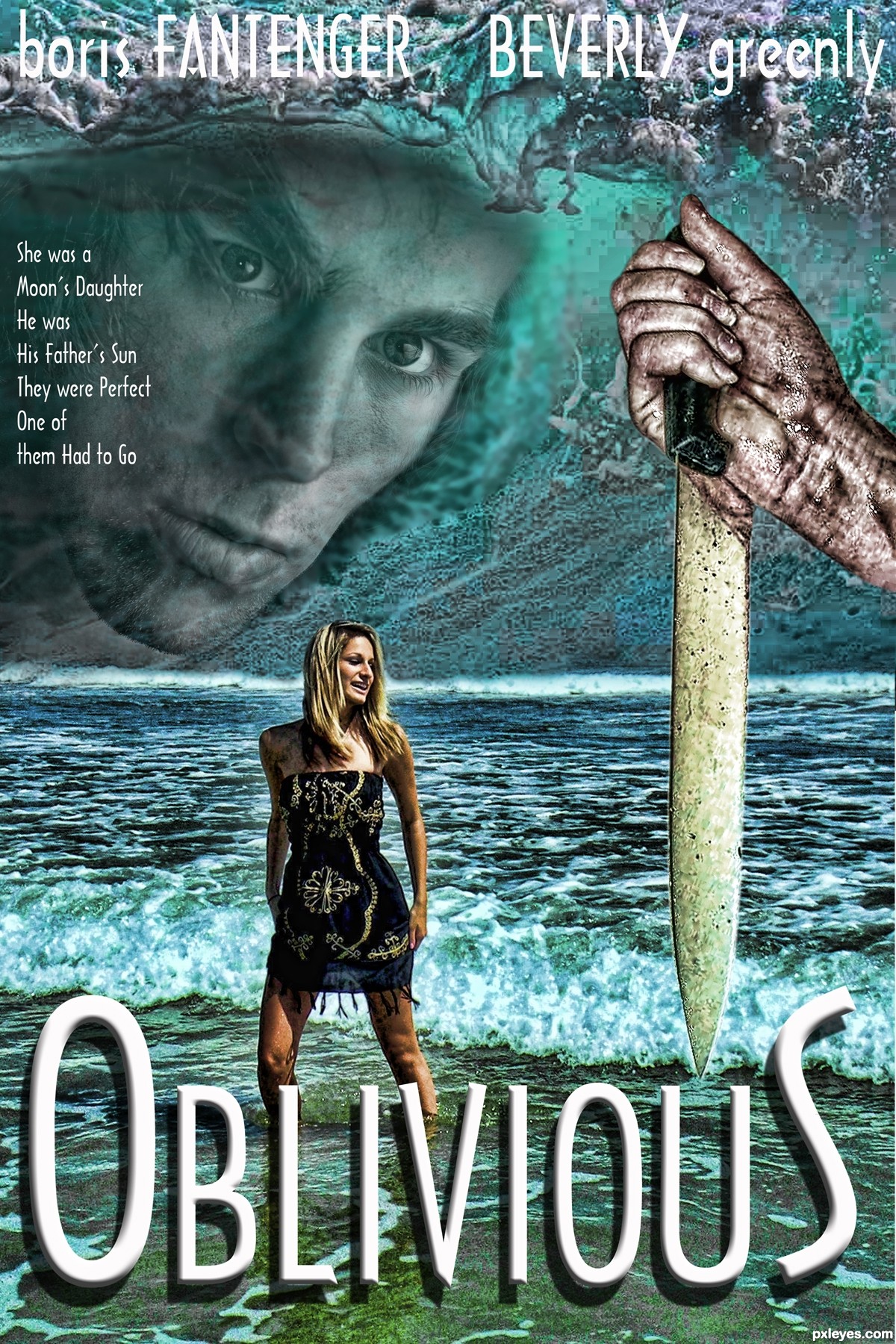
Really good cover layout and type treatment!
Composition and blending are really well done. Nice cover!! Good luck author
Howdie stranger!
If you want to rate this picture or participate in this contest, just:
LOGIN HERE or REGISTER FOR FREE