


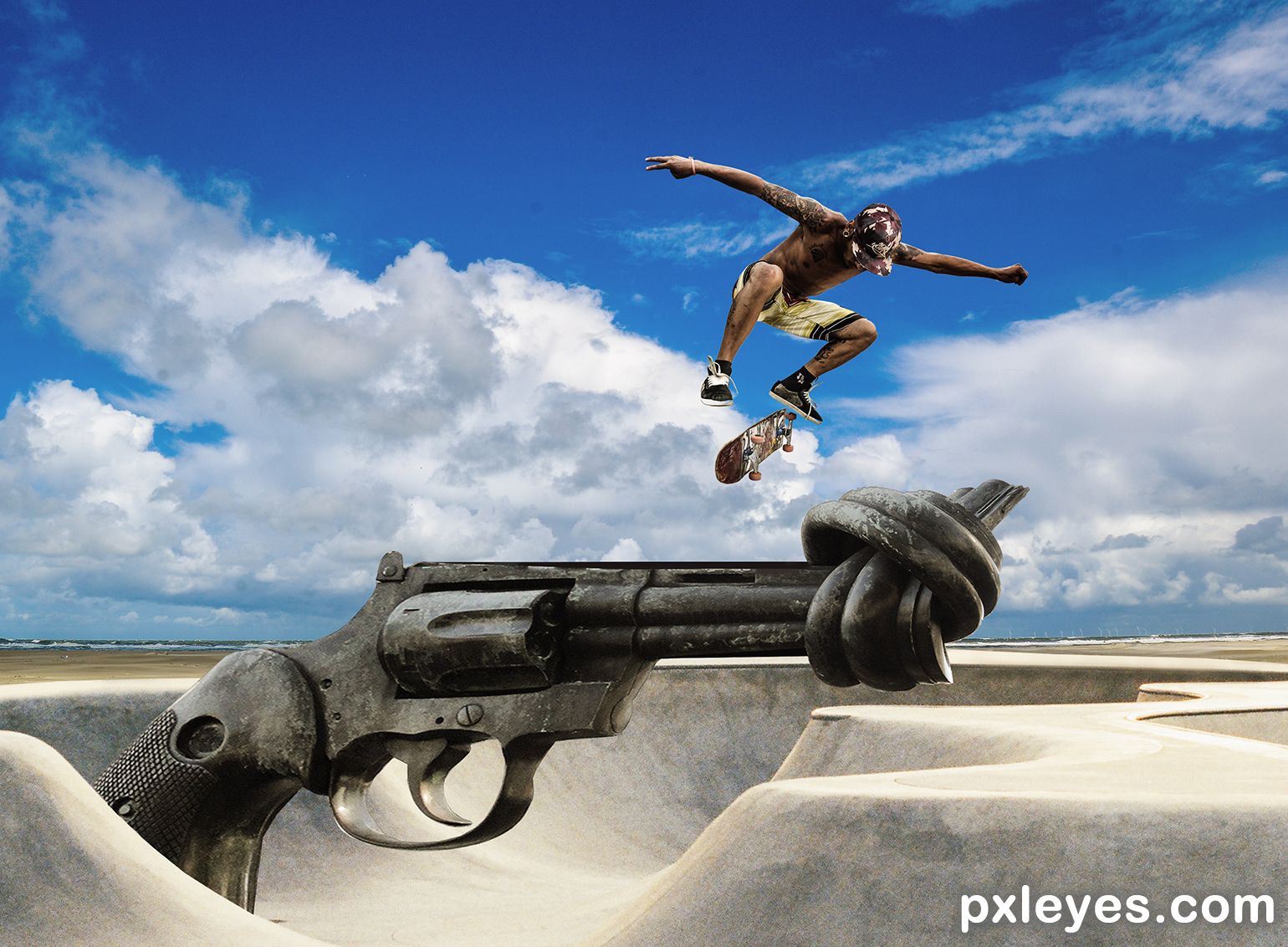
Trying to get ahead and not waiting for something to happen.
I did not do SBS for this image. I believe all of the sources are self-explanatory. All sources from pixabay. (5 years and 665 days ago)
4 Sources:

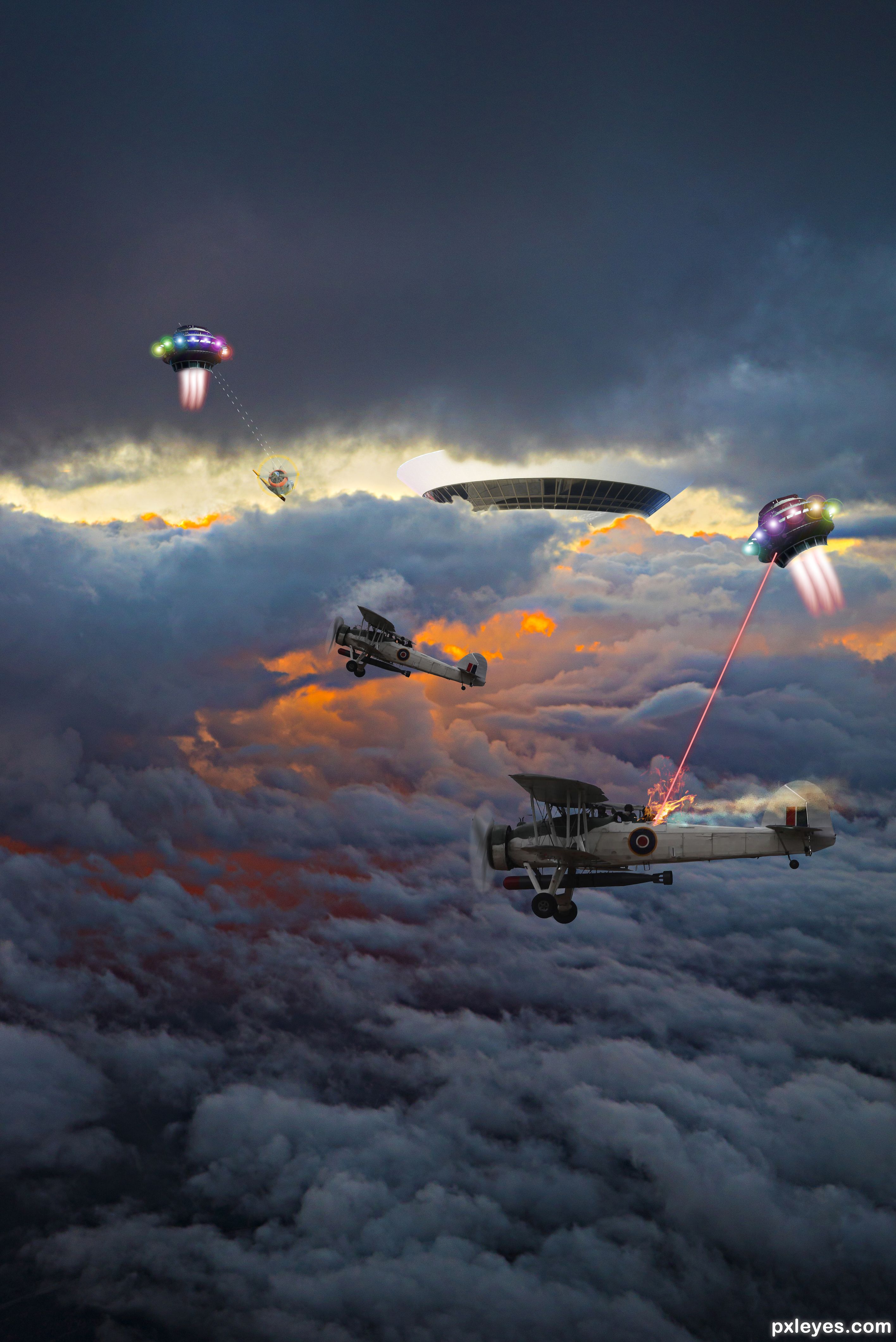
Aliens against world war II planes (5 years and 1114 days ago)

Author, please add the source for the sky and clouds.
Thank you 
I forgot.. my bet

Great sky picture.
Thank you TorDoni.

Author, your sky photo is fantastic. I wish you had paid more attention to detail, though...The plane at top left wouldn't be flying with landing gear down. You could have removed it, or at least fixed the half tire showing. On the other 2 planes you've left white background showing between the torpedoes & the belly of the planes, and in the rudder flaps. On the left side of the saucer at right, you've chopped off 2 of the lens flares. All this is obvious in hi res.
In terms of your concept. it's great.
CMYK46.. You were right about the first things. I changed it.. thanks..
But the lensflare problem, isn't my fault. They are all the same copy of the first one I placed. The problem is in the mix of the layers. Especially with the colors blue en purple the background doesn't allow to give any contrast in these hi-lights.
I like your sky... it makes a huge contrast with the planes and UFO's. GL author.
I was very lucky to sit at the window of the plane, going through two layers of clouds with a setting sun behind this spectacle. It made me very happy when I took this shot.

I'm having Dr. Who Flash backs for some reason (Tom Baker and his Jelly Bellies) hehehe (he's from the 80's) still the best Dr. Who EVER! hehehe (Oh god I'm old)
I know.... Tom Baker is for sure the best dr. Who.. I had my first computer in 1980.. the ZX81... with extra memory .. 16 kb..hahaha
Congratulations, nice job....
Thanx
Congrats
Thanx

Congrats, well crafted image!!
Many thanks
Howdie stranger!
If you want to rate this picture or participate in this contest, just:
LOGIN HERE or REGISTER FOR FREE
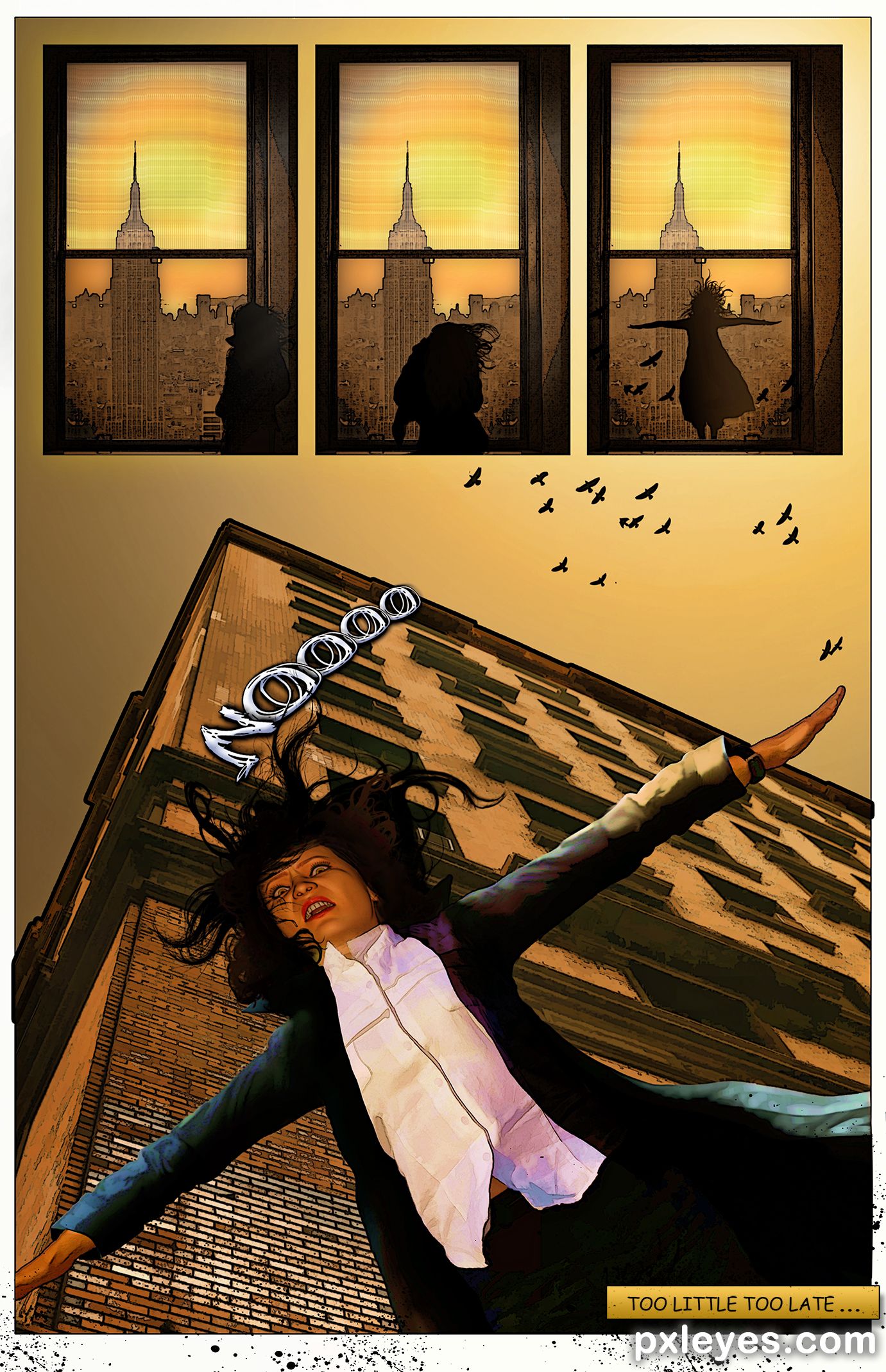
(5 years and 1988 days ago)
Good work...would love to see the SBS for this.
You bet! Tonight when I get home.
I've had days like this LOL good luck author
Congrats...tough competition. 
Lol

Congrats, Nicky. Wasn't this fun? Maybe they'll do it again.
yes!
Howdie stranger!
If you want to rate this picture or participate in this contest, just:
LOGIN HERE or REGISTER FOR FREE

(5 years and 2108 days ago)
Good one!
Thanks!
rut-roh!
Thanks, now for your Scooby snack!

Very appealing! Nice and clear and crisp with a great concept.
Appreciate the comment!
It's a good one.
Much thanks!
Good work....! GL author.
Thanks!

Gr8 work..
Thank you

Congrats
Thanks!

Congrats Randy  very well done
Thanks!
Congrats
Thanks!
Great job, congrats.
Thanks!
Congrats again Randy!!
Thanks!
Well done...Congrats!
Thanks
Howdie stranger!
If you want to rate this picture or participate in this contest, just:
LOGIN HERE or REGISTER FOR FREE

Thought I'd give this a go (5 years and 2205 days ago)
Lots of fun!
Very nice... fun... great..>GL

Simply excellent! It tells a story, and makes the viewer part of the experience. Fantastic effort, and VERY cute! My fav.
~M

Funny story, author. About your step 1 from your SBS: I do think your set up with different layers was ok. I dont know how you started with animating, but with the timeline setup you can move, (dis-)appear and split layers all to your liking. With the timeline you can make a tween animation. The good thing about the timeline is that you have way more control about what's gonna happen. You can adjust easier (per layer!) in case you dont like the timing. With frame animation (using a zillion apart images) you have to be lucky if everything is ok, more time consuming. Have to say, animating in PS is pretty much basic (also depends on your own creativity, imagination, etc) and frame (or cell) animation can be very cool, but in your case using layers would have worked well. Doesnt matter for the rest, the result is nice . Good luck!

This is cute. Great idea. Good luck! This entry definitely tells the best story.
well done .. great story,..I enjoyed it

LOL...loved it! Puts me in mind of the stick people wars. Except this is cuter! Nicely done!

Nice

hahahaaaa
Congrats, a very good week for you!!
Thanks! Yep, 3 2nd's and a 3rd, *sigh* always the bridesmaid I'm not complaining though!!
Congrats for the nice composition!
Thanks!
Howdie stranger!
If you want to rate this picture or participate in this contest, just:
LOGIN HERE or REGISTER FOR FREE
Photography and photoshop contests
We are a community of people with
a passion for photography, graphics and art in general.
Every day new photoshop
and photography contests are posted to compete in. We also have one weekly drawing contest
and one weekly 3D contest!
Participation is 100% free!
Just
register and get
started!
Good luck!


© 2015 Pxleyes.com. All rights reserved.











Congrats!!
Thanks Rein!
Congrats Final!
Congrats
Howdie stranger!
If you want to rate this picture or participate in this contest, just:
LOGIN HERE or REGISTER FOR FREE