





Pxleyes’ Top 50 Photoshop Contest Entries Of December 2009
Below are the 50 highest scoring entries in the Pxleyes photoshop contests during the month December (2009)… Congratulations to all the winners!
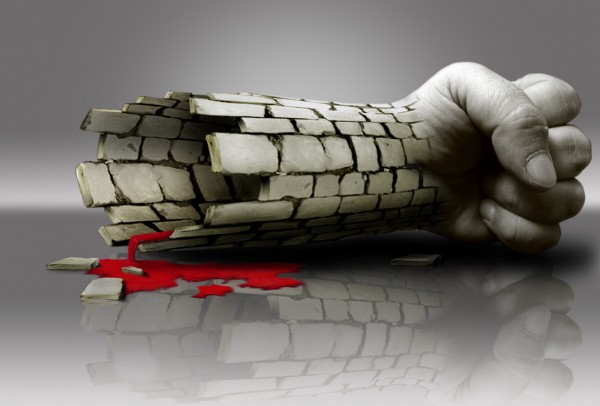
50 – Power and Weakness
Contest goal:
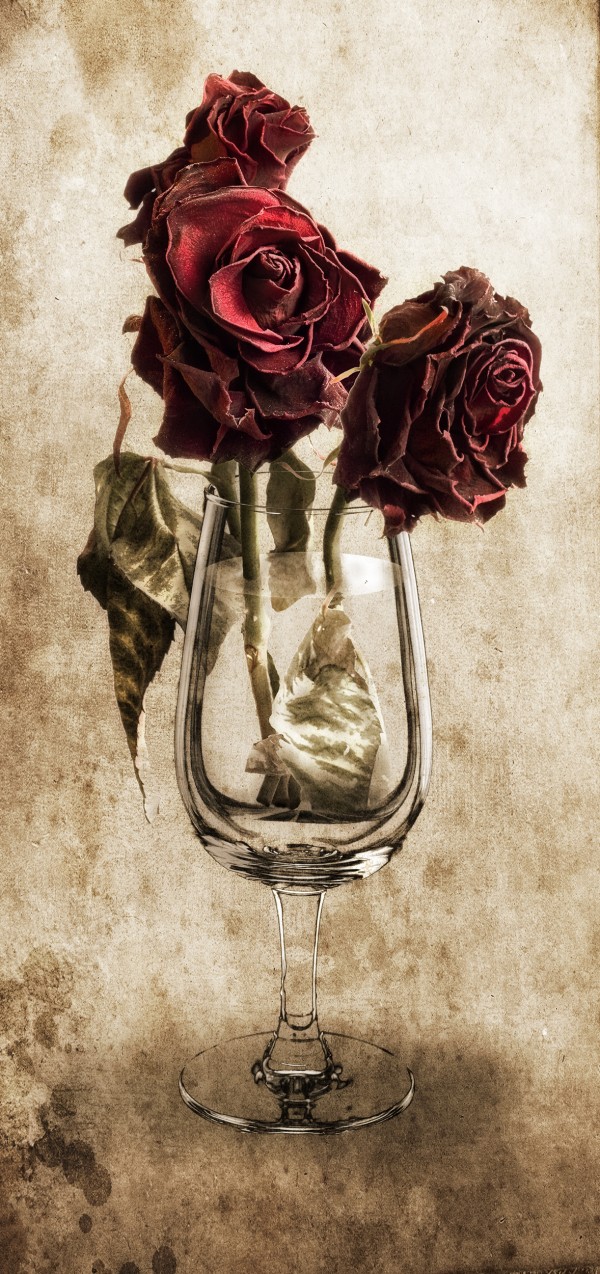
49 – Forgotten
Contest goal:
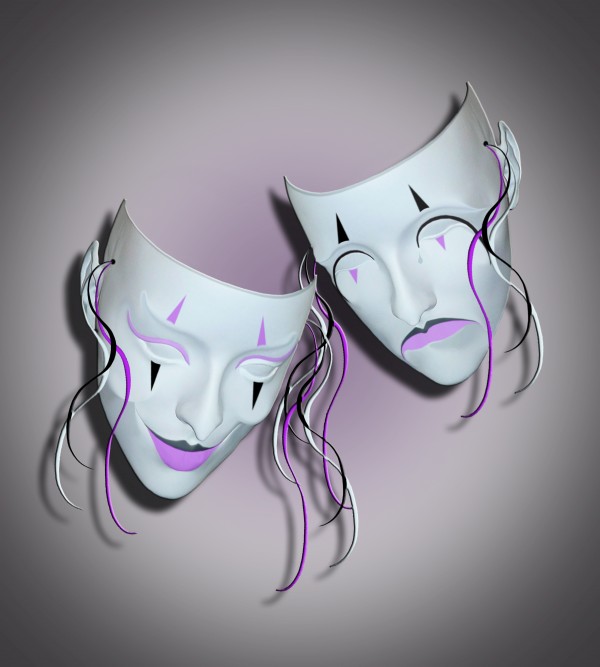
48 – Good Times, Bad Times…
Contest goal:
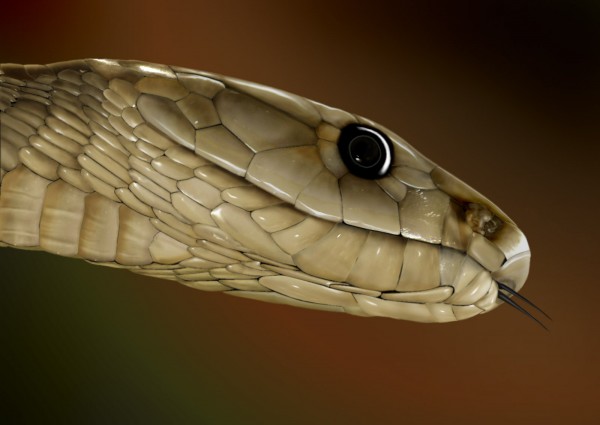
47 – Piercing quiet
Contest goal:
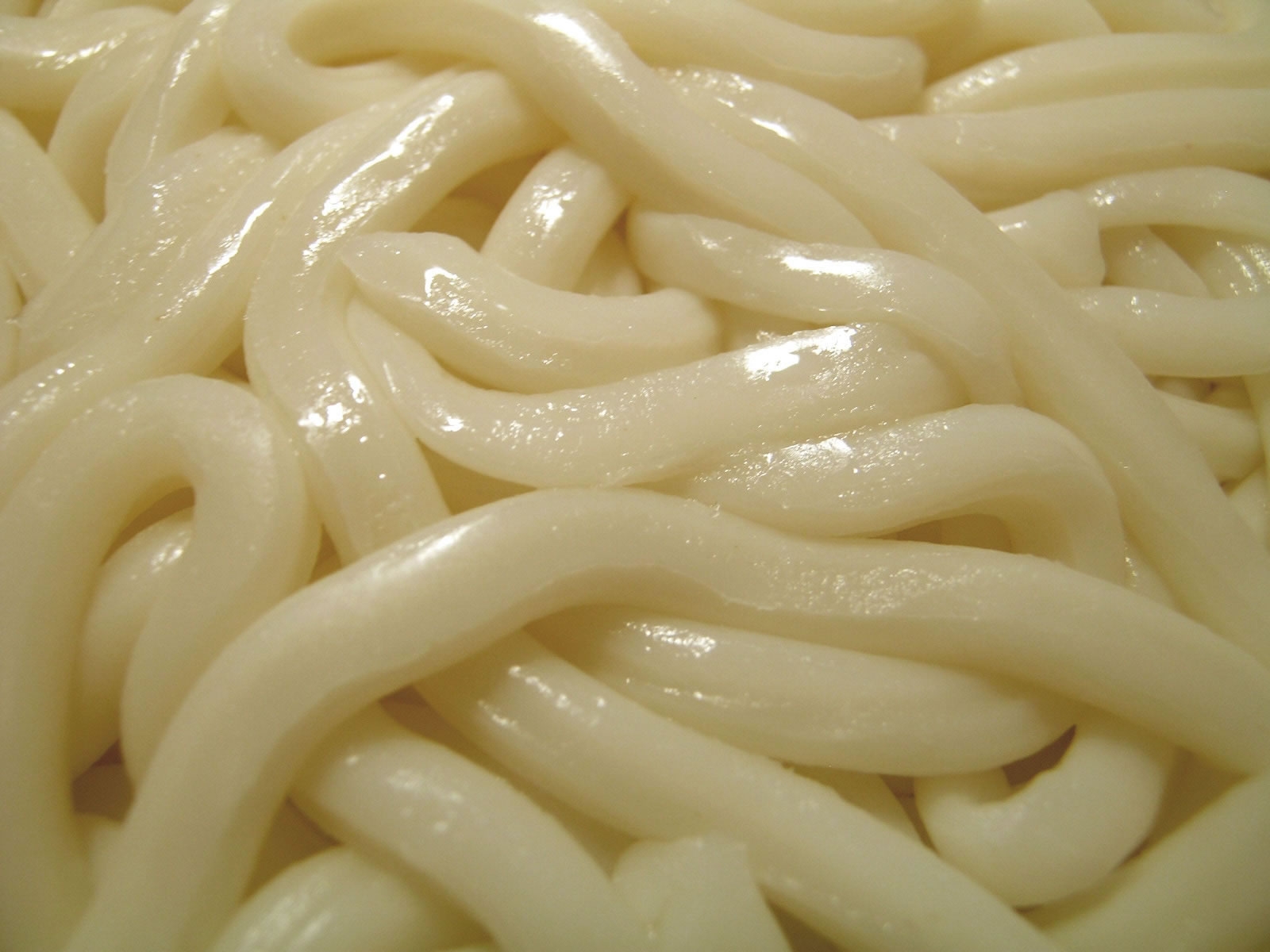
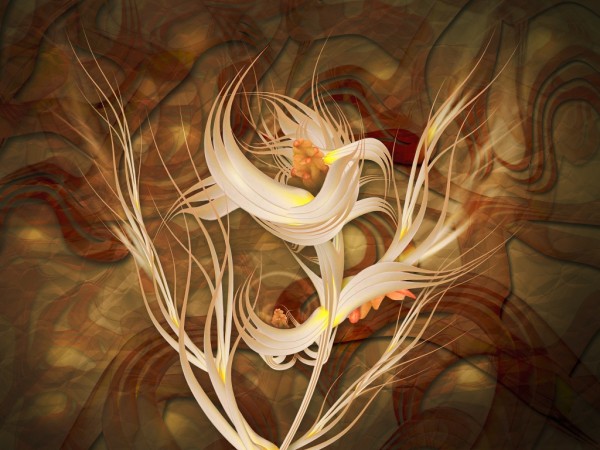
46 – Flower
Contest goal:
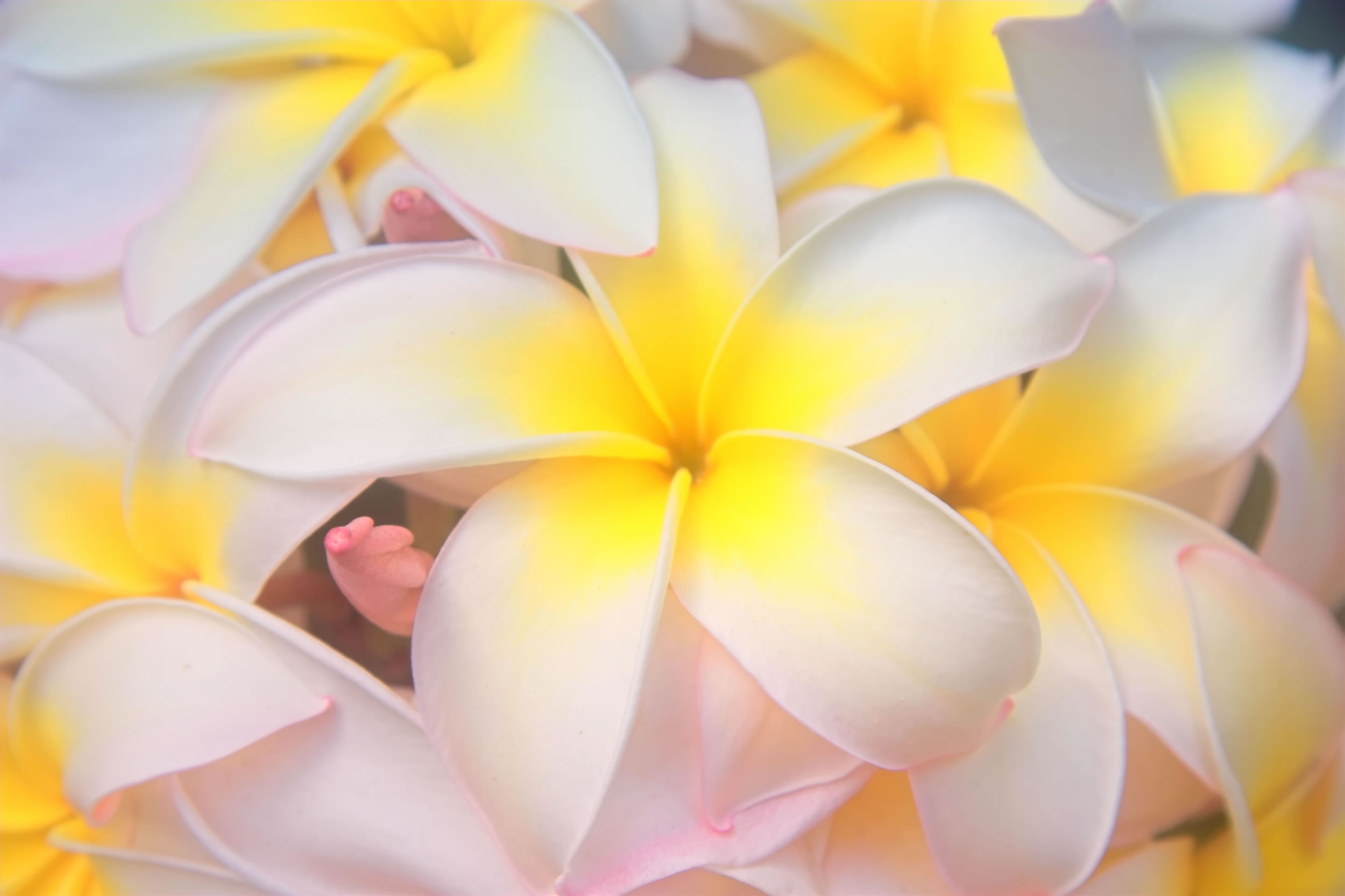
45 – Centre of the Earth
Contest goal:
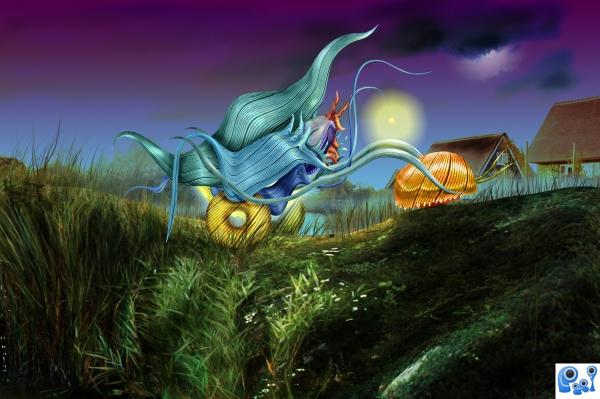
44 – Going home
Contest goal:
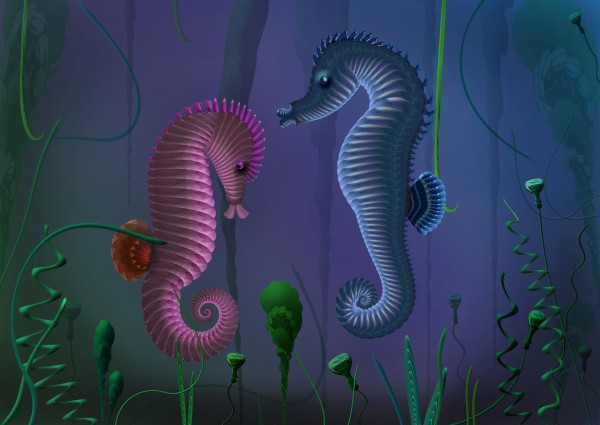
43 – Sea Horses
Contest goal:
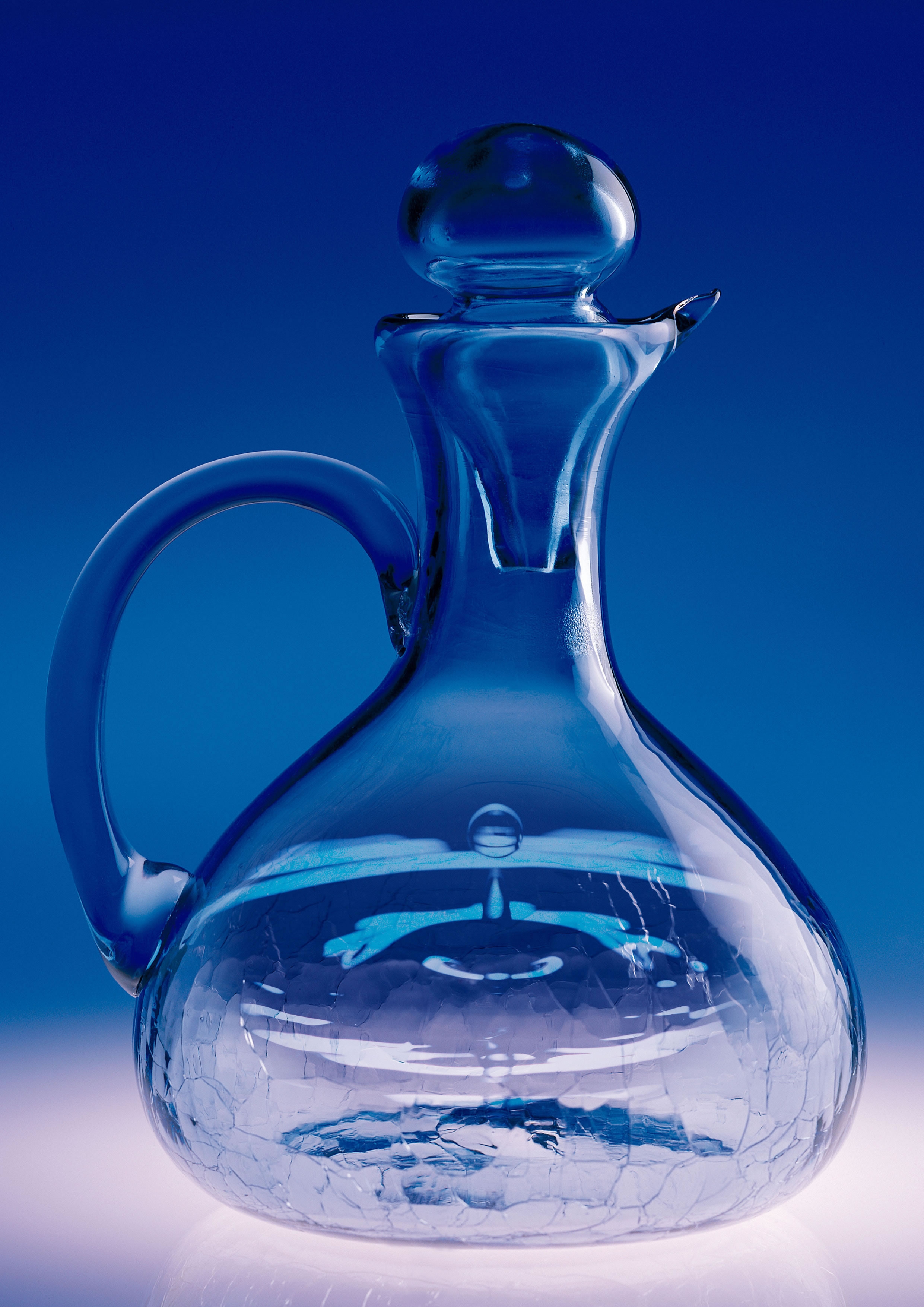
42 – Genesis
Contest goal:
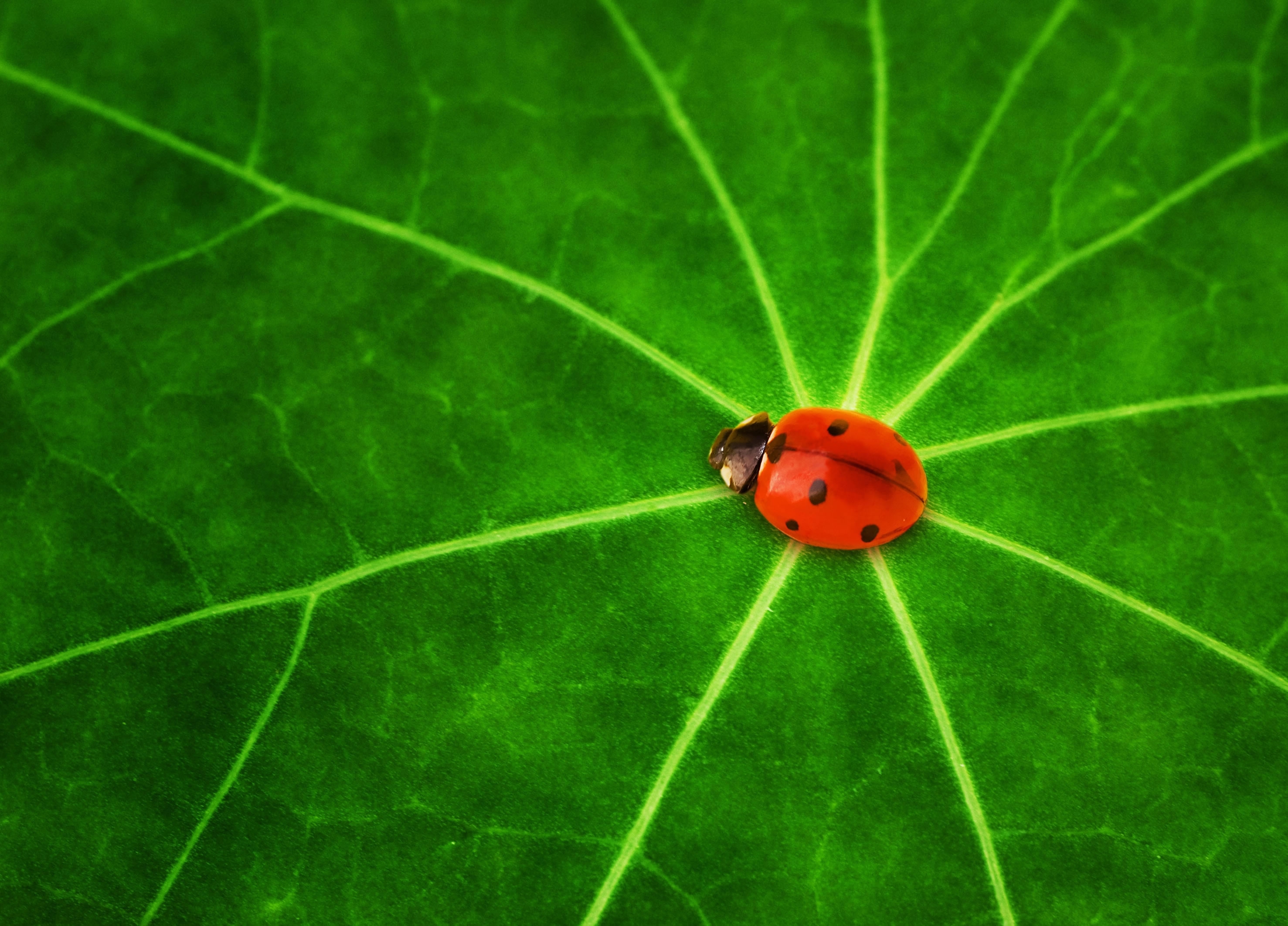
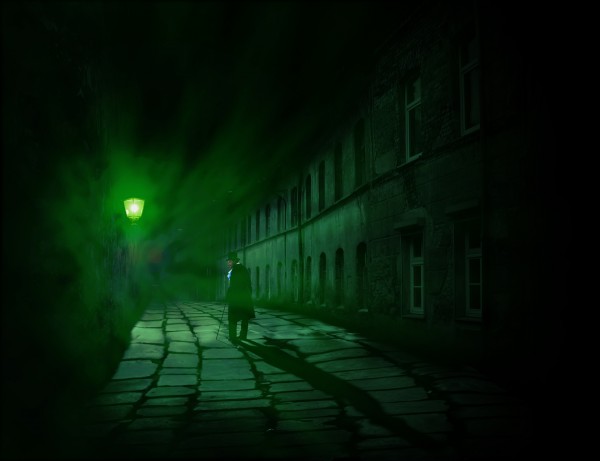
41 – The Ripper
Contest goal:
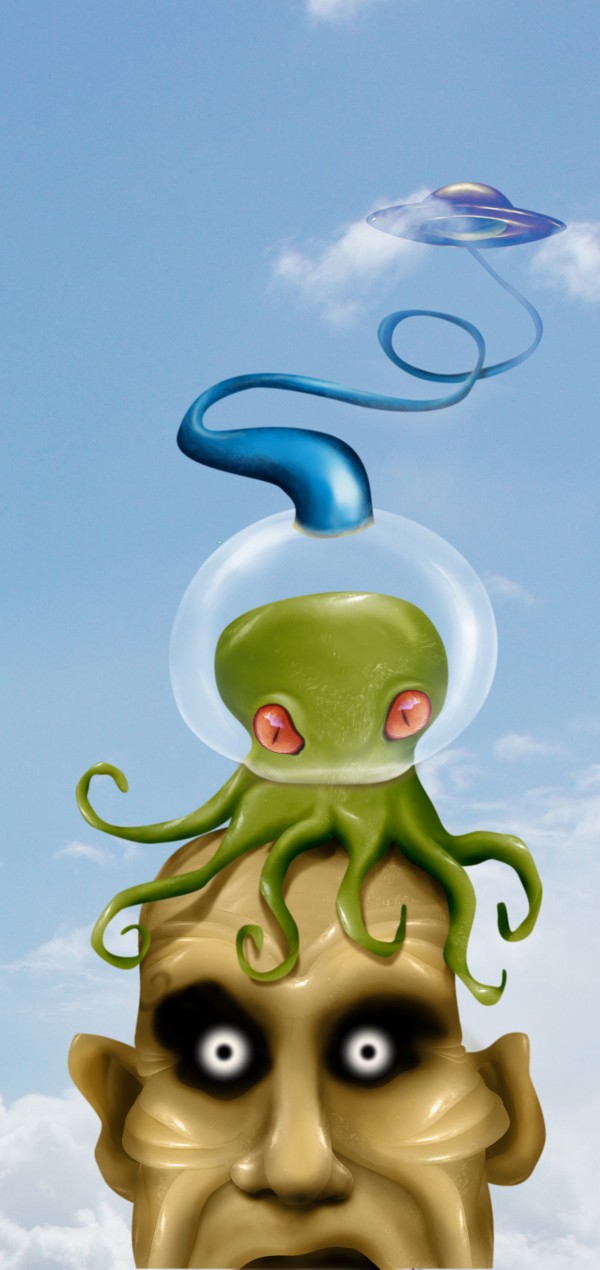
40 – Jimy the martian
Contest goal:
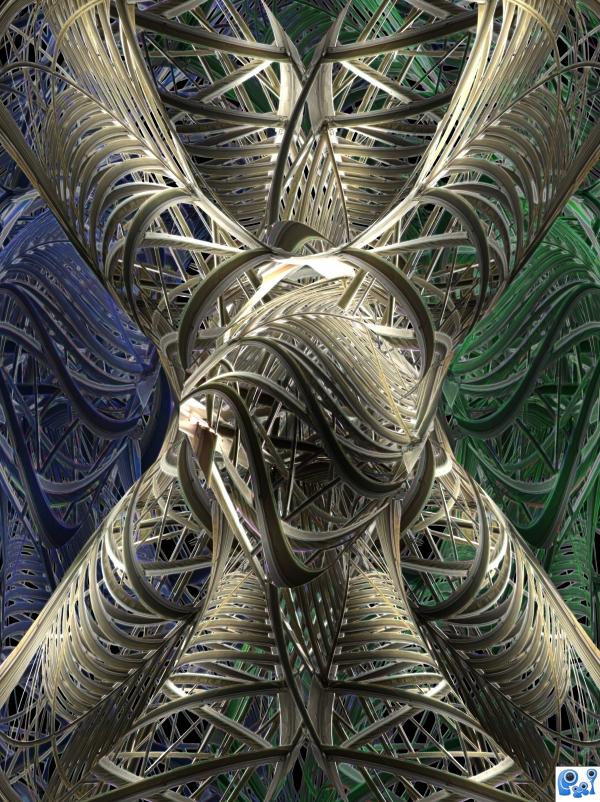
39 – Twisted
Contest goal:
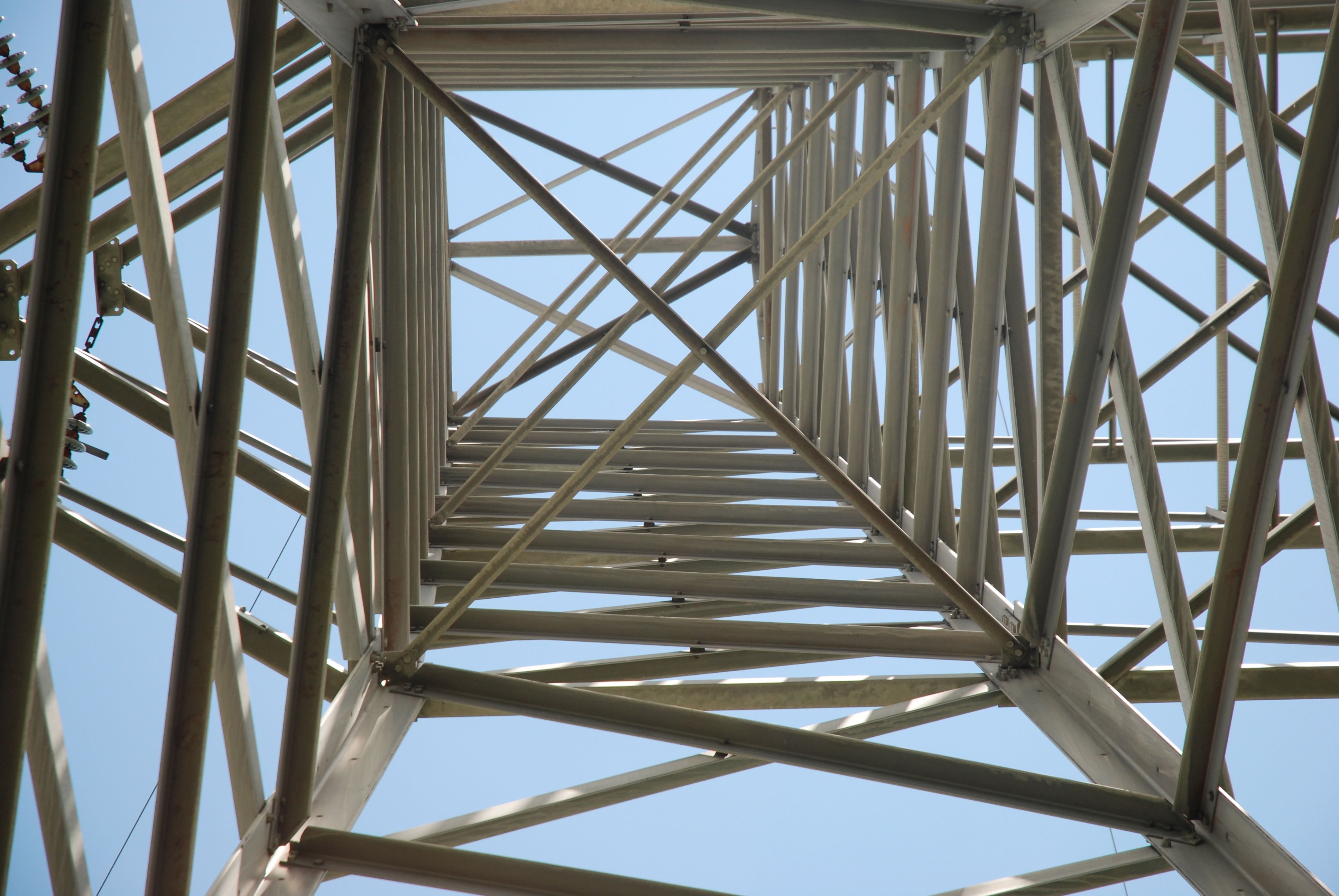
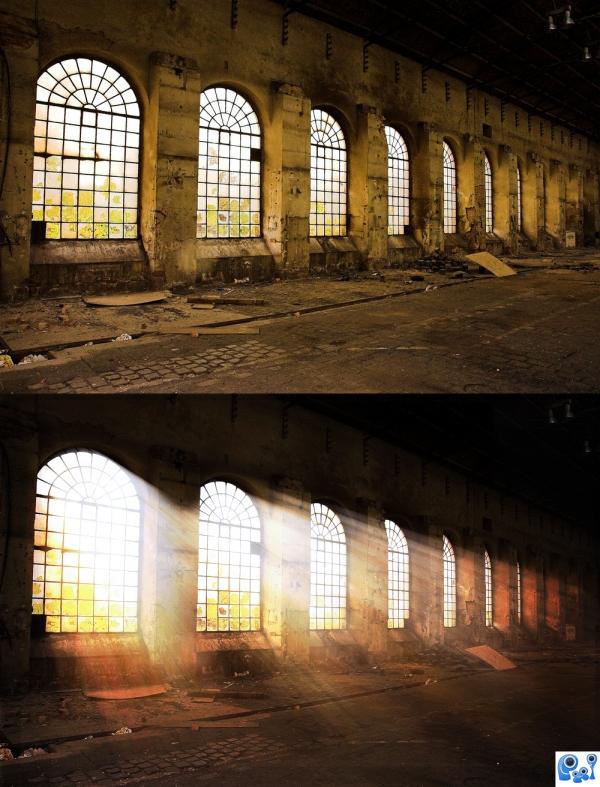
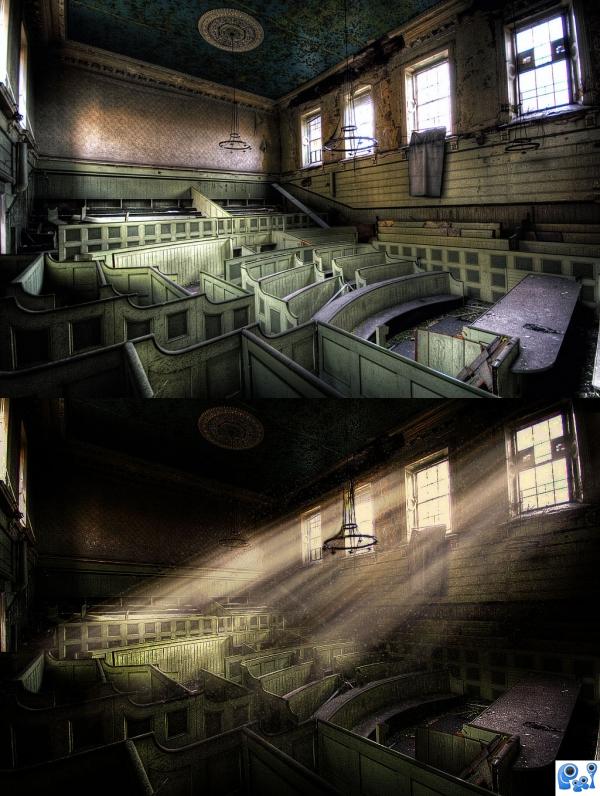
38 – Sunshine Ruin
Contest goal:
Take a source image that has no specific lighting and create your own artificial lighting in your favorite 2D program. For example, you could use a photo of an apartment block at night, without any lights in the apartment. On this photo, add lights shining from some or all apartments. More examples: give headlight beams to cars, add streetlights, light the inside of a room… Realistic strong lighting, reflections and shadows are key here. The more realistic your artificial lighting looks, the better. Don’t forget to include your “before”-image for comparison. Good luck!
Take a source image that has no specific lighting and create your own artificial lighting in your favorite 2D program. For example, you could use a photo of an apartment block at night, without any lights in the apartment. On this photo, add lights shining from some or all apartments. More examples: give headlight beams to cars, add streetlights, light the inside of a room… Realistic strong lighting, reflections and shadows are key here. The more realistic your artificial lighting looks, the better. Don’t forget to include your “before”-image for comparison. Good luck!
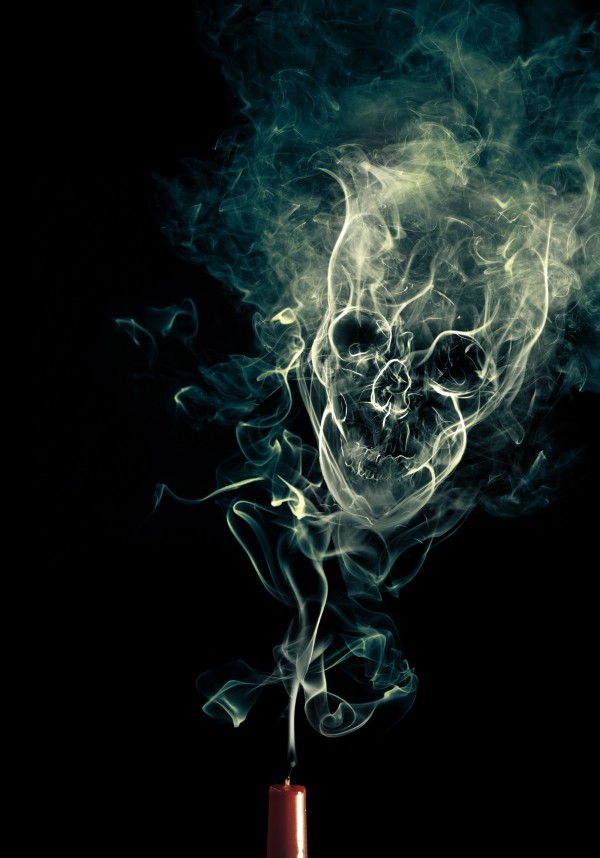
37 – Smoke
Contest goal:
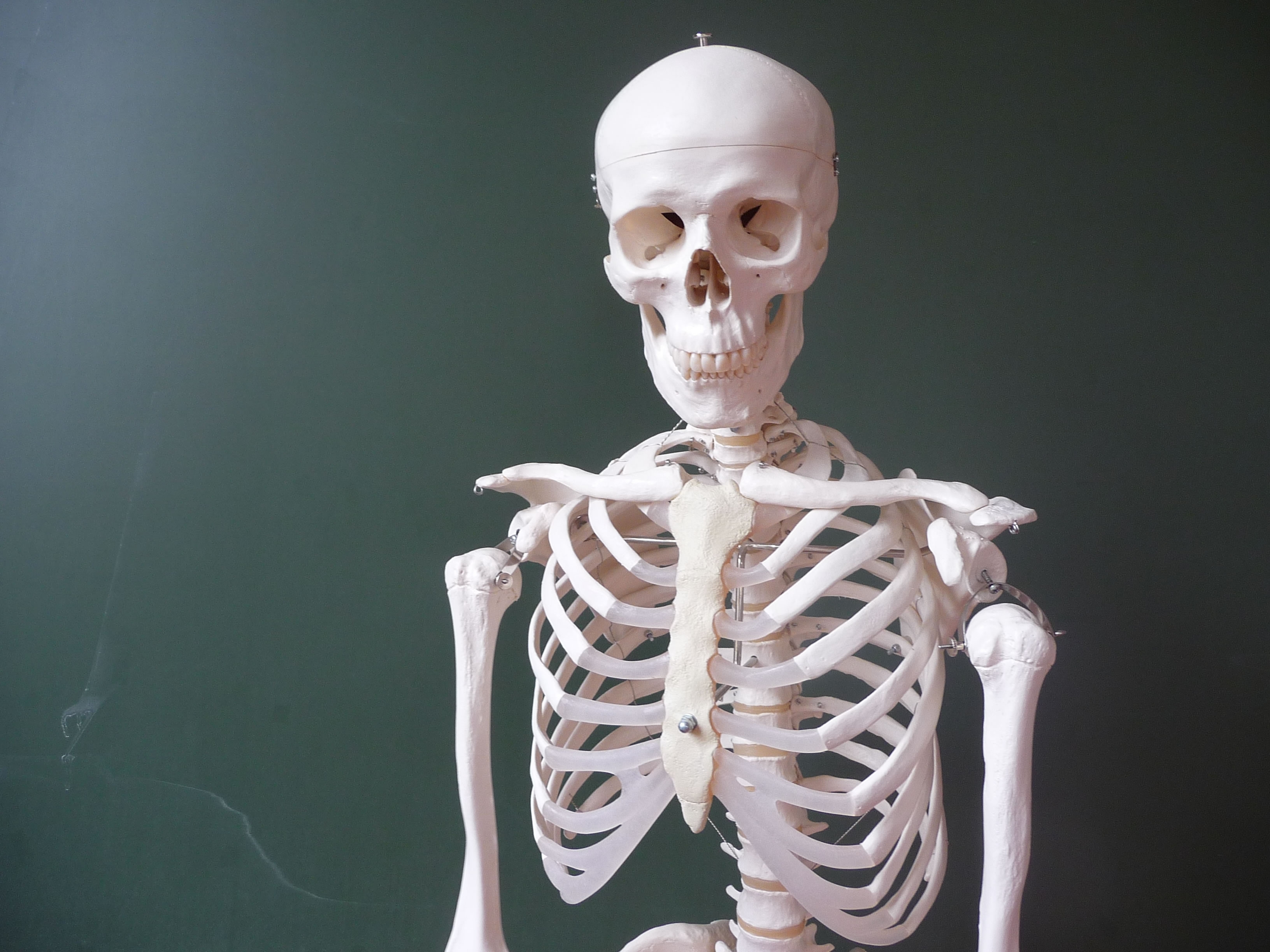
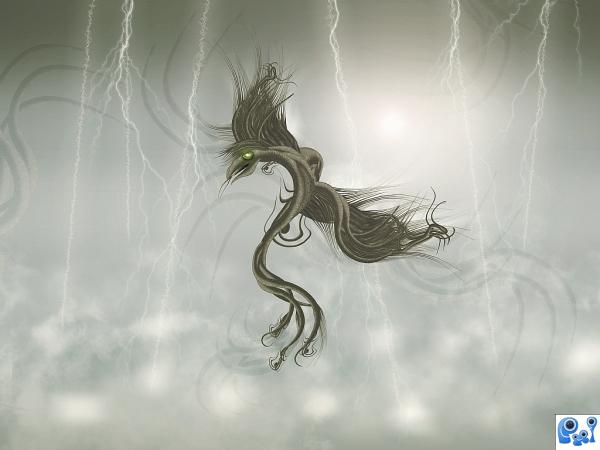
36 – Lightning Drake
Contest goal:

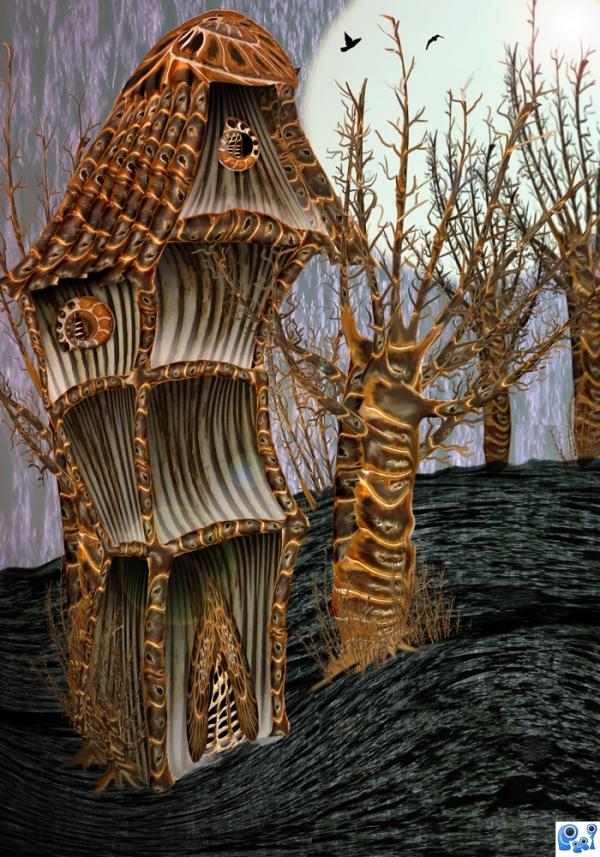
35 – The curved house
Contest goal:
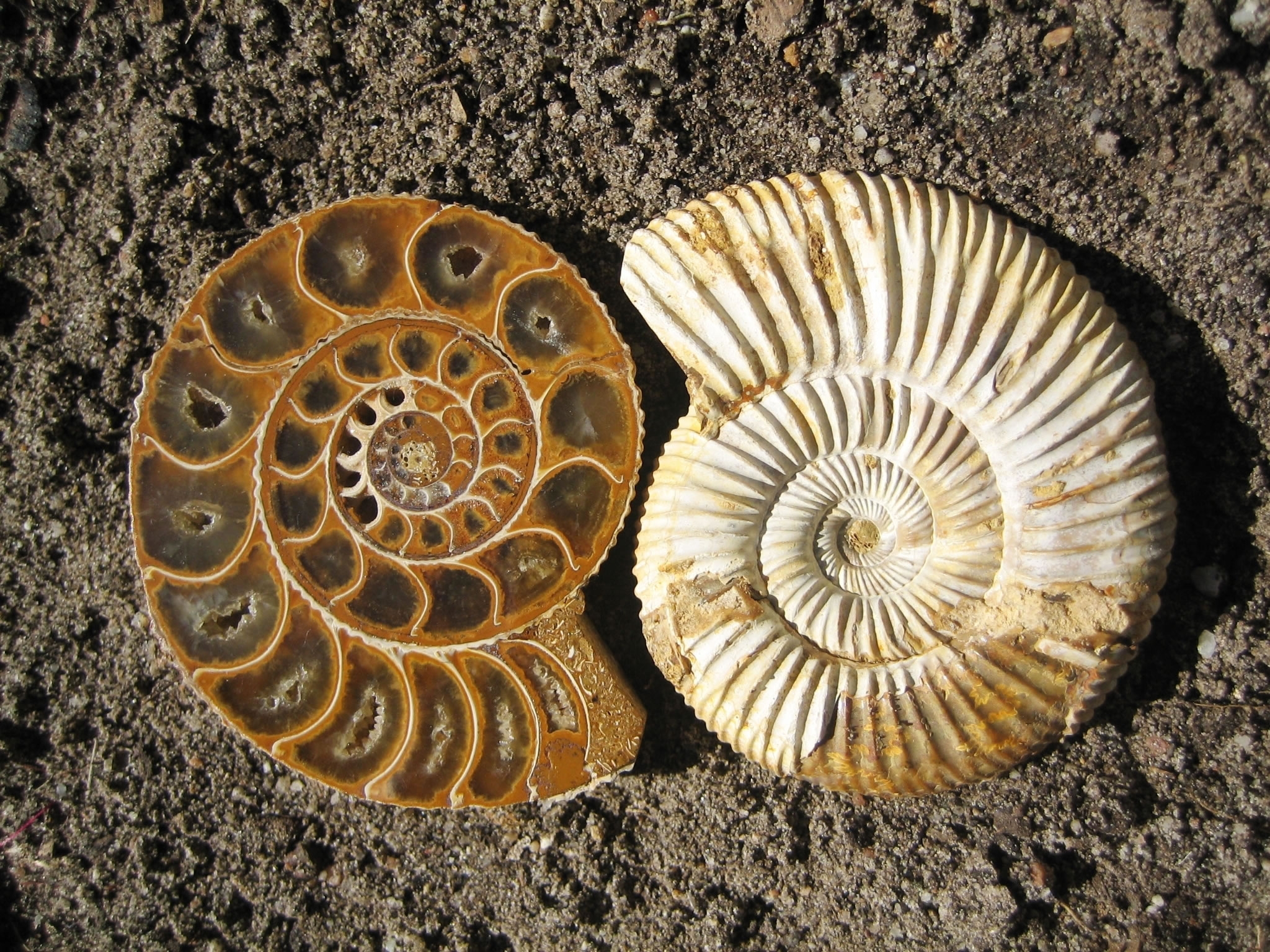
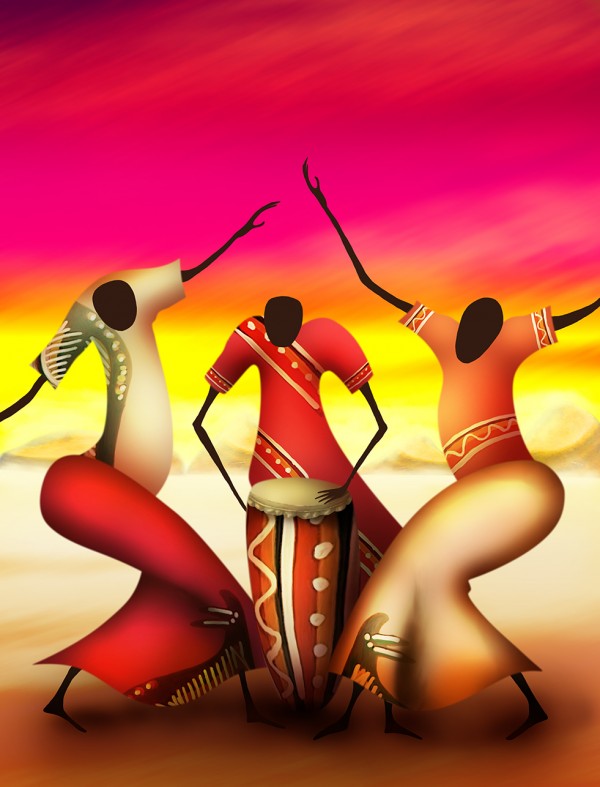
34 – Some friends from Africa
Contest goal:
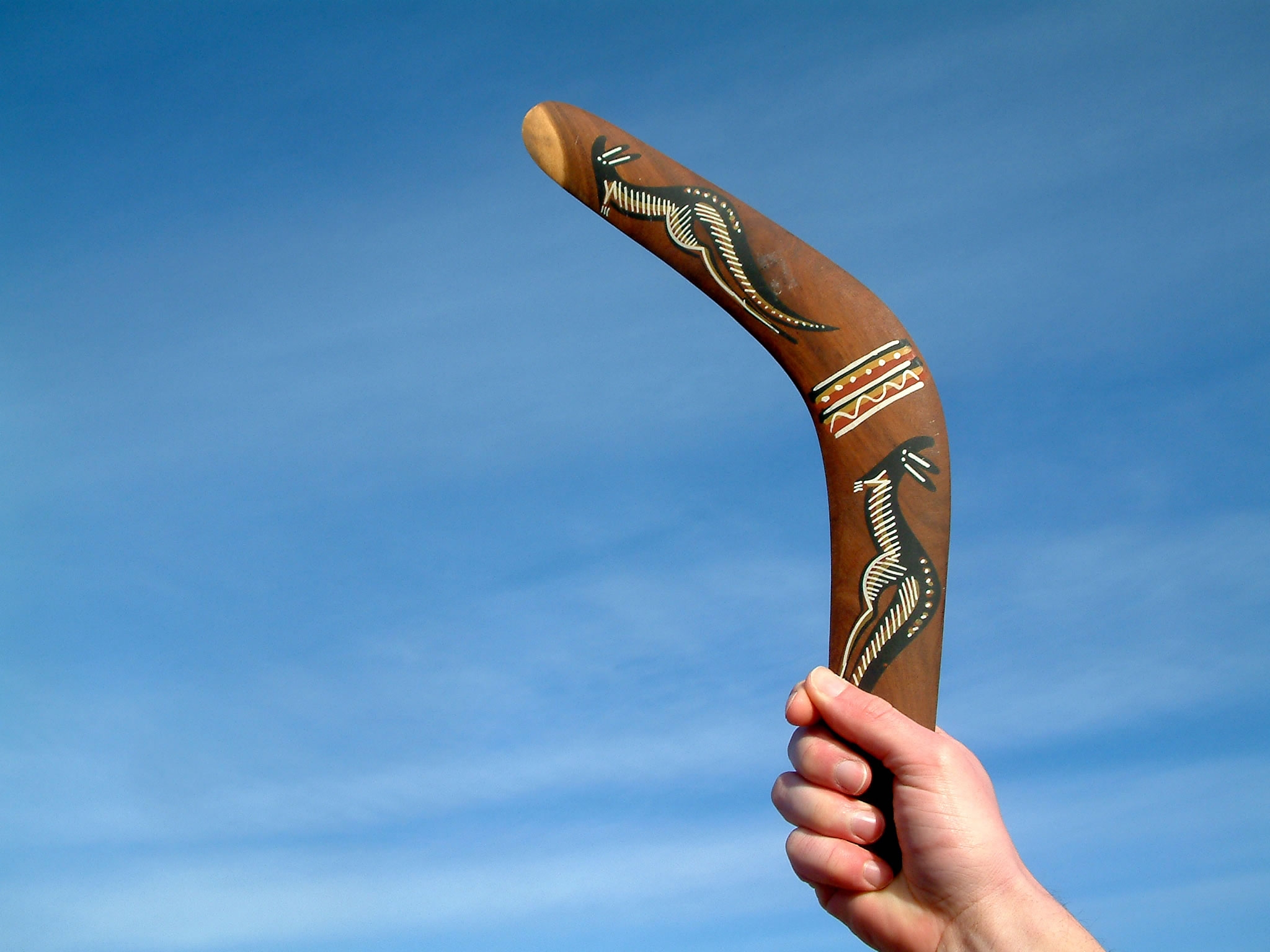
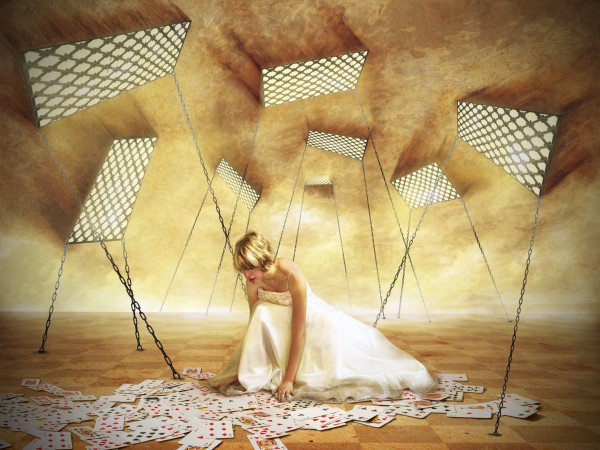
33 – The cards are won
Contest goal:
Fairy Tales are like a universal language, everyone remembers Snow White taking a bit out of an apple, or cinderella putting on a glass slipper. Your task is to re-create these magical moments using any software you like. Make sure to mention from which fairy tale it’s a part of, or try to make the viewers guess! Good luck!
Fairy Tales are like a universal language, everyone remembers Snow White taking a bit out of an apple, or cinderella putting on a glass slipper. Your task is to re-create these magical moments using any software you like. Make sure to mention from which fairy tale it’s a part of, or try to make the viewers guess! Good luck!
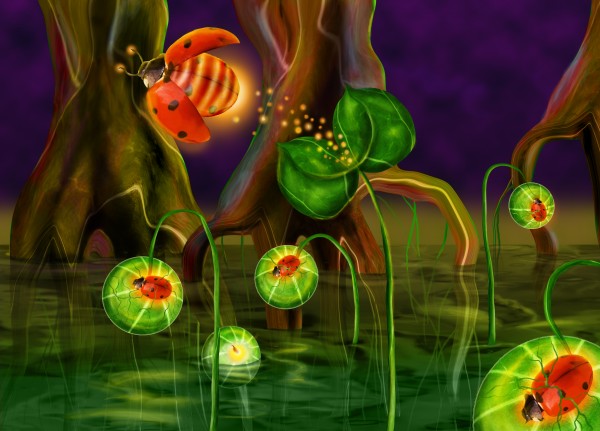
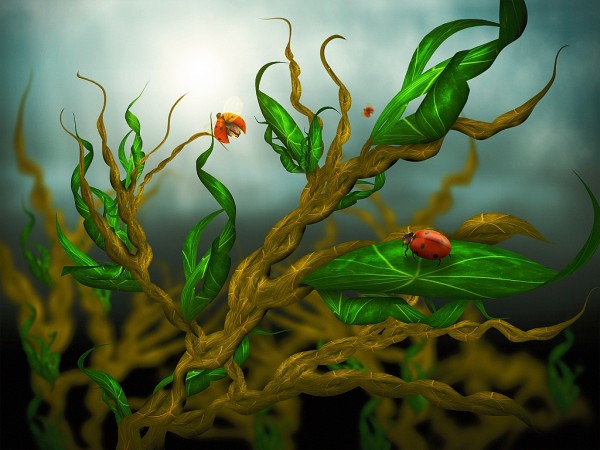
32 – In Bugland
Contest goal:
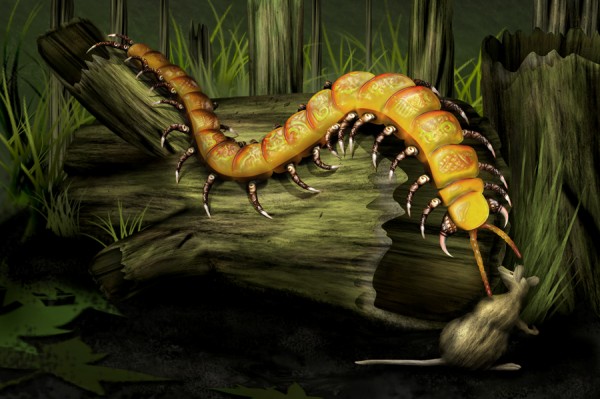
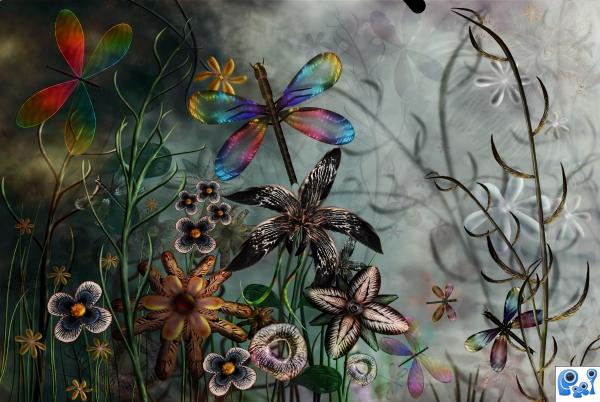
31 – Mystic Centipede
Contest goal:
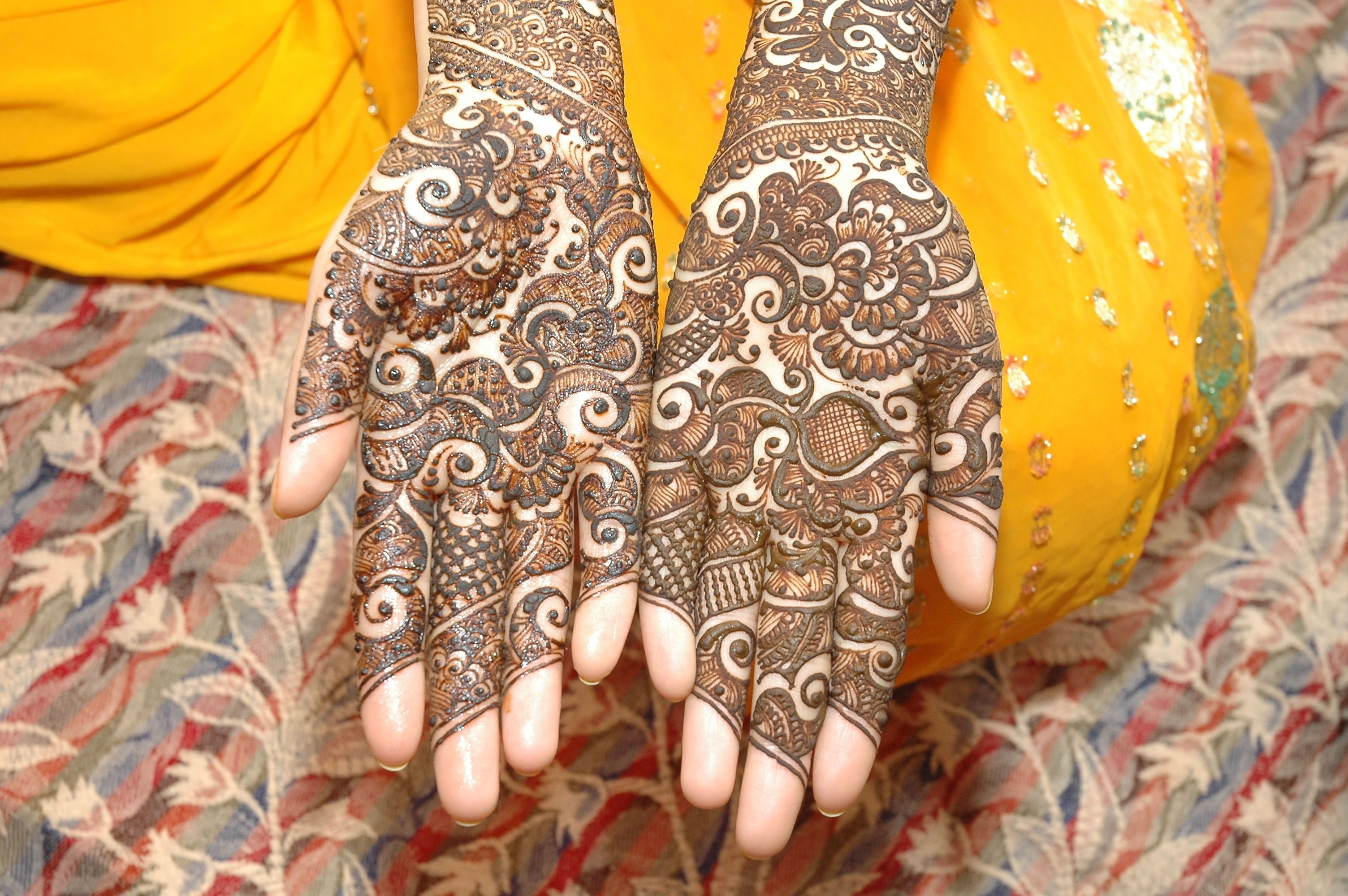
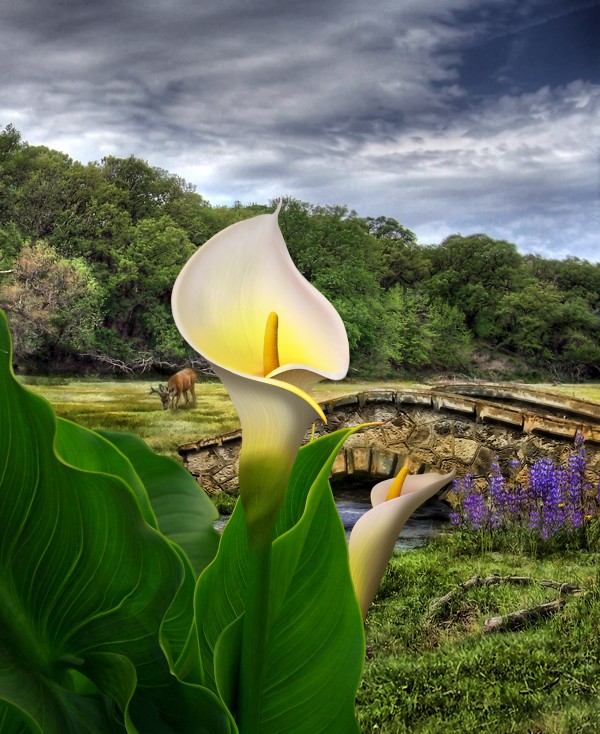
30 – Summer Garden
Contest goal:
29 – Abandoned
Contest goal:
Take a source image that has no specific lighting and create your own artificial lighting in your favorite 2D program. For example, you could use a photo of an apartment block at night, without any lights in the apartment. On this photo, add lights shining from some or all apartments. More examples: give headlight beams to cars, add streetlights, light the inside of a room… Realistic strong lighting, reflections and shadows are key here. The more realistic your artificial lighting looks, the better. Don’t forget to include your “before”-image for comparison. Good luck!
Take a source image that has no specific lighting and create your own artificial lighting in your favorite 2D program. For example, you could use a photo of an apartment block at night, without any lights in the apartment. On this photo, add lights shining from some or all apartments. More examples: give headlight beams to cars, add streetlights, light the inside of a room… Realistic strong lighting, reflections and shadows are key here. The more realistic your artificial lighting looks, the better. Don’t forget to include your “before”-image for comparison. Good luck!
28 – Harmony
Contest goal:
27 – Red Pxl
Contest goal:
In this contest, your goal is to design a nice christmas logo to replace the current pxleyes logo during the holiday period. The idea is to start with the current logo and work on it to give it a christmas-feel. Optionally, the text “CG Community” can be added to the logo. The winner will be decided by voting, and not manually like last year! Do anything you like with it, but keep the total dimension and ratio the same. Post a screenshot of how your logo design looks on the site. The PSD file for the current logo can be downloaded here: http://www.pxleyes.com/psd/logo.psd Good luck!
In this contest, your goal is to design a nice christmas logo to replace the current pxleyes logo during the holiday period. The idea is to start with the current logo and work on it to give it a christmas-feel. Optionally, the text “CG Community” can be added to the logo. The winner will be decided by voting, and not manually like last year! Do anything you like with it, but keep the total dimension and ratio the same. Post a screenshot of how your logo design looks on the site. The PSD file for the current logo can be downloaded here: http://www.pxleyes.com/psd/logo.psd Good luck!
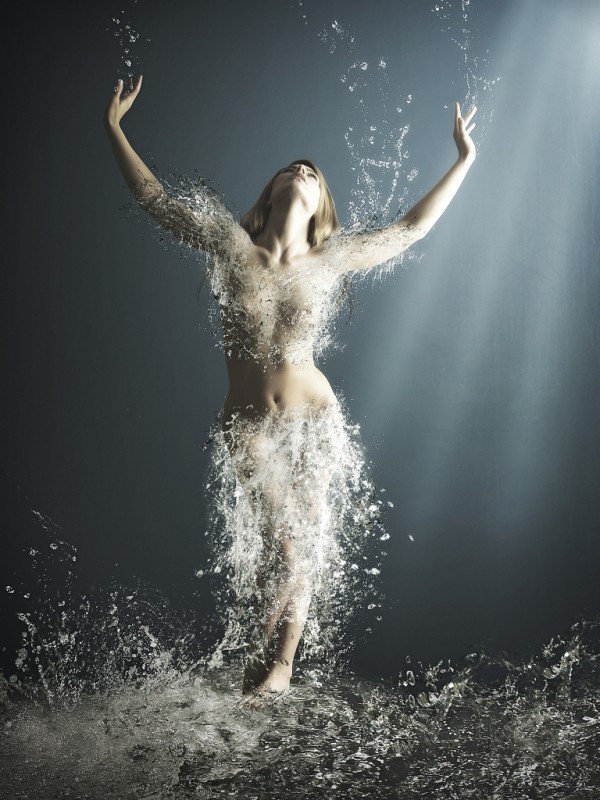
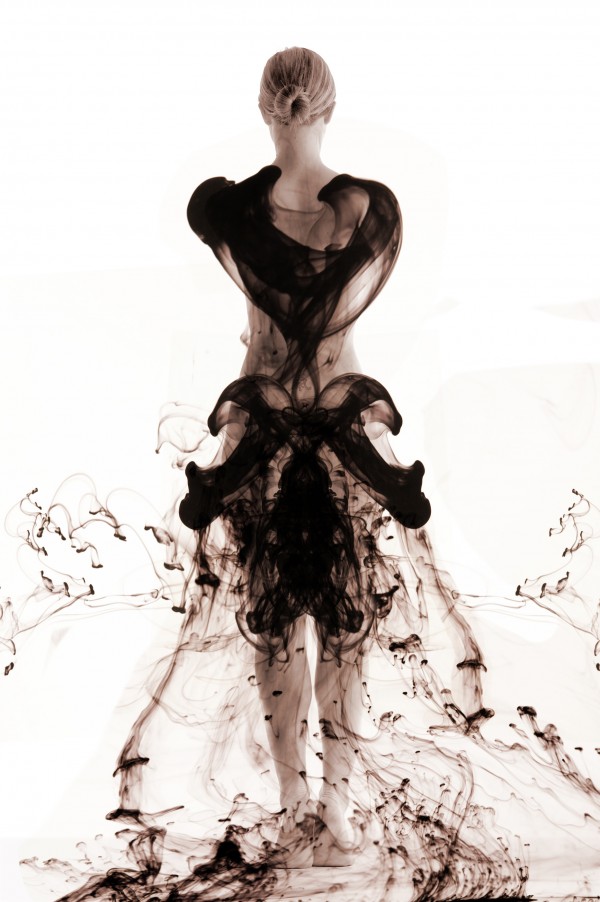
26 – WaterDress
Contest goal:
This contest is the project runway of photoshopping! Create the most interesting dress that you can. It does not necessarily have to be something realistic. Maybe a dress made of water, living ants, or good old fashion fabric! Its up to you… be creative and think fashionably! Good luck!
This contest is the project runway of photoshopping! Create the most interesting dress that you can. It does not necessarily have to be something realistic. Maybe a dress made of water, living ants, or good old fashion fabric! Its up to you… be creative and think fashionably! Good luck!
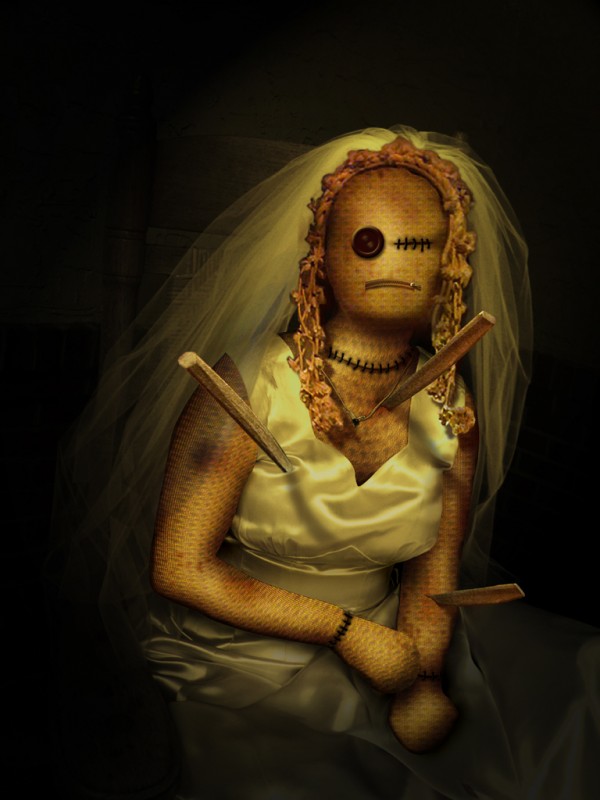
25 – Voodoo Bride
Contest goal:
A theme in which only those who are filled with sad emotions or hate have a chance. Use dark images and colors to express an extremely hard time or painful event that you’ve experienced in the past. Break ups, death, loss of a friendship,… Anything that made you feel miserable. Add text to your scene if necessary.
A theme in which only those who are filled with sad emotions or hate have a chance. Use dark images and colors to express an extremely hard time or painful event that you’ve experienced in the past. Break ups, death, loss of a friendship,… Anything that made you feel miserable. Add text to your scene if necessary.
24 – Crying…
Contest goal:
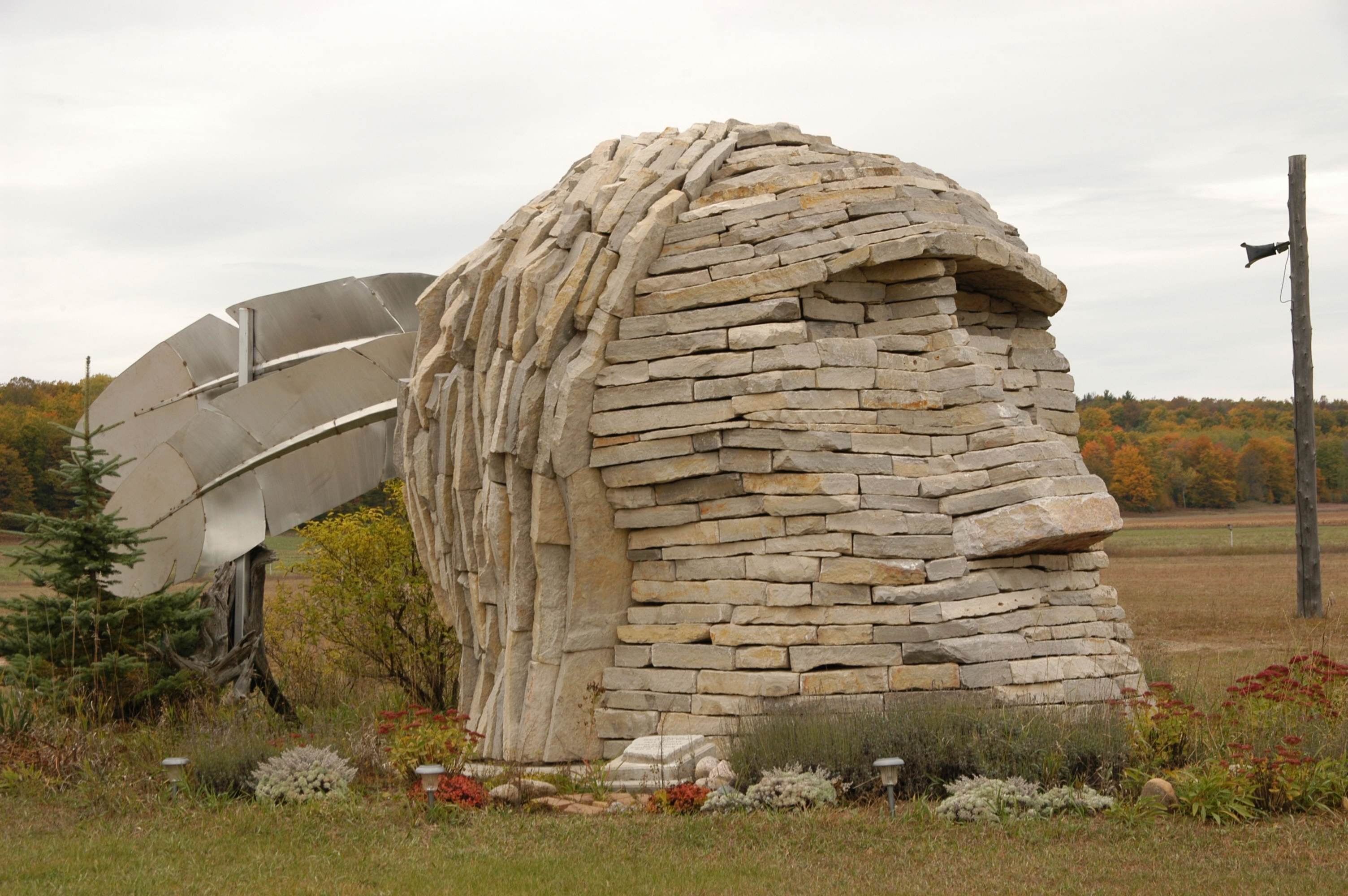
23 – In Visible Ink
Contest goal:
This contest is the project runway of photoshopping! Create the most interesting dress that you can. It does not necessarily have to be something realistic. Maybe a dress made of water, living ants, or good old fashion fabric! Its up to you… be creative and think fashionably! Good luck!
This contest is the project runway of photoshopping! Create the most interesting dress that you can. It does not necessarily have to be something realistic. Maybe a dress made of water, living ants, or good old fashion fabric! Its up to you… be creative and think fashionably! Good luck!
22 – CMYK46
Contest goal:
PXL members donate pictures of themselves, and it is your job to manipulate their images to make them look either good or evil. Chop them into unusual places, mess with their proportions, give them funny costumes… but do not post anything that would be considered offensive or distasteful. We already had a caricature contest of this kind, please do not post entries of that contest here. To find a picture of a pxl member, go to this thread: http://www.pxleyes.com/forum/viewtopic.php?f=4&t=61 If you haven’t posted your picture there, go ahead and post it for others to chop! More pictures can be uploaded and found here.
PXL members donate pictures of themselves, and it is your job to manipulate their images to make them look either good or evil. Chop them into unusual places, mess with their proportions, give them funny costumes… but do not post anything that would be considered offensive or distasteful. We already had a caricature contest of this kind, please do not post entries of that contest here. To find a picture of a pxl member, go to this thread: http://www.pxleyes.com/forum/viewtopic.php?f=4&t=61 If you haven’t posted your picture there, go ahead and post it for others to chop! More pictures can be uploaded and found here.
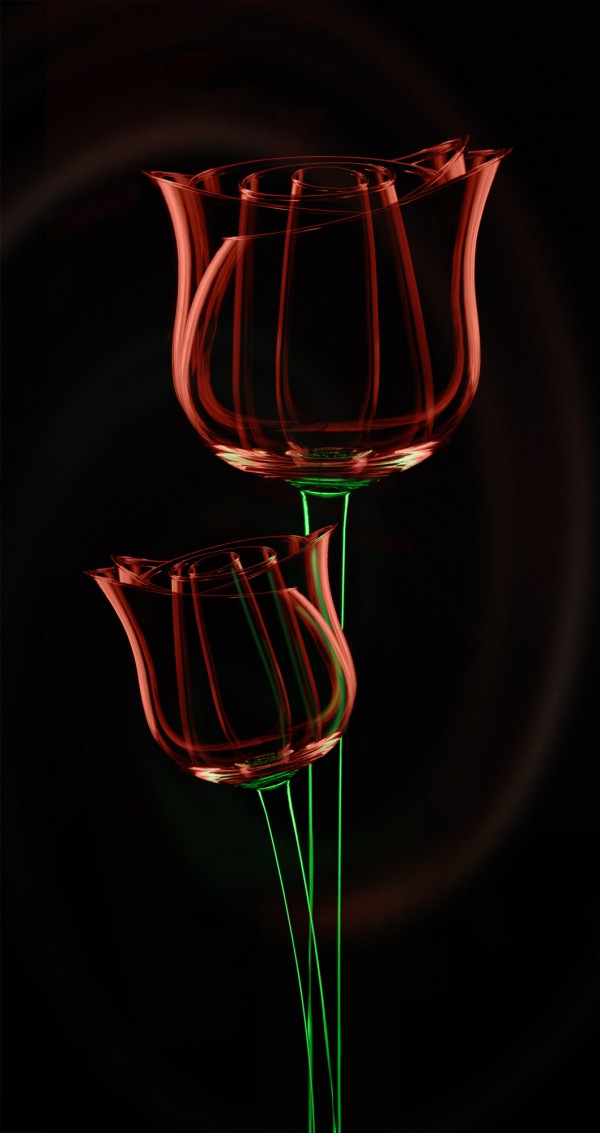
21 – Rose
Contest goal:
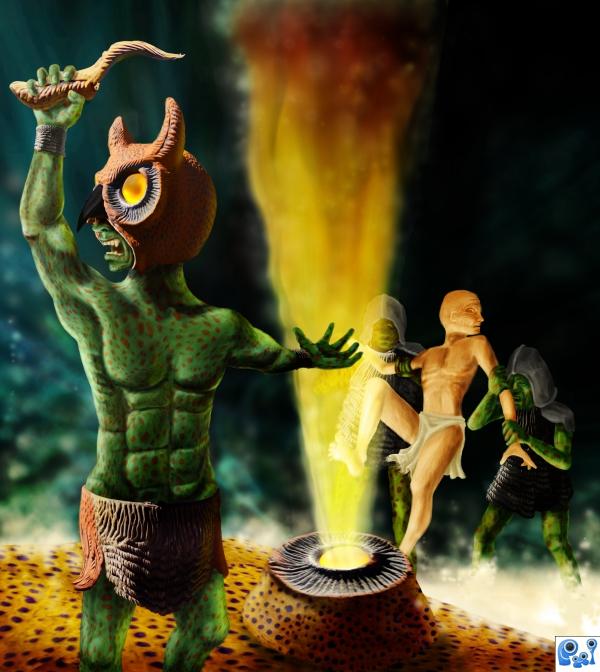
20 – The ritual
Contest goal:
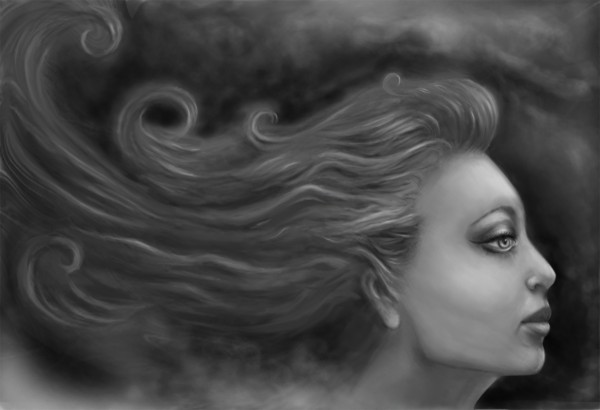
19 – Lady of mist and shadow
Contest goal:
Make a square canvas with a grey background and create an image using dodge, burn, and smudge tools only. You can only use these tools, but it is allowed to use external references to base your work on. If you do, don’t forget to mention them in your sources or SBS guide! Take some intermediate screenshots to show the progress of your work. Good luck!
Make a square canvas with a grey background and create an image using dodge, burn, and smudge tools only. You can only use these tools, but it is allowed to use external references to base your work on. If you do, don’t forget to mention them in your sources or SBS guide! Take some intermediate screenshots to show the progress of your work. Good luck!
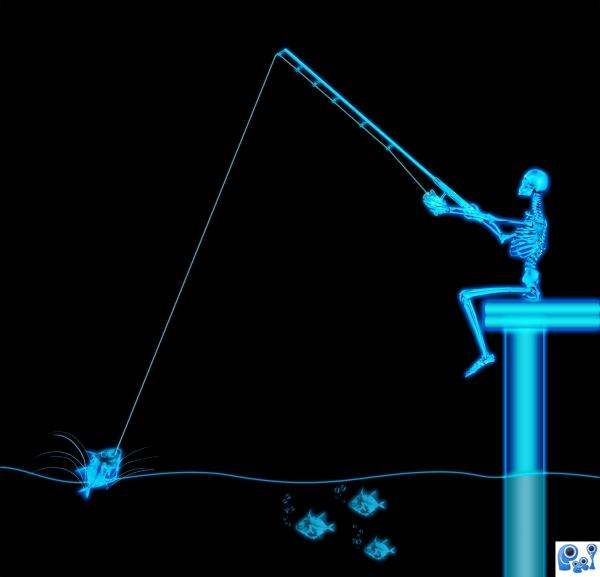
18 – X-ray fisherman
Contest goal:
The x-ray wavelength is extremely short, so x-rays have a very high frequency that we cannot see with the naked eye. The x in x-rays initially stood for something mysterious… Today people prefer the term rontgen rays (because Wilhelm Rontgen accidently discovered them). What can we do with x-rays in Photoshop? In practice, x-rays pass through many solid objects and are used by doctors to examine human and animal bones and teeth. With x-ray vision they can actually see the bones. This is what we’re going to simulate in photoshop! Take any image of a living being and show how it looks in x-ray vision! (either partially or completely)
The x-ray wavelength is extremely short, so x-rays have a very high frequency that we cannot see with the naked eye. The x in x-rays initially stood for something mysterious… Today people prefer the term rontgen rays (because Wilhelm Rontgen accidently discovered them). What can we do with x-rays in Photoshop? In practice, x-rays pass through many solid objects and are used by doctors to examine human and animal bones and teeth. With x-ray vision they can actually see the bones. This is what we’re going to simulate in photoshop! Take any image of a living being and show how it looks in x-ray vision! (either partially or completely)
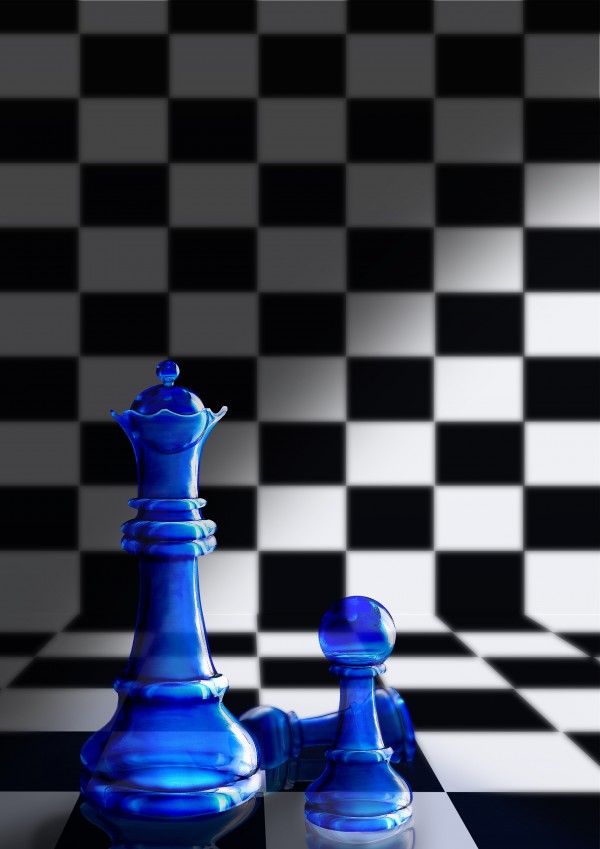
17 – Glass Chess
Contest goal:
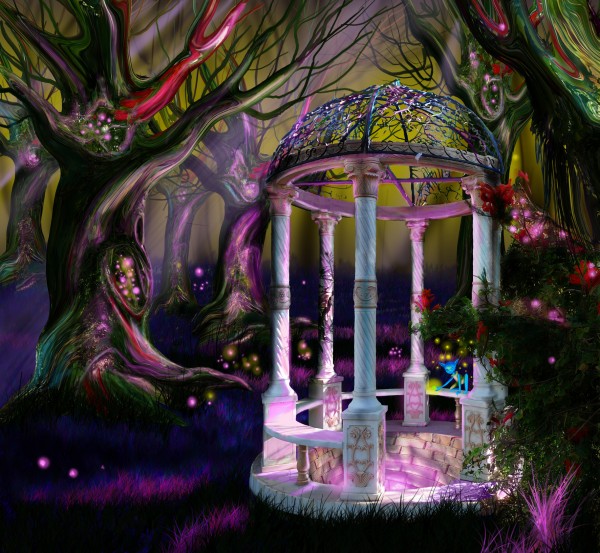
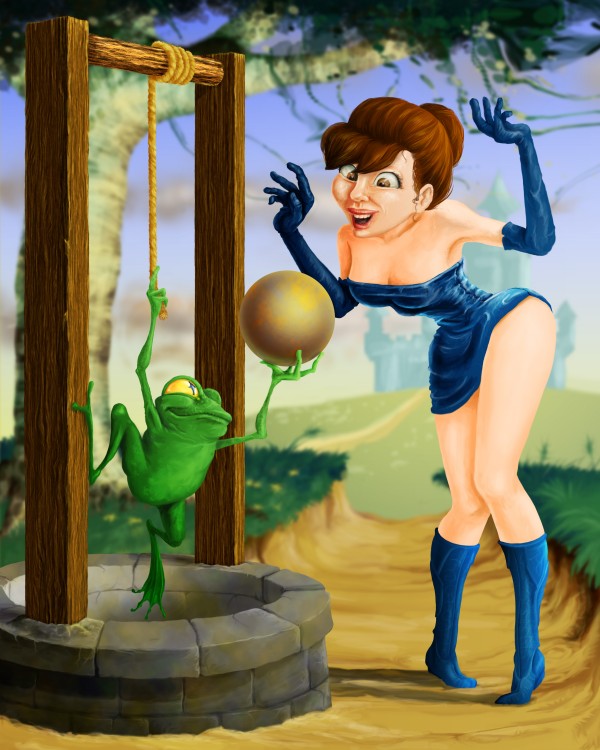
16 – Wishing well
Contest goal:
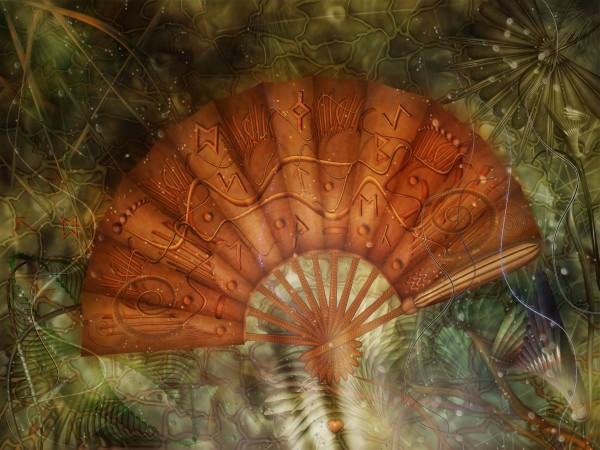
15 – Fan
Contest goal:
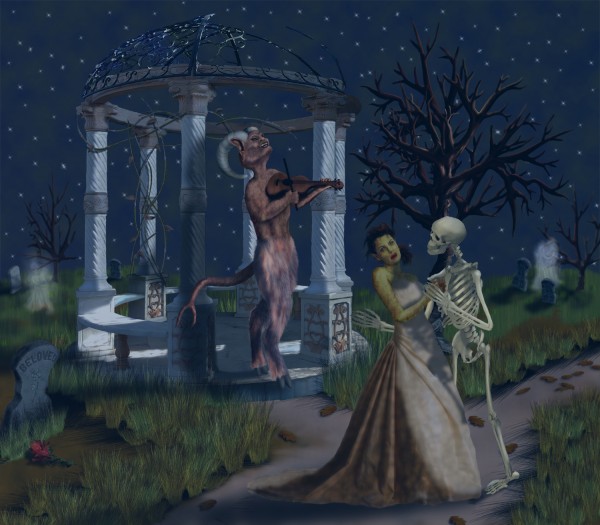
14 – Danse Macabre
Contest goal:
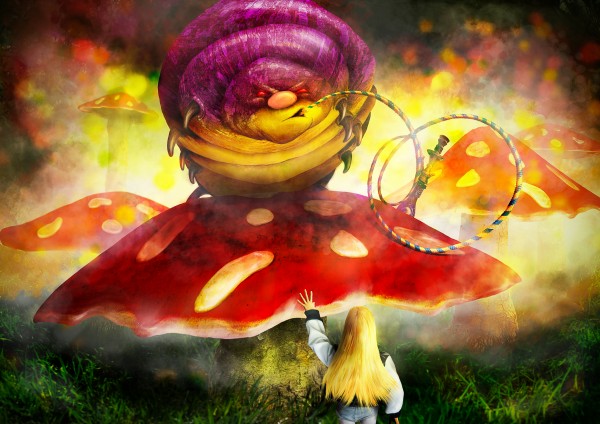
13 – Alice meets the Caterpillar
Contest goal:
Fairy Tales are like a universal language, everyone remembers Snow White taking a bit out of an apple, or cinderella putting on a glass slipper. Your task is to re-create these magical moments using any software you like. Make sure to mention from which fairy tale it’s a part of, or try to make the viewers guess! Good luck!
Fairy Tales are like a universal language, everyone remembers Snow White taking a bit out of an apple, or cinderella putting on a glass slipper. Your task is to re-create these magical moments using any software you like. Make sure to mention from which fairy tale it’s a part of, or try to make the viewers guess! Good luck!
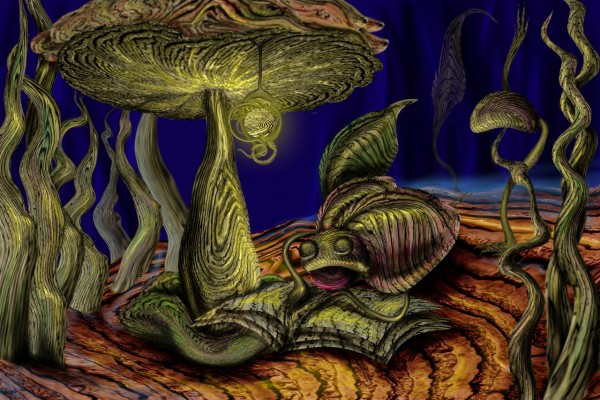
12 – Under the mushroom
Contest goal:
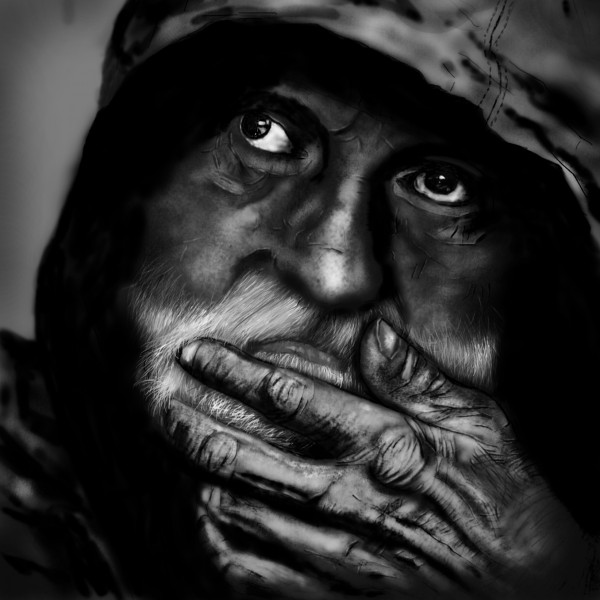
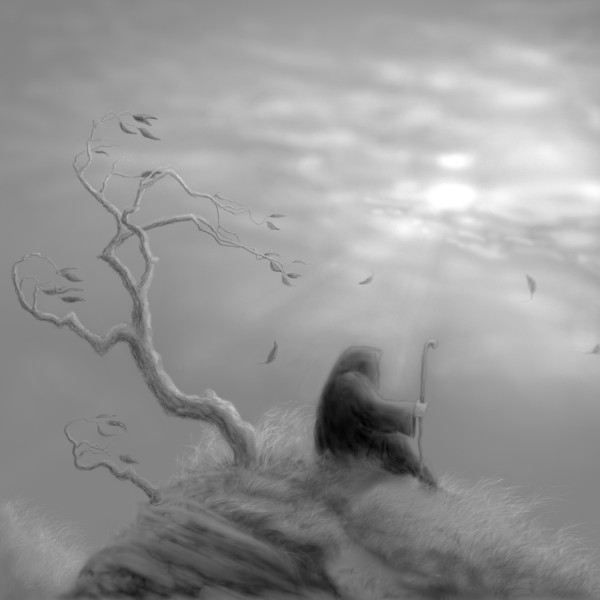
11 – Old Man Thinking…
Contest goal:
Make a square canvas with a grey background and create an image using dodge, burn, and smudge tools only. You can only use these tools, but it is allowed to use external references to base your work on. If you do, don’t forget to mention them in your sources or SBS guide! Take some intermediate screenshots to show the progress of your work. Good luck!
Make a square canvas with a grey background and create an image using dodge, burn, and smudge tools only. You can only use these tools, but it is allowed to use external references to base your work on. If you do, don’t forget to mention them in your sources or SBS guide! Take some intermediate screenshots to show the progress of your work. Good luck!
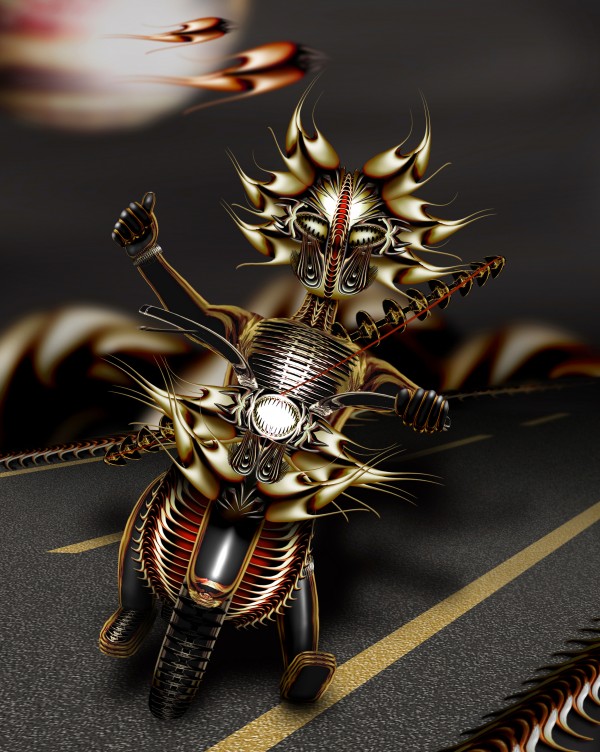
10 – easy rider
Contest goal:
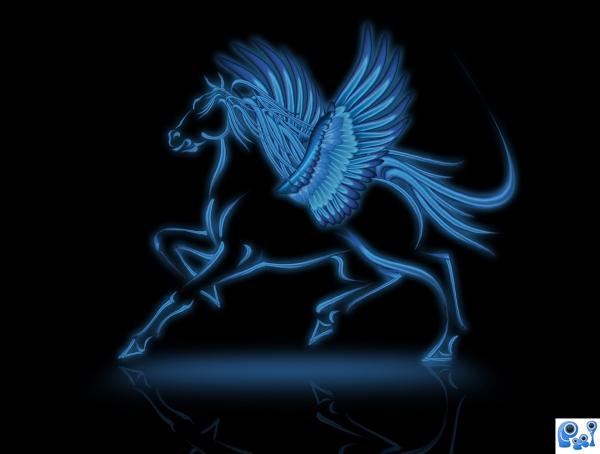
9 – The Legendary Horse
Contest goal:
8 – Cold October
Contest goal:
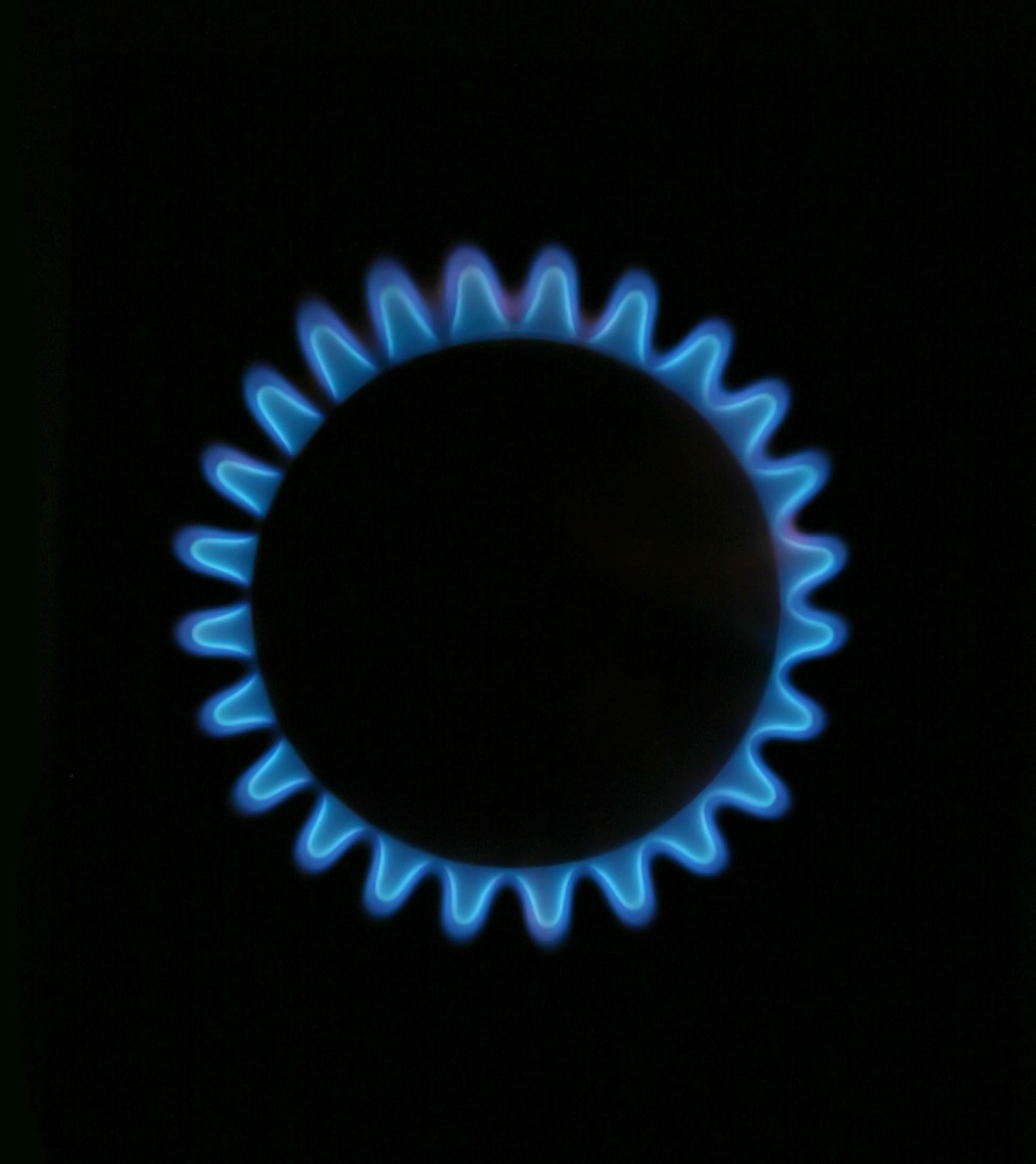
Make a square canvas with a grey background and create an image using dodge, burn, and smudge tools only. You can only use these tools, but it is allowed to use external references to base your work on. If you do, don’t forget to mention them in your sources or SBS guide! Take some intermediate screenshots to show the progress of your work. Good luck!
Make a square canvas with a grey background and create an image using dodge, burn, and smudge tools only. You can only use these tools, but it is allowed to use external references to base your work on. If you do, don’t forget to mention them in your sources or SBS guide! Take some intermediate screenshots to show the progress of your work. Good luck!
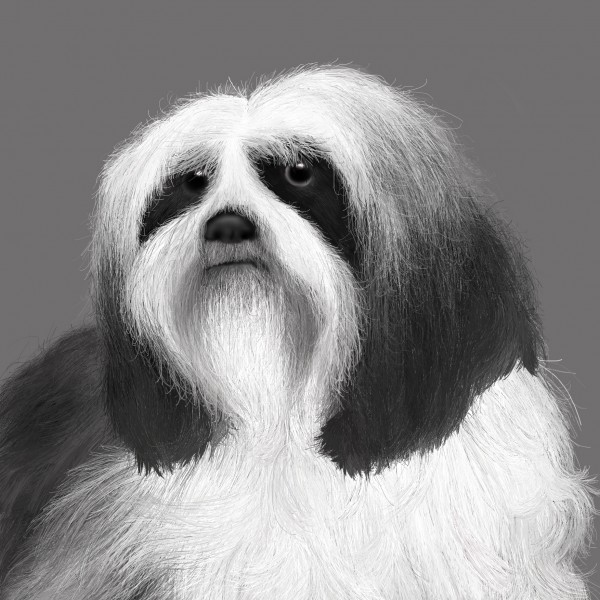
7 – puppy eyes
Contest goal:
Make a square canvas with a grey background and create an image using dodge, burn, and smudge tools only. You can only use these tools, but it is allowed to use external references to base your work on. If you do, don’t forget to mention them in your sources or SBS guide! Take some intermediate screenshots to show the progress of your work. Good luck!
Make a square canvas with a grey background and create an image using dodge, burn, and smudge tools only. You can only use these tools, but it is allowed to use external references to base your work on. If you do, don’t forget to mention them in your sources or SBS guide! Take some intermediate screenshots to show the progress of your work. Good luck!
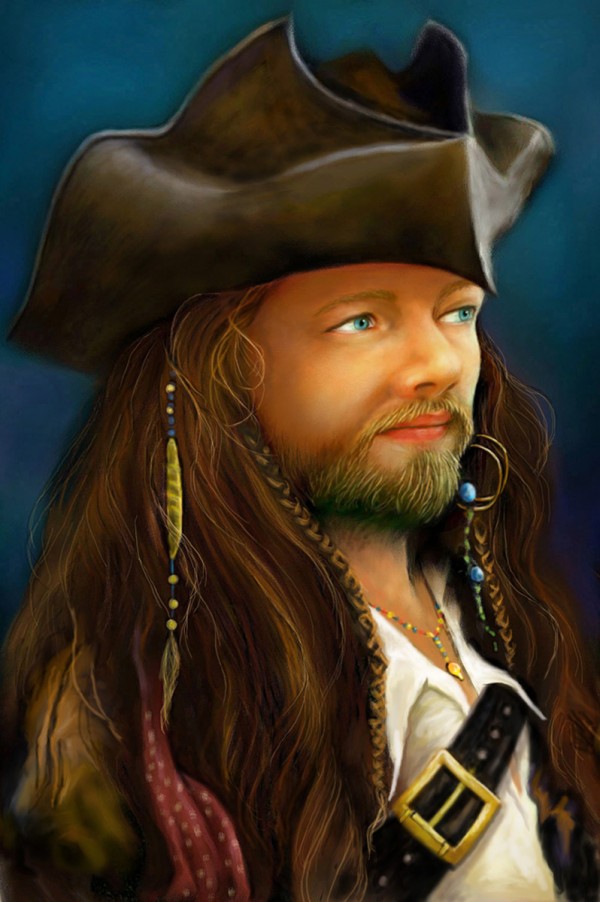
6 – Wazowski
Contest goal:
PXL members donate pictures of themselves, and it is your job to manipulate their images to make them look either good or evil. Chop them into unusual places, mess with their proportions, give them funny costumes… but do not post anything that would be considered offensive or distasteful. We already had a caricature contest of this kind, please do not post entries of that contest here. To find a picture of a pxl member, go to this thread: http://www.pxleyes.com/forum/viewtopic.php?f=4&t=61 If you haven’t posted your picture there, go ahead and post it for others to chop! More pictures can be uploaded and found here.
PXL members donate pictures of themselves, and it is your job to manipulate their images to make them look either good or evil. Chop them into unusual places, mess with their proportions, give them funny costumes… but do not post anything that would be considered offensive or distasteful. We already had a caricature contest of this kind, please do not post entries of that contest here. To find a picture of a pxl member, go to this thread: http://www.pxleyes.com/forum/viewtopic.php?f=4&t=61 If you haven’t posted your picture there, go ahead and post it for others to chop! More pictures can be uploaded and found here.
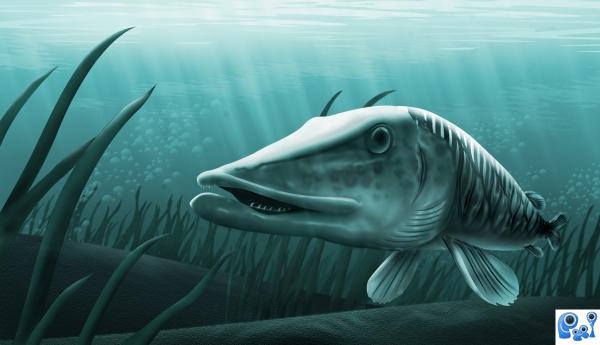
5 – Muskie
Contest goal:
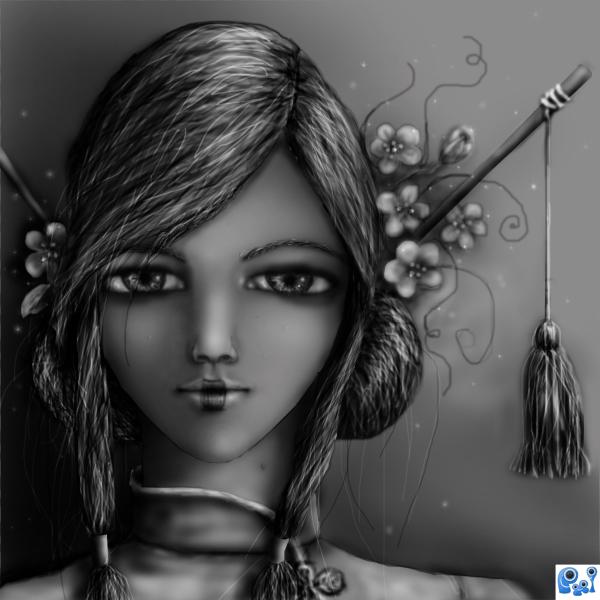
4 – dreams of asia
Contest goal:
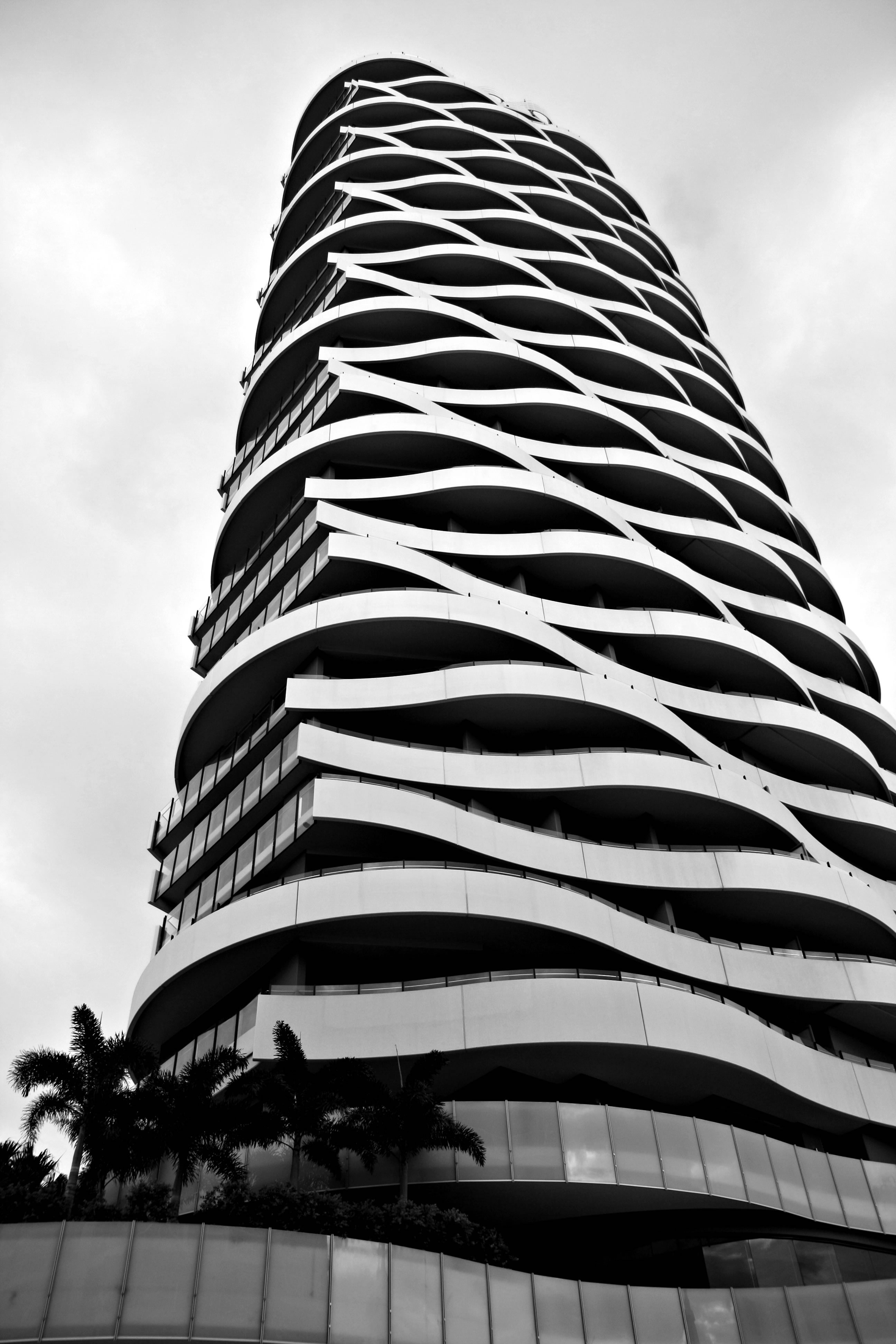
Make a square canvas with a grey background and create an image using dodge, burn, and smudge tools only. You can only use these tools, but it is allowed to use external references to base your work on. If you do, don’t forget to mention them in your sources or SBS guide! Take some intermediate screenshots to show the progress of your work. Good luck!
Make a square canvas with a grey background and create an image using dodge, burn, and smudge tools only. You can only use these tools, but it is allowed to use external references to base your work on. If you do, don’t forget to mention them in your sources or SBS guide! Take some intermediate screenshots to show the progress of your work. Good luck!
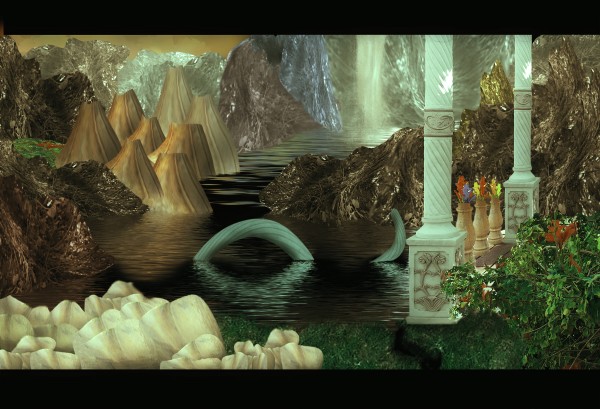
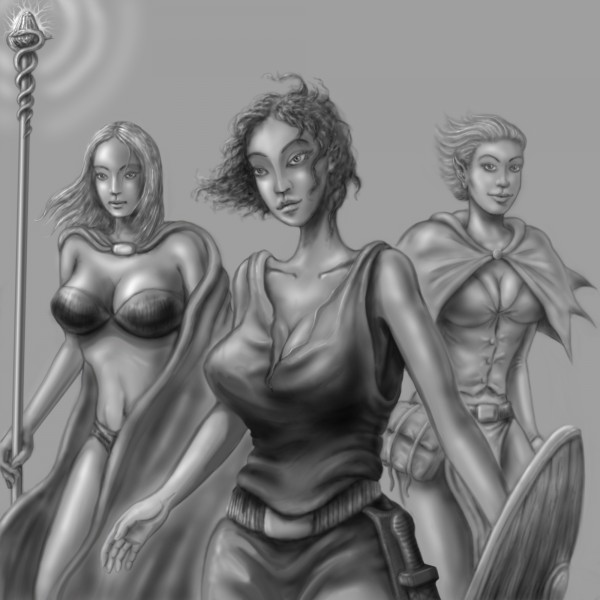
3 – Fantasy world
Contest goal:
2 – The band
Contest goal:
Make a square canvas with a grey background and create an image using dodge, burn, and smudge tools only. You can only use these tools, but it is allowed to use external references to base your work on. If you do, don’t forget to mention them in your sources or SBS guide! Take some intermediate screenshots to show the progress of your work. Good luck!
Make a square canvas with a grey background and create an image using dodge, burn, and smudge tools only. You can only use these tools, but it is allowed to use external references to base your work on. If you do, don’t forget to mention them in your sources or SBS guide! Take some intermediate screenshots to show the progress of your work. Good luck!
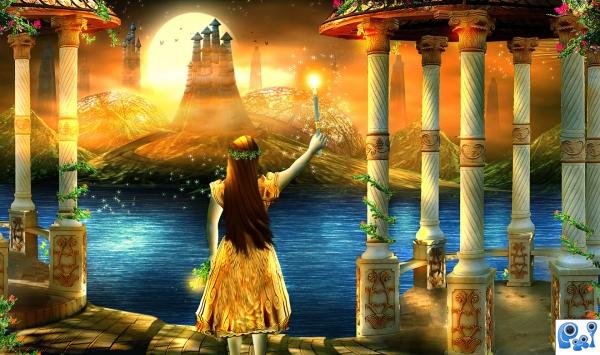
1 – And tonight…will be my turn
Contest goal:
Fairy Tales are like a universal language, everyone remembers Snow White taking a bit out of an apple, or cinderella putting on a glass slipper. Your task is to re-create these magical moments using any software you like. Make sure to mention from which fairy tale it’s a part of, or try to make the viewers guess! Good luck!
Fairy Tales are like a universal language, everyone remembers Snow White taking a bit out of an apple, or cinderella putting on a glass slipper. Your task is to re-create these magical moments using any software you like. Make sure to mention from which fairy tale it’s a part of, or try to make the viewers guess! Good luck!
Author: admin

Howdie stranger!
If you want to participate in our photoshop and photography contests, just:
LOGIN HERE or REGISTER FOR FREE
-
says:
-
says:
Ha, I made it 😀 Thanks again for votes, these days I completly don’t have time to participe… Maybe in 2-3 weeks that change, so I would make some fresh ones chops 🙂
BR
( 2 years and 4479 days ago ) -
says:
Ha, I made it 😀 Thanks again for votes, these days I completly don’t have time to participe… Maybe in 2-3 weeks that change, so I would make some fresh ones chops 🙂
BR
( 2 years and 4479 days ago ) -
says:
pxleyes rocks…
( 2 years and 4477 days ago ) -
says:
Some arE Creepy ideas..i dont want to look at it..Huhu..scary..
( 2 years and 4468 days ago ) -
says:
Nice Creative Works
( 2 years and 4285 days ago ) -
Congrats to all who made it to this top 50! Fabulous job all!
( 2 years and 4247 days ago )
Pxleyes
Photography and photoshop contests
We are a community of people with
a passion for photography, graphics and art in general.
Every day new photoshop
and photography contests are posted to compete in. We also have one weekly drawing contest
and one weekly 3D contest!
Participation is 100% free!
Just
register and get
started!
Good luck!
Follow us:







© 2015 Pxleyes.com. All rights reserved.
Congrats to all who made it to this top 50! Fabulous job all!
( 2 years and 4481 days ago )